
Artificial intelligence has transformed the way photographers, designers, and content creators approach image enhancement. Tools like Topaz Photo AI have set a high standard for AI-powered upscaling, noise reduction, and sharpening. However, as workflows evolve and budgets vary, many professionals are searching for reliable alternatives that offer comparable—or even superior—features. Whether your priority is batch processing, natural-looking detail recovery, or seamless editing integration, several strong contenders deserve serious consideration.
TLDR: While Topaz Photo AI remains a respected choice for AI-based upscaling and enhancement, several alternatives deliver comparable quality and flexibility. Adobe Photoshop, Luminar Neo, ON1 Photo RAW, and Gigapixel AI stand out for their advanced AI features and professional workflows. Each tool offers unique strengths, from seamless ecosystem integration to specialized enlargement capabilities. Choosing the right solution depends on your editing style, budget, and performance requirements.
Below, we examine four top alternatives to Topaz Photo AI, focusing on upscaling quality, editing tools, usability, and overall value.
1. Adobe Photoshop (with Super Resolution and Neural Filters)
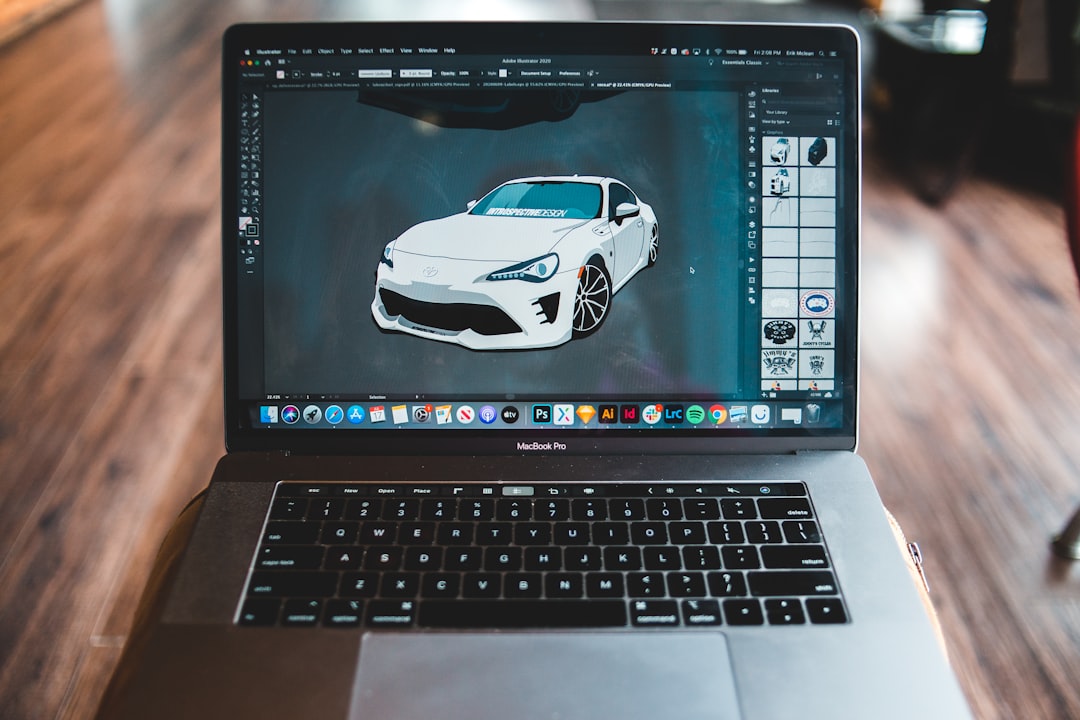
Adobe Photoshop remains the industry standard for professional image editing, and its AI-driven features have significantly evolved in recent years. While it is not exclusively an upscaling tool, its Super Resolution feature and Neural Filters make it a serious alternative for AI-based image enhancement.
Key Features
- Super Resolution: Doubles image dimensions with impressive detail retention.
- Neural Filters: AI-powered skin smoothing, colorization, and restoration.
- Advanced Layer Control: Non-destructive workflow with masks and smart objects.
- Camera Raw Integration: Seamless RAW processing and sharpening.
Photoshop’s AI enhancements shine when used as part of a broader editing pipeline. Unlike standalone upscalers, it gives professionals granular control over textures, edges, and noise profiles after enlargement. This precision is particularly important for commercial photography, print production, and high-end retouching.
Best For: Professionals who require full editing control in addition to AI upscaling.
Consideration: Subscription-based pricing and a steeper learning curve compared to plug-and-play AI tools.
2. Luminar Neo
Luminar Neo has earned a strong reputation for its intuitive interface and powerful AI-driven enhancements. Designed for photographers who want speed without sacrificing quality, it combines upscaling features with robust creative editing tools.
Key Features
- Upscale AI Extension: Enhances resolution up to 6x while preserving natural textures.
- Relight AI: Adjusts lighting depth intelligently.
- Sky AI: Realistic sky replacement with automatic masking.
- Portrait Bokeh AI: Professional depth-of-field simulation.
Luminar Neo’s strength lies in its balance between automation and creative control. The software analyzes image content—faces, skies, backgrounds—and applies targeted improvements without extensive manual adjustments. For portrait photographers and social media creators, this efficiency can dramatically reduce editing time.
Additionally, Luminar Neo functions both as a standalone application and a plugin for Lightroom and Photoshop, making it adaptable to different workflows.
Best For: Enthusiasts and professionals seeking user-friendly AI editing with creative enhancements.
Consideration: While capable, its upscaling precision may not match specialized enlargement-only tools for extreme resolution increases.
3. ON1 Photo RAW
ON1 Photo RAW positions itself as an all-in-one photography solution with AI-powered resizing and noise reduction built directly into its workflow. It appeals to photographers who want to avoid subscription models while still accessing modern AI capabilities.
Key Features
- Resize AI: High-quality enlargement optimized for print output.
- NoNoise AI: Intelligent noise removal while retaining sharp detail.
- Sky Swap AI: Automated sky replacement with realistic blending.
- Layered Editing: Flexible compositing capabilities.
ON1’s Resize AI technology is particularly noteworthy. It uses machine learning to analyze pixel structure and reconstruct detail accurately during enlargement. For photographers preparing large prints, this feature provides impressive clarity without artificial over-sharpening.
Another advantage is its non-destructive editing workflow, which allows users to revisit adjustments without degrading image quality.
Best For: Print photographers and users who prefer a one-time purchase model.
Consideration: The interface may feel dense for beginners unfamiliar with layered editing environments.
4. Gigapixel AI
Gigapixel AI focuses specifically on image enlargement, and while it shares origins with Topaz’s ecosystem, it remains a standalone and specialized upscaling solution worth evaluating independently.
Key Features
- Up to 600% Enlargement: Maintains sharpness at significant scale increases.
- Face Refinement: Enhances facial detail automatically.
- Batch Processing: Efficient scaling for large image libraries.
- Multiple AI Models: Choose models tailored to different image types.
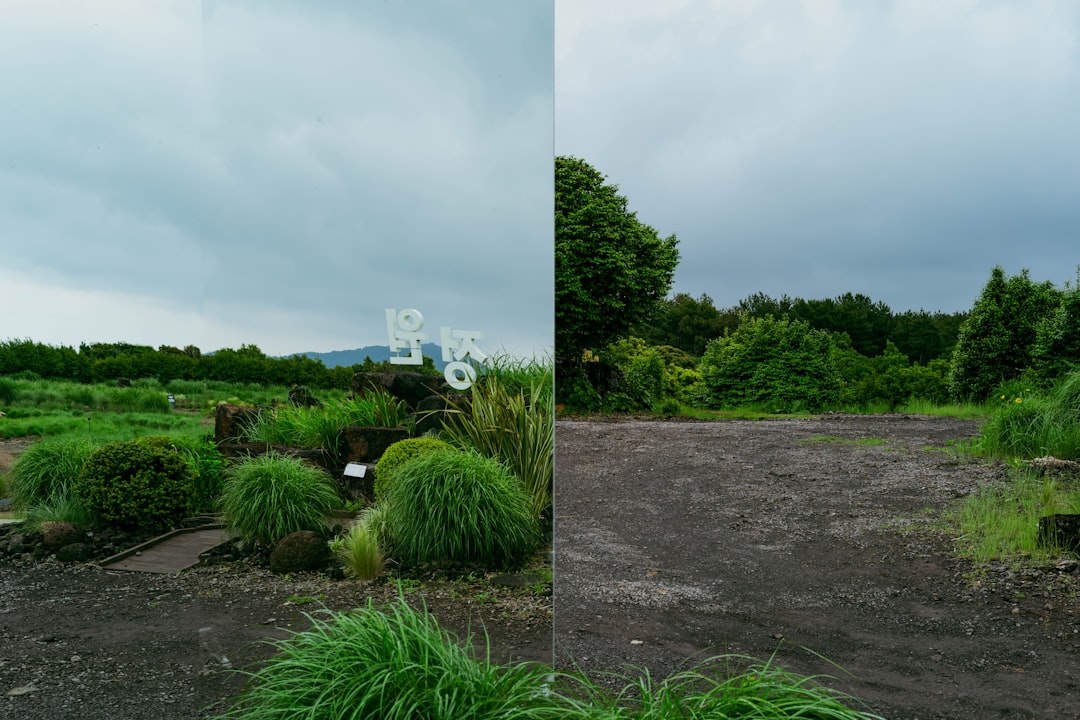
Gigapixel AI excels in one core task: enlarging small images while reconstructing believable detail. Unlike traditional interpolation methods, it uses trained AI models to predict texture and edge data. This makes it a reliable choice for archival restoration, e-commerce zoom functionality, and high-resolution displays.
The streamlined interface keeps the focus on scaling performance rather than broader editing capabilities.
Best For: Users who need maximum-quality enlargement with minimal distractions.
Consideration: Limited built-in editing tools compared to full photo editors.
Comparison Chart
| Tool | Upscaling Strength | Editing Features | Ease of Use | Pricing Model | Best For |
|---|---|---|---|---|---|
| Adobe Photoshop | High (Super Resolution) | Extensive professional tools | Moderate to Advanced | Subscription | Professional editors |
| Luminar Neo | Moderate to High | Creative AI enhancements | Beginner Friendly | Subscription or Lifetime | Portrait and creative photographers |
| ON1 Photo RAW | High (Resize AI) | Advanced layered editing | Moderate | One-time purchase | Print-focused photographers |
| Gigapixel AI | Very High (Specialized) | Limited | Easy | One-time purchase | Large-scale enlargement |
How to Choose the Right Alternative
Selecting the right alternative to Topaz Photo AI depends on your specific workflow. Consider the following factors:
- Purpose: Are you primarily upscaling, or do you need full editing capabilities?
- Volume: Do you require batch processing for large image libraries?
- Output: Is your goal web publishing, social media, or large-format printing?
- Budget: Do you prefer subscriptions or a one-time purchase?
For example, commercial studios working on advertising campaigns may benefit most from Photoshop’s comprehensive toolkit. In contrast, a photographer specializing in gallery prints might prioritize ON1’s Resize AI. Content creators needing speed and visual impact could find Luminar Neo more aligned with their workflows.
Final Thoughts
The rapid advancement of AI in photo editing means that photographers no longer rely on a single solution. While Topaz Photo AI has set an impressive benchmark, Adobe Photoshop, Luminar Neo, ON1 Photo RAW, and Gigapixel AI each offer compelling alternatives tailored to different professional needs.
Ultimately, the most effective solution is the one that integrates seamlessly into your existing workflow while delivering consistent, natural-looking results. By carefully evaluating your output requirements, editing complexity, and budget constraints, you can select an AI-powered tool that not only matches Topaz Photo AI’s capabilities but potentially enhances your overall creative process.
In an increasingly competitive visual landscape, investing in the right AI photo upscaling and editing software is not just a convenience—it is a strategic decision that directly impacts the quality, efficiency, and professionalism of your work.