
The safest TorrentGalaxy alternatives are legal torrent directories, public domain archives, and specialist repositories, not random proxy clones that may disappear overnight. Torrent sites often mix lawful sharing with copyrighted uploads, and downloading or sharing protected files without permission can create legal risk [source: U.S. Copyright Office].
TLDR: Use Internet Archive, Linux Tracker, Academic Torrents, Public Domain Torrents, or Legit Torrents if you want safer TorrentGalaxy alternatives for legal files. For example, a student downloading a 4 GB research dataset from Academic Torrents may save bandwidth because peers share pieces of the file. Proxy terms matter because a “mirror” may copy a site, while a “proxy” may only route traffic to it. Expect risky clones, fake download buttons, and pages that take 10 to 20 seconds longer to load when proxy lists are stale.
5 TorrentGalaxy Alternatives Worth Knowing
TorrentGalaxy became popular because it was simple, busy, and broad. The problem is that broad torrent indexes can contain anything, including files uploaded without the owner’s permission. A safer route is to use platforms built around lawful sharing.
1. Internet Archive
Best for: books, old films, audio, classic software, public collections.
The Internet Archive is one of the better-known sources for legal public interest material. Many items offer torrent downloads, which helps reduce server load. It feels less flashy than a torrent index, but that is part of the point. You search, check the rights notes, and download what is allowed.
2. Public Domain Torrents
Best for: older movies believed to be in the public domain.
Public Domain Torrents focuses on films that are meant to be free to share. The library is not huge. Some pages also look dated. Still, it is useful if you want classic cinema without guessing whether the file is permitted.
3. Linux Tracker
Best for: Linux distributions and open source operating systems.
Linux Tracker is a practical choice for downloading Linux ISO files. This is one of the cleanest use cases for torrents. A popular Linux release can be several gigabytes, and torrents help spread the download load across many users.
4. Academic Torrents
Best for: research datasets, papers, and scientific material.
Academic Torrents is aimed at researchers and universities. It is useful when files are too large for normal hosting. Honestly, it feels like the kind of torrent use that should get more attention: big legal files, shared efficiently, with a clear purpose.
5. Legit Torrents
Best for: free software, games, music, and independent media.
Legit Torrents is built around legal torrents. The selection is smaller than general torrent sites, so do not expect every new release. That limitation is also its main strength. Less noise. Fewer shady uploads. Less time wasted checking whether something looks wrong.
Proxy Related Terms Explained
Proxy terms get thrown around as if they all mean the same thing. They do not. Mixing them up can lead to privacy mistakes, bad downloads, or fake sites.
- Proxy: A server that sends your web request to another site for you. The destination site sees the proxy server first, not your direct connection.
- Mirror: A copy of a website hosted at another address. It may be official, unofficial, outdated, or fake.
- Proxy site: A page that lets users reach another site through a middle server. Some are filled with ads and fake buttons.
- VPN: A service that encrypts traffic between your device and the VPN server. It is broader than a web proxy, but it does not make illegal downloads legal.
- DNS blocking: A block that stops a domain name from resolving. Changing DNS may affect access, but it does not remove legal or safety risks.
- ISP block: A restriction applied by an internet provider, often after a court order or local rule.
- Magnet link: A link that tells a torrent app how to find a file through peers, often without downloading a separate .torrent file first.
- Seeder: A user who has the full file and uploads it to others.
- Leecher: A user downloading the file. Some may also upload pieces while downloading.
- Tracker: A server that helps peers find each other. Some torrents also use trackerless methods.
Why Proxy Clones Are Risky
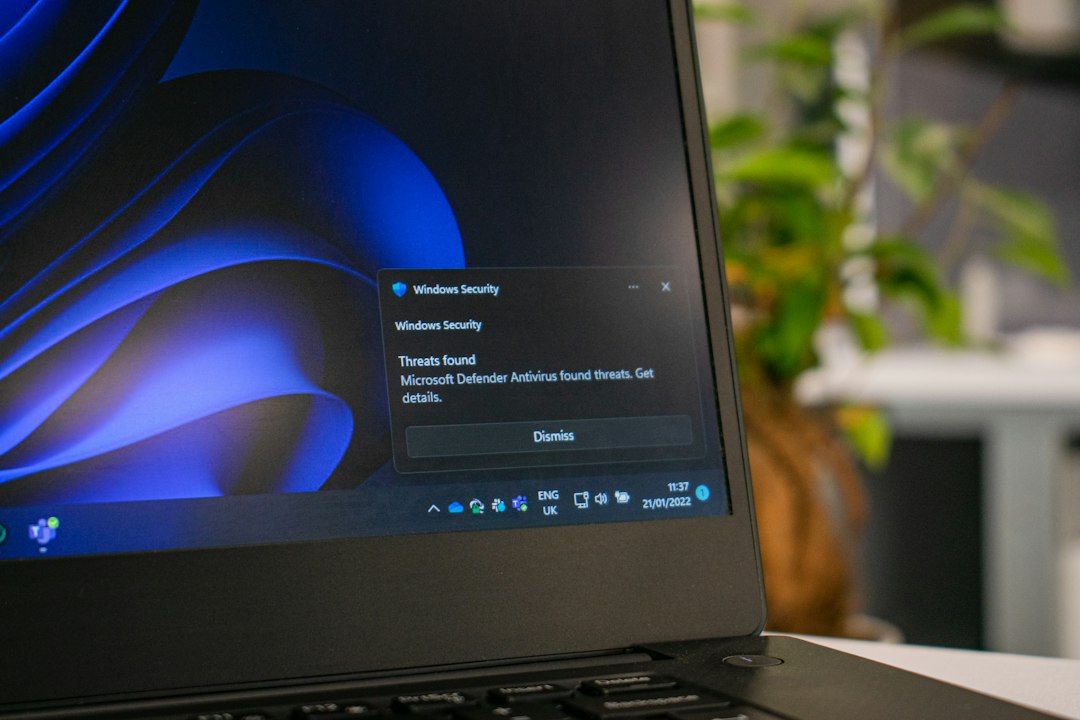
The catch is that proxy lists often look more useful than they are. One page works today, fails tomorrow, and then returns with three fake “download” buttons. It drives me crazy that some clones add pop-ups that cover the real link and make a simple click feel like a trap.
There are three main risks:
- Malware: Fake installers and packed files may hide unwanted software.
- Phishing: Clone pages may ask for logins, payment details, or browser permissions.
- Bad files: Names can be misleading. A file may not be what it claims to be.
Use basic checks. Read comments when available. Avoid executable files from unknown uploaders. Do not install “required” media players. Keep your system updated. If a site pushes browser notifications before letting you view a page, leave.
Safe Use Case: Large Legal Downloads
A normal use case looks like this: a user wants a 5 GB Linux ISO. Instead of pulling the whole file from one server, the torrent client downloads small pieces from 30 peers. If 12 of them are seeders, the transfer may stay stable even if one server is slow. That is practical, legal, and efficient.
This is what torrents do well. They are a file distribution method. The risk comes from the content and the site, not from the protocol alone.
Final Advice
If you are replacing TorrentGalaxy, start with legal libraries first. Internet Archive, Linux Tracker, Academic Torrents, Public Domain Torrents, and Legit Torrents cover many real needs without pushing you toward shady proxy chains.
Do not treat a proxy as a safety tool. It may only hide a blocked address or route traffic through another server. It cannot verify files, remove copyright risk, or protect you from scams. For serious downloading, trust clear sources, check file rights, and avoid any site that feels like it is fighting you at every click.