
YouTube is louder than ever. Millions of creators upload daily. The good news? You do not need to be a Hollywood editor anymore. AI video editing software can now cut, trim, caption, and even script your videos in minutes. It is fast. It is smart. And it saves you hours every week.
TLDR: AI video editing tools help YouTubers edit faster and smarter. They automate cutting, captions, effects, and even story creation. Tools like Descript, CapCut, and Pictory make professional editing simple. Pick one based on your skill level, budget, and content style.
Let’s explore seven of the best AI-powered video editing platforms for YouTube creators. Whether you are a beginner or a pro, there is something here for you.
1. Descript
Best for: Talking head videos, podcasts, tutorials
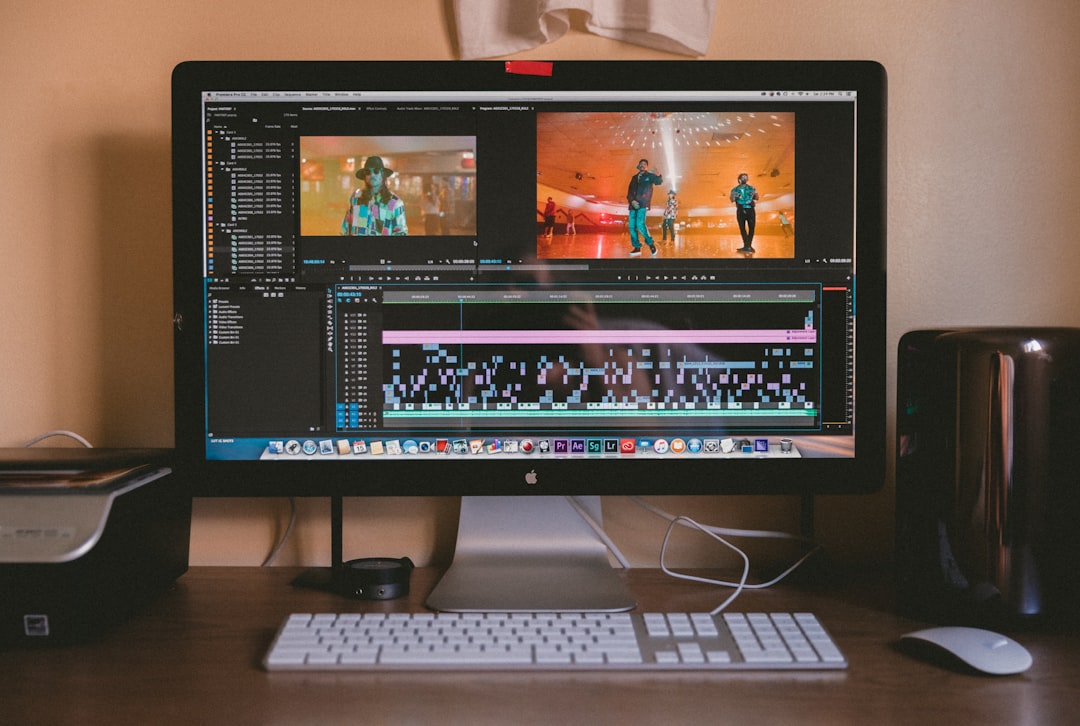
Descript feels like editing a Google Doc. Upload your video. The AI transcribes it. Then you simply delete words from the text to cut them from the video. It is almost magic.
Why creators love it:
- Text-based editing
- Automatic transcription
- Overdub feature for fixing mistakes
- Easy screen recording
If you talk a lot in your videos, this tool will save you serious time. You can remove filler words like “um” and “uh” with one click.
Simple. Clean. Powerful.
2. Pictory
Best for: Turning scripts or blog posts into videos
Pictory is perfect if you do not want to appear on camera. Paste your script. The AI finds visuals, adds music, and creates a video for you.
You can also turn long videos into short highlights. Great for YouTube Shorts.
Top features:
- Script-to-video generator
- Automatic subtitles
- Stock footage library
- Video summarizer
This is a huge time-saver for educational or faceless channels.
3. CapCut
Best for: Shorts, trendy edits, fast social content
CapCut has exploded in popularity. It is packed with AI tools. And it is beginner-friendly.
You get:
- Auto captions
- Background removal
- Text-to-speech
- AI effects and filters
The mobile and desktop versions sync nicely. It is excellent for YouTube Shorts creators who want fast edits and trendy templates.
Fun. Fast. Social-ready.
4. Adobe Premiere Pro with AI (Adobe Sensei)
Best for: Advanced creators who want pro-level power
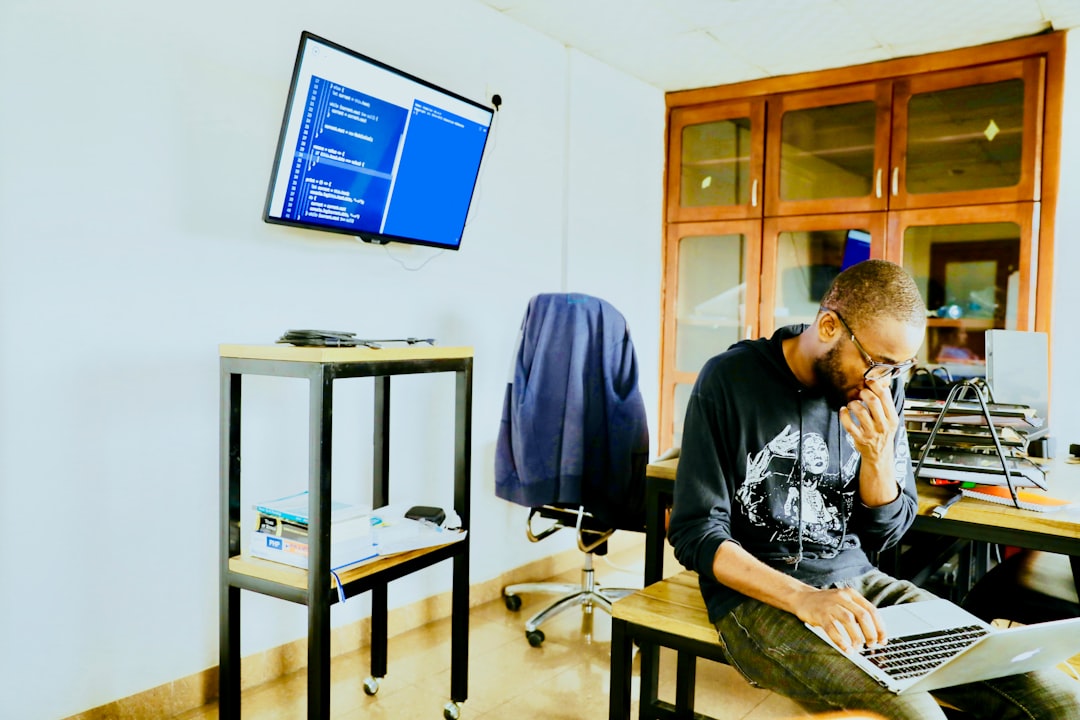
Adobe Premiere Pro is a giant in the editing world. But now, with Adobe Sensei AI, it is even smarter.
AI features include:
- Auto reframing for different screen sizes
- Scene edit detection
- Speech-to-text captions
- Color matching
It has a learning curve. But once you understand it, you can do almost anything.
This is ideal for serious YouTubers scaling their channels.
5. Final Cut Pro with AI Plugins
Best for: Mac users and creative storytellers
Final Cut Pro itself is powerful. Add AI plugins, and it becomes a speed machine.
You can:
- Automatically track objects
- Improve color instantly
- Use AI noise reduction
- Generate captions quickly
It runs smoothly on Apple Silicon. Rendering is fast. Editing feels fluid.
If you love Apple products, this is a natural choice.
6. Runway
Best for: Creative effects and AI video generation
Runway is futuristic. It does more than edit. It creates.
You can:
- Remove backgrounds without green screen
- Erase objects from videos
- Generate video from text prompts
- Add AI-generated effects
This platform is perfect for experimental creators. If you want your videos to look different, try Runway.
Creative freedom unlocked.
7. Filmora
Best for: Beginners who want easy but powerful tools
Filmora balances simplicity and features. It now includes AI tools that make editing smooth.
AI highlights:
- AI smart cutout
- AI audio denoise
- Auto beat sync
- Instant mode for quick video creation
The interface is friendly. Drag and drop works beautifully. It is less intimidating than pro software.
A great starting point for new YouTubers.
Comparison Chart
| Platform | Best For | Skill Level | Standout AI Feature | Price Range |
|---|---|---|---|---|
| Descript | Talking videos | Beginner to Intermediate | Text-based editing | Mid |
| Pictory | Faceless channels | Beginner | Script to video | Mid |
| CapCut | Short form content | Beginner | Auto captions and templates | Free to Low |
| Adobe Premiere Pro | Professional production | Advanced | Auto reframe | High |
| Final Cut Pro | Mac creators | Intermediate to Advanced | AI tracking plugins | High |
| Runway | Creative effects | Intermediate | Text to video | Mid to High |
| Filmora | New YouTubers | Beginner | AI smart cutout | Low to Mid |
How to Choose the Right AI Editor
Not every tool is right for every creator. Ask yourself:
- Do I show my face?
- Do I make Shorts?
- Am I a beginner?
- Do I need cinematic effects?
- What is my budget?
If you film talking head videos, go with Descript.
If you want automation, try Pictory.
If you love trends and short videos, use CapCut.
If you want full control, choose Premiere Pro or Final Cut Pro.
If you want futuristic AI power, test Runway.
If you are just starting, download Filmora.
Why AI Editing Is the Future of YouTube
AI is not replacing creators. It is empowering them.
Here is what AI does best:
- Saves time
- Improves quality
- Reduces burnout
- Helps small creators compete
Time is your most valuable asset. AI gives it back.
Instead of spending five hours trimming pauses, you can focus on ideas. On storytelling. On thumbnails. On growth.
Final Thoughts
You do not need a huge team anymore. You do not need years of editing experience. You just need the right AI tool.
Start simple. Test one platform. Learn its strengths. Then create consistently.
YouTube rewards creators who show up. AI helps you show up faster.
The camera is rolling. The AI is ready. Now it is your move.