Pick an Unschooler alternative based on the kind of learner you have. Some kids need freedom. Some need checklists. Some need an AI tutor that does not sigh after the fifth “I don’t get it.” AI study tools are now normal enough that 26% of U.S. teens said they had used ChatGPT for schoolwork in 2024 [source: Pew Research Center].
TLDR: If Unschooler feels too loose, try Khan Academy for free structure, Brilliant for hands-on problem solving, or Outschool for live classes. For example, a 12-year-old who studies 45 minutes a day could use Khan Academy for math, Outschool for writing, and Notion for weekly planning. That gives them about 3.5 hours of focused learning each school week, without turning home into a tiny office with snacks.

1. Khan Academy and Khanmigo
Best for: free lessons, math practice, and clear learning paths.
Khan Academy is the safe pick. It has short videos. It has quizzes. It has progress tracking. Students can move at their own speed, but the path is still clear.
Khanmigo, its AI tutor, can help explain steps instead of just giving answers. That matters. A student can ask, “Why did I get this wrong?” and get a patient reply.
Annoyance: some lessons feel a bit plain. Not boring exactly. Just not popcorn-level exciting.
2. Brilliant
Best for: curious learners who hate long lectures.
Brilliant teaches math, science, logic, and computer science through puzzles. It feels more like a brain gym than a classroom.
This is great for students who learn by touching the idea. They tap. They test. They guess. Then they fix the mistake.
Why it works: it keeps lessons short. It also makes hard topics feel less scary. Fractions, coding, and physics become little games with a purpose.
3. Outschool
Best for: live classes, social learning, and niche topics.
Outschool is fun because the classes can get oddly specific. Want essay writing with dragons? Space science? Minecraft math? There is probably a teacher for that.
It helps unschooling families add structure without using a full school program. A learner can take one live class per week and build around it.
The catch is… class quality can vary. Read reviews. Watch teacher intro videos. Do not book five classes at once unless you enjoy calendar chaos.
4. Coursera
Best for: teens, adults, and career-style learning.
Coursera is stronger for older learners. It has courses from universities and companies. Think coding, business, writing, data, psychology, and more.
It can feel too serious for younger kids. But for a teen who wants a real project or future job skill, it can be a good fit.
Use it this way: choose one course. Set a weekly target. Add a project at the end. For example, finish a beginner Python course and build a tiny quiz game.

5. edX
Best for: advanced students who want college-level material.
edX is similar to Coursera. It offers university-style courses. It works well for self-driven learners who like deep topics.
Use edX for big goals. Computer science. Biology. History. Economics. It can stretch a student in a good way.
Be warned: some courses are heavy. The videos can be long. Expect to waste time if you pick a course without checking the workload first.
6. Synthesis Tutor
Best for: AI-powered math help and quick feedback.
Synthesis Tutor focuses on math. It feels more personal than a worksheet. The AI asks questions. It checks thinking. It tries to find the weak spot.
This is useful when a learner is stuck on one idea. Maybe ratios. Maybe negative numbers. Maybe the tragedy known as word problems.
Good fit: students who need practice but do not want another giant course library.
7. Notion, Google Classroom, or Trello
Best for: creating structure around any learning plan.
These are not learning apps in the usual sense. They are planning tools. But they can save the whole week.
Use one to build a simple learning board. Make columns like:
- Monday tasks
- Watch
- Practice
- Project
- Done
Honestly, it feels like half of “online learning” is just finding the link again. A simple dashboard fixes that. Put every lesson, video, login, and deadline in one place.
How to Pick the Right One
Do not start with the tool. Start with the learner.
- Needs clear steps? Try Khan Academy.
- Gets bored fast? Try Brilliant.
- Wants people? Try Outschool.
- Wants career skills? Try Coursera.
- Likes hard topics? Try edX.
- Struggles with math? Try Synthesis Tutor.
- Needs a plan? Use Notion, Trello, or Google Classroom.
A Simple Weekly Setup
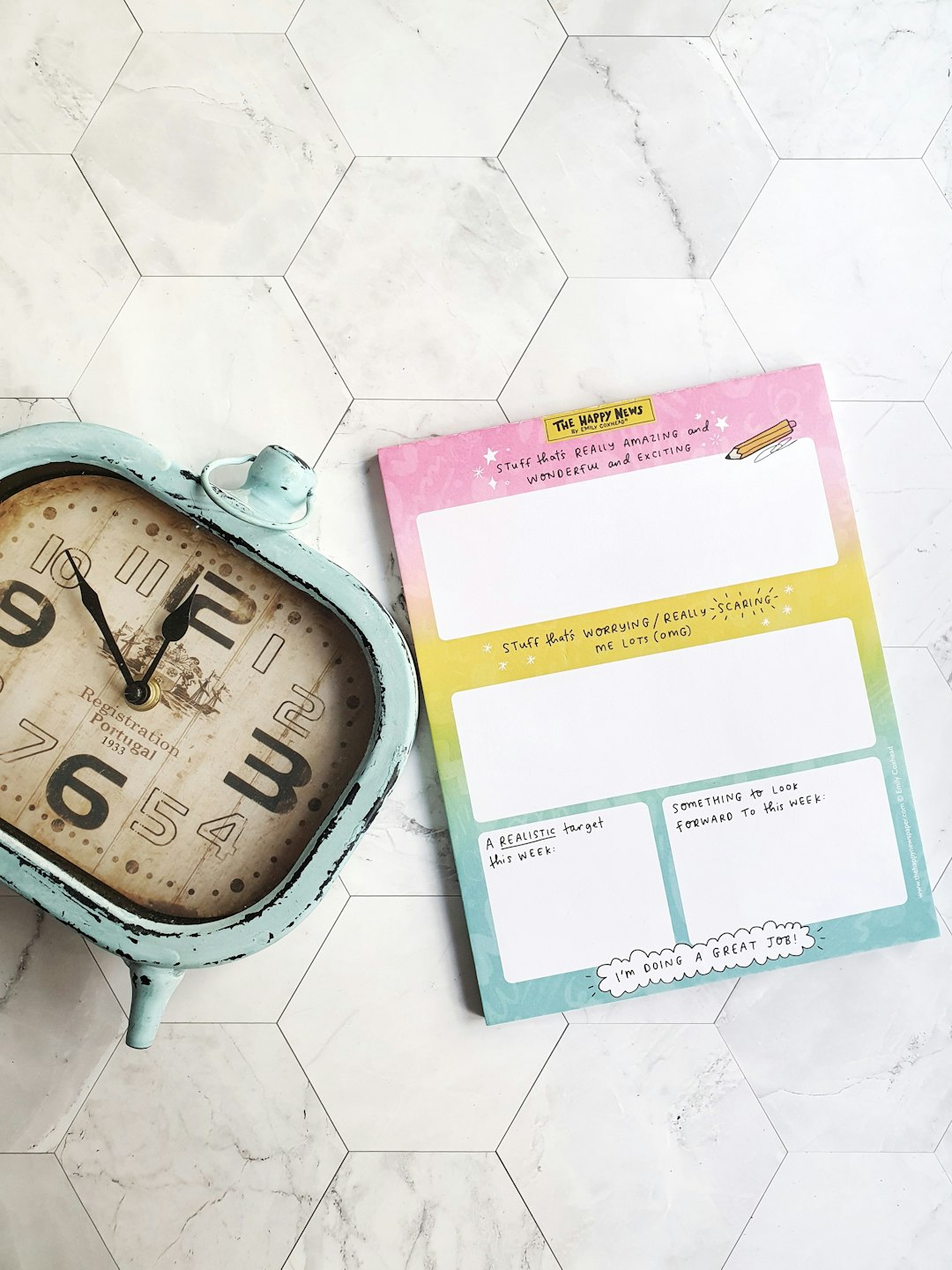
Here is an easy plan that does not crush the joy out of learning.
- Monday: watch one lesson and take notes.
- Tuesday: practice for 30 minutes.
- Wednesday: ask an AI tutor for help.
- Thursday: build a small project.
- Friday: explain what you learned in five sentences.
This works because it mixes input, practice, help, and output. That is the secret sauce. Not fancy. Just steady.
Final Pick
Best all-around choice: Khan Academy.
Most fun choice: Brilliant.
Best human connection: Outschool.
Best structure helper: Notion or Trello.
Unschooler alternatives do not need to copy school. They just need to give learners a path, a little support, and room to chase weird questions. That is where the good stuff happens.