
In today’s threat landscape, passwords alone are no longer enough to protect enterprise systems. Data breaches, credential stuffing, and sophisticated phishing attacks have forced organizations to rethink how they secure identities and sensitive information. Multi-Factor Authentication (MFA) has become a cornerstone of modern cybersecurity strategies, helping businesses add critical layers of protection without sacrificing usability.
TLDR: Multi-Factor Authentication (MFA) strengthens enterprise security by requiring users to verify their identity with two or more factors. Successful implementation requires strategic planning, choosing the right authentication methods, integrating with existing infrastructure, and educating users. Organizations should roll out MFA in phases, prioritize high-risk systems first, and continuously monitor performance. Done correctly, MFA significantly reduces the risk of unauthorized access while maintaining operational efficiency.
Implementing MFA across enterprise systems is not just about turning on a feature—it’s about building a comprehensive, sustainable security framework. Below is a practical, step-by-step guide to implementing MFA effectively and at scale.
1. Understand the Foundations of Multi-Factor Authentication
MFA works by requiring users to present two or more of the following authentication factors:
- Something you know – passwords, PINs, security questions
- Something you have – hardware tokens, smartphones, smart cards
- Something you are – biometrics such as fingerprint or facial recognition
By combining different categories, MFA significantly minimizes the likelihood that compromised credentials alone can grant access. Even if an attacker steals a password, they would still need access to a second factor.
Important note: Not all MFA methods offer equal security. SMS-based codes, for example, may be vulnerable to SIM-swapping, while app-based authenticators and hardware keys generally provide stronger protection.
2. Assess Your Current Infrastructure and Risk Profile
Before rolling out MFA, conduct a comprehensive assessment of your existing environment. This includes:
- Identifying critical systems and data repositories
- Mapping user roles and access privileges
- Reviewing authentication workflows
- Analyzing past security incidents
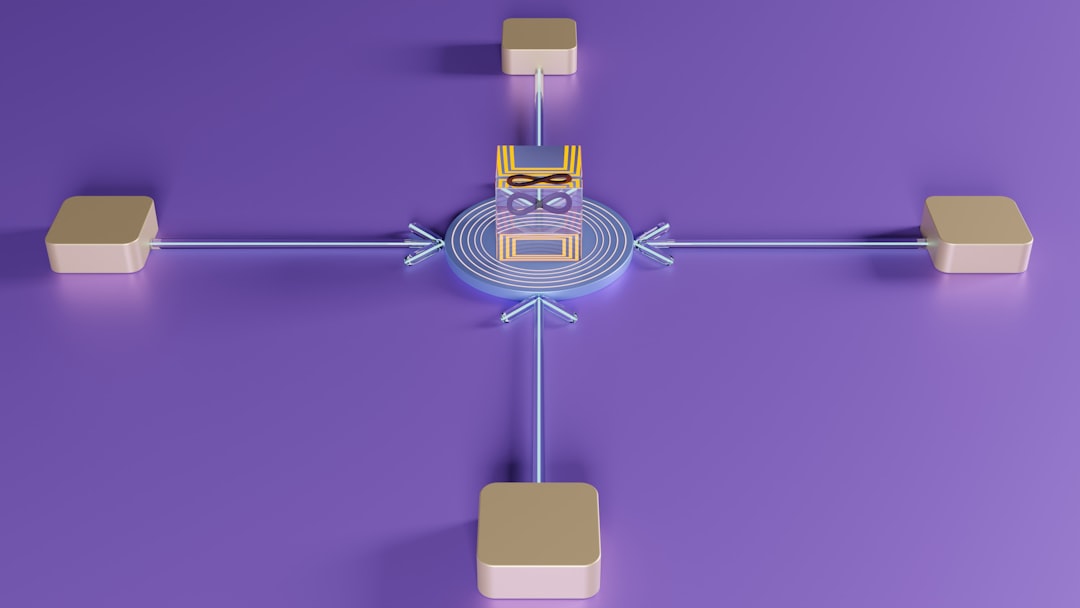
Focus first on high-risk assets such as:
- Cloud service platforms (e.g., SaaS applications)
- VPN and remote access systems
- Privileged administrative accounts
- Financial and HR systems
This risk-based approach ensures resources are allocated efficiently and security improvements address your most pressing vulnerabilities first.
3. Define a Clear MFA Strategy and Policy
Implementing MFA enterprise-wide requires formal governance. Develop a written policy detailing:
- Which systems require MFA
- Which user groups are subject to MFA
- Approved authentication methods
- Device enrollment procedures
- Backup authentication options
- Incident response processes for lost or compromised devices
A strategic consideration is whether to mandate MFA universally or introduce it progressively. While full enforcement improves security quickly, phased implementation can help ease resistance and technical challenges.
Best practice: Start with administrative and privileged accounts, then expand to all employees and third-party vendors.
4. Choose the Right Authentication Methods
The success of MFA implementation depends heavily on selecting authentication methods that balance security and usability. Common options include:
- Authenticator apps (time-based one-time passwords)
- Push notifications through secure apps
- Hardware security keys (FIDO2, U2F)
- Biometric authentication
- Smart cards
For enterprise environments, combining push authentication with device-based security or hardware tokens typically provides strong protection while maintaining user convenience.
Avoid overcomplicating access. If MFA becomes too burdensome, users may develop workarounds that weaken security. Adaptive or risk-based MFA—triggering additional verification only when anomalies are detected—is often an effective compromise.
5. Integrate MFA with Identity and Access Management (IAM)
MFA works best when integrated into a centralized Identity and Access Management (IAM) framework. This ensures consistent policies across systems and simplifies administration.
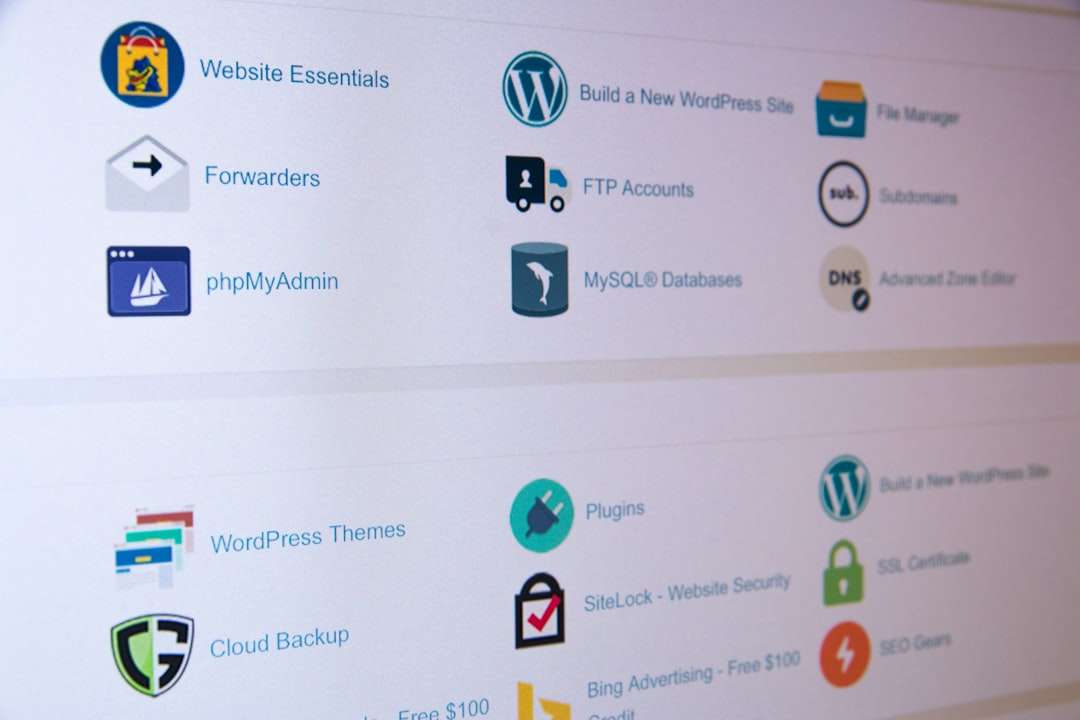
Key integration points include:
- Single Sign-On (SSO) platforms
- Active Directory or cloud directory services
- VPN concentrators
- Cloud applications via SAML or OAuth
Centralized management provides:
- Improved visibility into authentication events
- Simplified user onboarding and offboarding
- Uniform enforcement of security policies
- Better auditing and compliance reporting
Modern cloud-based identity providers often offer built-in MFA capabilities, significantly reducing implementation complexity.
6. Plan a Phased Rollout
Rolling out MFA across an entire enterprise overnight is rarely practical. A phased deployment minimizes disruption and allows teams to resolve unforeseen issues.
A recommended rollout approach:
- Pilot Program: Test with IT and security teams first.
- Privileged Users: Extend to administrators and executives.
- High-Risk Departments: Finance, HR, remote workers.
- Organization-Wide Deployment: All remaining employees.
During each phase, collect feedback, monitor authentication success rates, and identify bottlenecks.
Metrics to track include:
- User adoption rates
- Authentication failure frequency
- Helpdesk ticket volume
- Account lockout incidents
This data enables evidence-based adjustments before expanding deployment.
7. Prepare for User Education and Change Management
Technology implementation alone does not guarantee success. User acceptance plays a critical role.

Organizations should:
- Provide clear instructions for device enrollment
- Offer step-by-step guides and short training videos
- Explain the security rationale behind MFA
- Set realistic timelines for compliance
Highlighting real-world examples of breaches caused by compromised credentials helps users understand why MFA is essential.
Pro tip: Establish a temporary helpdesk surge team during rollout phases to address user concerns quickly and prevent frustration.
8. Address Special Scenarios and Edge Cases
Enterprise environments include diverse user populations and devices. Account for:
- Remote and field workers
- Third-party contractors
- Shared service accounts
- Legacy systems without native MFA support
Where native integration is not possible, consider deploying MFA gateways or adopting compensating controls such as network segmentation and strict access controls.
Additionally, implement secure recovery mechanisms for:
- Lost or stolen authentication devices
- Phone replacements
- Locked-out accounts
Recovery procedures must balance security with efficiency; overly lenient processes can undermine MFA’s effectiveness.
9. Monitor, Audit, and Continuously Improve
MFA implementation is not a one-time project. Continuous monitoring ensures the system remains effective against evolving threats.
Key monitoring activities include:
- Reviewing authentication logs for anomalies
- Analyzing repeated failed login attempts
- Identifying geographic or device irregularities
- Auditing privileged account usage
Regular penetration tests and phishing simulations can validate MFA resilience. For example, testing how well systems resist push-bombing attacks helps identify configuration weaknesses.
As threats evolve, organizations should stay updated on emerging authentication standards such as passwordless login solutions using hardware-backed credentials.
10. Align MFA with Compliance and Regulatory Requirements
Many regulatory frameworks either recommend or require strong authentication controls, including:
- GDPR
- HIPAA
- PCI DSS
- ISO 27001
- NIST guidelines
Implementing MFA can significantly improve audit outcomes and reduce legal exposure following a breach. Ensure that documentation, policy enforcement, and audit trails are properly maintained to demonstrate compliance.
11. Consider Moving Toward Passwordless Authentication
As MFA matures within your organization, consider transitioning toward passwordless models. Passwordless authentication leverages:
- Biometrics combined with hardware-backed keys
- Device-bound credentials
- Public key cryptography
Passwordless environments eliminate the weakest link—human-managed passwords—while preserving strong identity assurance. Many enterprises view MFA as a bridge toward this future state.
Conclusion
Implementing Multi-Factor Authentication across enterprise systems is one of the most impactful security upgrades an organization can make. When strategically planned and carefully executed, MFA dramatically reduces unauthorized access, strengthens compliance, and builds resilience against credential-based attacks.
Success depends on more than technology alone. It requires clear policy design, thoughtful integration with IAM systems, phased rollout planning, user education, and ongoing monitoring. With a structured approach and strong executive support, enterprises can transform MFA from a compliance checkbox into a powerful defensive foundation.
In a digital landscape where identity is the new perimeter, MFA ensures that access is no longer granted based solely on a single, easily compromised secret—but instead verified through layered, intelligent security controls.