
Wireless screen sharing and recording have become essential for businesses, educators, content creators, and remote teams. While ApowerMirror is a popular solution, it is not always the perfect fit for every workflow due to pricing, compatibility limitations, or performance concerns. Fortunately, several reliable alternatives provide robust screen mirroring and recording capabilities across different platforms and devices. Choosing the right tool depends on your operating system, recording needs, collaboration requirements, and budget.
TLDR: If you are looking for dependable alternatives to ApowerMirror, there are several powerful options available. Tools like LetsView, AirServer, Reflector 4, Vysor, TeamViewer, and Mirroring360 offer varying strengths in wireless display, recording, collaboration, and cross platform compatibility. Some focus on simplicity and affordability, while others provide advanced enterprise level features. Selecting the best option depends on your technical requirements, device compatibility, and security priorities.
Why Consider an Alternative to ApowerMirror?
Although ApowerMirror offers cross platform support and screen recording, users often report concerns related to performance stability, subscription pricing, or connectivity issues. In professional environments, even minor connection lags or recording glitches can disrupt presentations or workflow productivity. Additionally, IT administrators may prioritize solutions with stronger enterprise features or built in security controls.
Before selecting an alternative, it is important to evaluate the following criteria:
- Cross platform compatibility – iOS, Android, Windows, macOS support
- Wireless reliability – stable screen casting with minimal latency
- Recording capabilities – built in video and audio capture
- Security standards – encrypted connections and compliance features
- Pricing structure – one time license vs subscription model
Below are six trustworthy alternatives that consistently perform well in professional and personal use cases.
1. LetsView
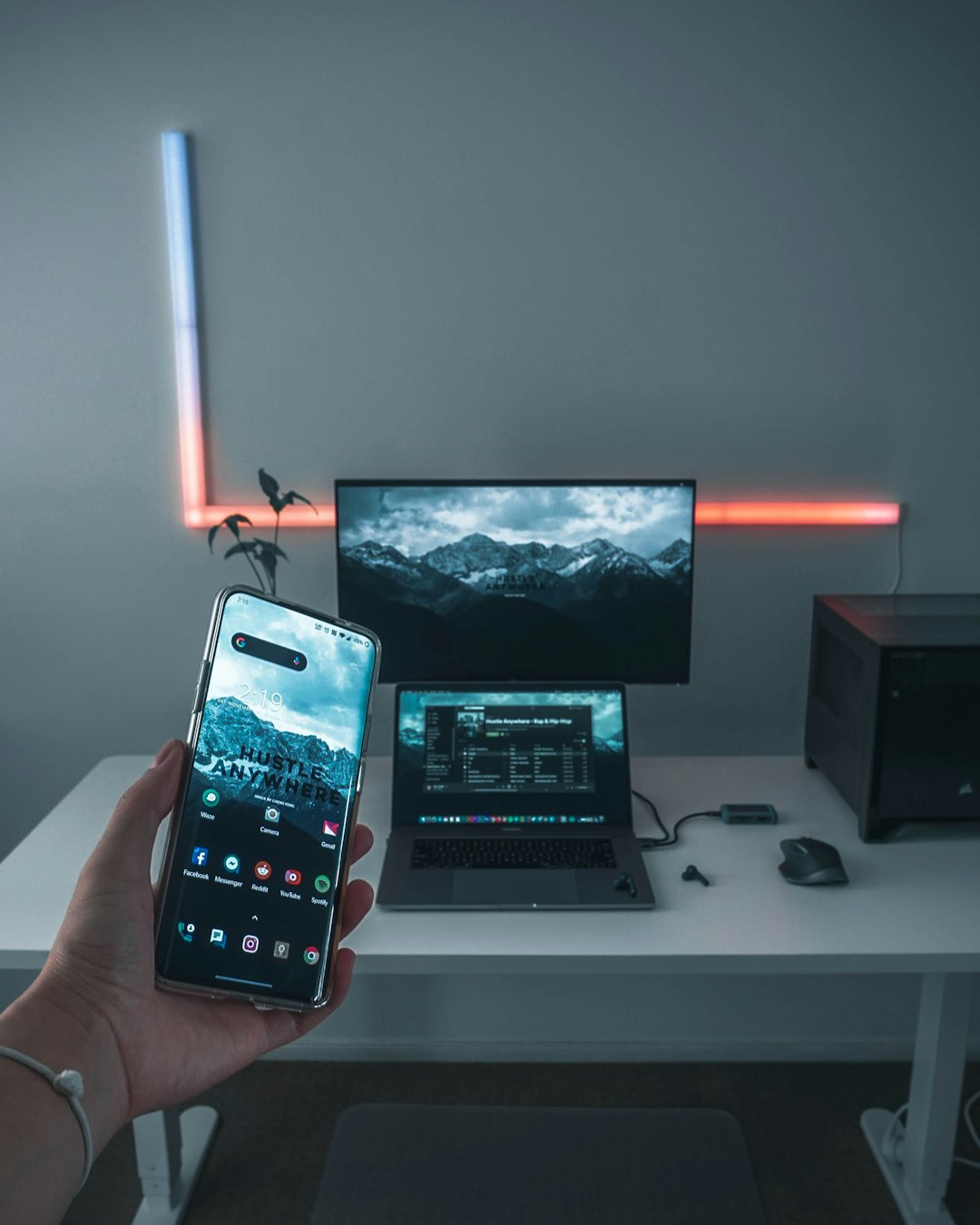
LetsView is a free wireless screen mirroring tool designed for simplicity and accessibility. It supports Android, iOS, Windows, and macOS devices and does not require complicated software setups.
Key Advantages:
- Completely free to use
- Supports multiple device platforms
- Built in screen recording and screenshot tools
- Wireless connection via QR code or PIN
Limitations:
- Performance may vary on unstable WiFi networks
- Lacks advanced enterprise level controls
LetsView is ideal for educators, small teams, and individual users seeking a cost effective and straightforward mirroring solution.
2. AirServer
AirServer transforms your computer into a universal screen receiver. It is widely used in classrooms and enterprise settings because it supports AirPlay, Google Cast, and Miracast.
Key Advantages:
- High quality mirroring with minimal latency
- Built in recording functionality
- Enterprise friendly features
- 4K resolution support
Limitations:
- Requires paid license
- No mobile to mobile mirroring
AirServer stands out for professional presentations, training environments, and conference room integrations.
3. Reflector 4
Reflector 4 is another premium screen mirroring solution that supports macOS and Windows. It allows multiple devices to connect simultaneously, making it particularly useful in collaborative settings.

Key Advantages:
- Mirrors multiple devices at once
- Integrated screen recording
- Customizable device frames for recordings
- Reliable cross platform casting
Limitations:
- Premium pricing structure
- May require strong network bandwidth
Reflector 4 is often preferred by corporate trainers, software demonstrators, and online instructors who need polished recorded sessions.
4. Vysor
Vysor is a particularly strong option for Android users. It allows screen sharing directly from an Android device to a desktop computer via USB or wireless connection.
Key Advantages:
- Low latency with USB connection
- Easy setup process
- Keyboard and mouse control of mobile device
- Affordable premium plan
Limitations:
- Limited functionality for iOS devices
- Advanced features locked behind paid plan
Vysor is particularly useful for developers, app testers, and Android power users who require stable device control and display mirroring.
5. TeamViewer
TeamViewer is primarily known for remote access, but it also offers mobile screen sharing and session recording capabilities. Unlike simple mirroring software, TeamViewer emphasizes secure remote connectivity.
Key Advantages:
- Enterprise grade encryption and security
- Cross platform remote access
- Session recording and file sharing
- Strong IT administration capabilities
Limitations:
- Higher pricing for commercial licenses
- May be more advanced than necessary for simple mirroring
For organizations prioritizing secure remote support and device management, TeamViewer represents a powerful alternative.
6. Mirroring360
Mirroring360 supports wireless screen sharing across multiple platforms and includes a Pro version with recording and sharing features. It is especially popular in education environments.

Key Advantages:
- Cross platform wireless mirroring
- Easy classroom deployment
- Recording capability with Pro version
- Web based sharing options
Limitations:
- Recording limited to paid version
- Slight learning curve for setup
Mirroring360 is most suitable for structured environments such as schools and training centers.
Comparison Chart
| Tool | Platforms Supported | Recording Capability | Best For | Pricing Model |
|---|---|---|---|---|
| LetsView | iOS, Android, Windows, macOS | Yes | Personal and small team use | Free |
| AirServer | Windows, macOS | Yes | Enterprise and classrooms | Paid license |
| Reflector 4 | Windows, macOS | Yes | Professional presentations | Paid license |
| Vysor | Android, Windows, macOS | Yes (Premium) | Developers and testers | Free and paid plans |
| TeamViewer | iOS, Android, Windows, macOS, Linux | Yes | Secure remote support | Subscription |
| Mirroring360 | iOS, Android, Windows, macOS | Yes (Pro) | Education sector | Free and Pro plan |
Final Considerations
When evaluating alternatives to ApowerMirror, it is important to balance usability with reliability and security. Smaller teams or individuals may find free or low cost solutions such as LetsView sufficient for basic mirroring and recording tasks. Organizations, however, may need enterprise oriented features provided by AirServer, Reflector 4, or TeamViewer.
Additionally, consider whether USB support is necessary for lower latency performance. Wireless mirroring offers convenience, but USB based solutions like Vysor can deliver superior stability in technical applications. Educational institutions often prioritize multi user compatibility and classroom management features offered by Mirroring360 or AirServer.
Ultimately, the best alternative depends on your specific operational requirements. Carefully review compatibility, network infrastructure, and recording quality expectations before committing to a solution. With the right tool in place, wireless screen sharing and recording can significantly improve collaboration, training efficiency, and digital communication workflows.
Investing time in choosing the correct platform ensures smoother presentations, reliable documentation, and enhanced productivity across devices and teams.