
Artificial intelligence has moved far beyond simple text generation, and today many people are wondering whether tools like ChatGPT can help with visual creativity as well. From retouching selfies to generating completely new compositions, AI-powered platforms are reshaping how we approach digital imagery. But can you actually use ChatGPT to edit images and photos? The answer is more nuanced—and more exciting—than you might think.
TLDR: Yes, you can use ChatGPT to edit images and photos—especially in versions that support image input and generation. It can analyze images, suggest improvements, generate new visuals, and perform certain edits through AI-powered tools. However, it does not replace advanced professional software for highly technical edits. Instead, it works best as an intelligent assistant that simplifies and enhances the editing process.
Understanding What “Editing Images” Really Means
Before diving into capabilities, it’s important to clarify what image editing involves. Traditional image editing can include:
- Color correction and exposure adjustments
- Background removal or replacement
- Removing unwanted objects
- Retouching skin and imperfections
- Applying filters or artistic styles
- Adding text or graphic elements
Historically, these tasks required dedicated software and a fair amount of technical skill. Today, AI systems like ChatGPT—when integrated with image capabilities—can dramatically streamline or automate many of these actions.
How ChatGPT Works with Images
Modern versions of ChatGPT can do more than process text. With image-enabled functionality, users can:
- Upload a photo for analysis
- Receive editing suggestions
- Request modifications or enhancements
- Generate entirely new images based on prompts
This transforms ChatGPT from being simply a conversational assistant into a creative collaborator. Instead of manually navigating layers and tools, you can describe what you want changed in plain language.
What Types of Edits Can You Make?
1. Background Changes
One of the most popular AI-driven features is background replacement. You can ask ChatGPT to:
- Replace a plain wall with a beach scene
- Turn a daytime photo into a sunset scene
- Create a professional studio look
Instead of painstakingly masking the subject yourself, the AI handles much of the heavy lifting.
2. Object Removal
Have a stranger in the background of your vacation photo? Unwanted clutter? AI tools powered by models like those integrated with ChatGPT can remove objects intelligently by filling in missing space with realistic detail.
3. Style Transformations
You can request artistic transformations such as:
- Watercolor painting style
- Oil painting effect
- Cyberpunk aesthetic
- Vintage 1980s color grading
This enables creative experimentation without advanced design skills.
4. Image Enhancement
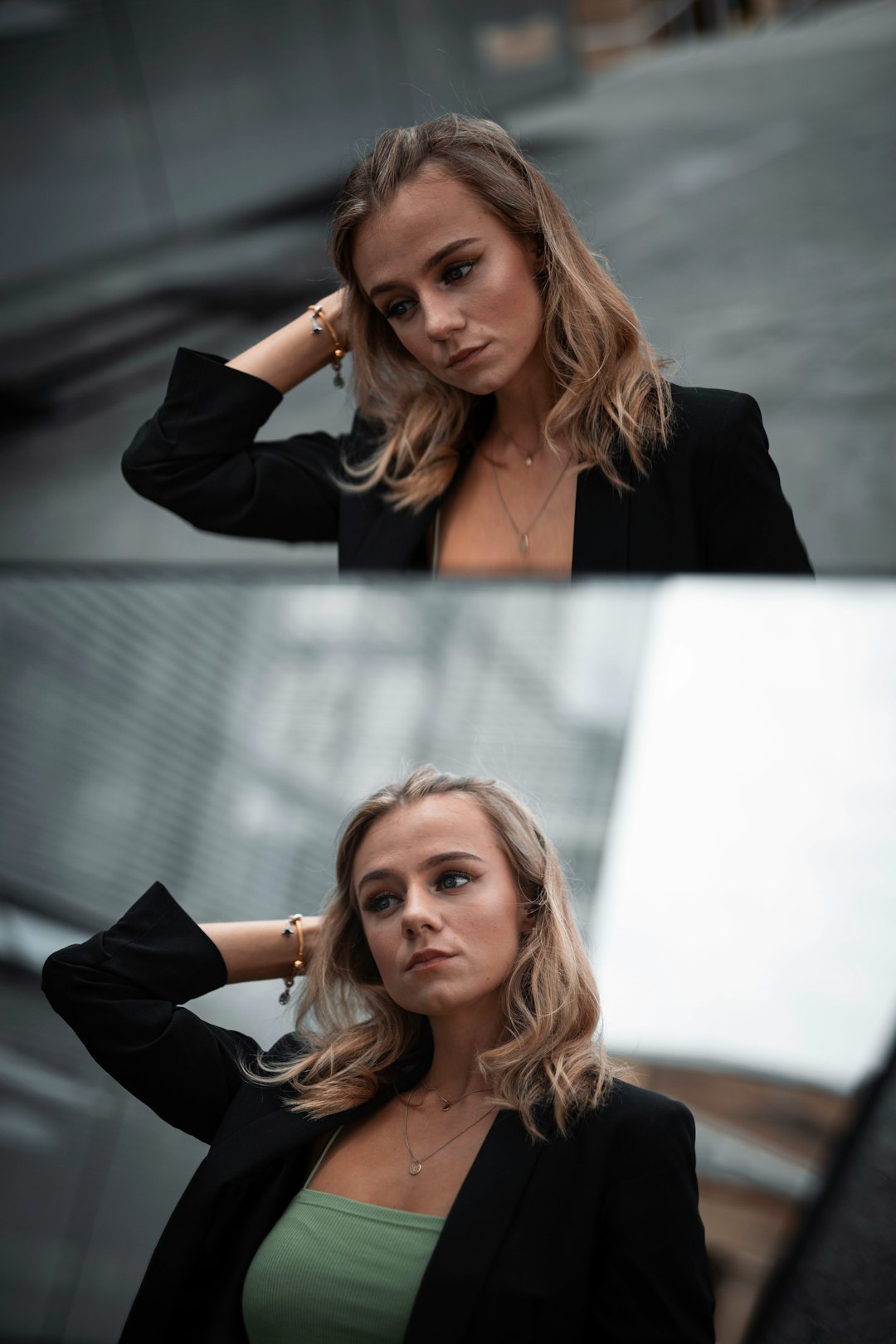
ChatGPT-powered tools can assist with:
- Sharpening blurry images
- Improving lighting balance
- Boosting colors
- Upscaling lower-resolution images
While results vary depending on input quality, AI enhancement is often surprisingly effective for social media and web use.
5. Image Generation from Scratch
Beyond editing existing photos, ChatGPT can generate new images based on written descriptions. For example:
- “Create a minimalist home office with natural lighting.”
- “Generate a futuristic city skyline at night.”
- “Design a playful cartoon mascot for a bakery.”
This opens up possibilities for marketing, concept design, and creative exploration without traditional graphic design tools.
How Does It Compare to Traditional Editing Software?
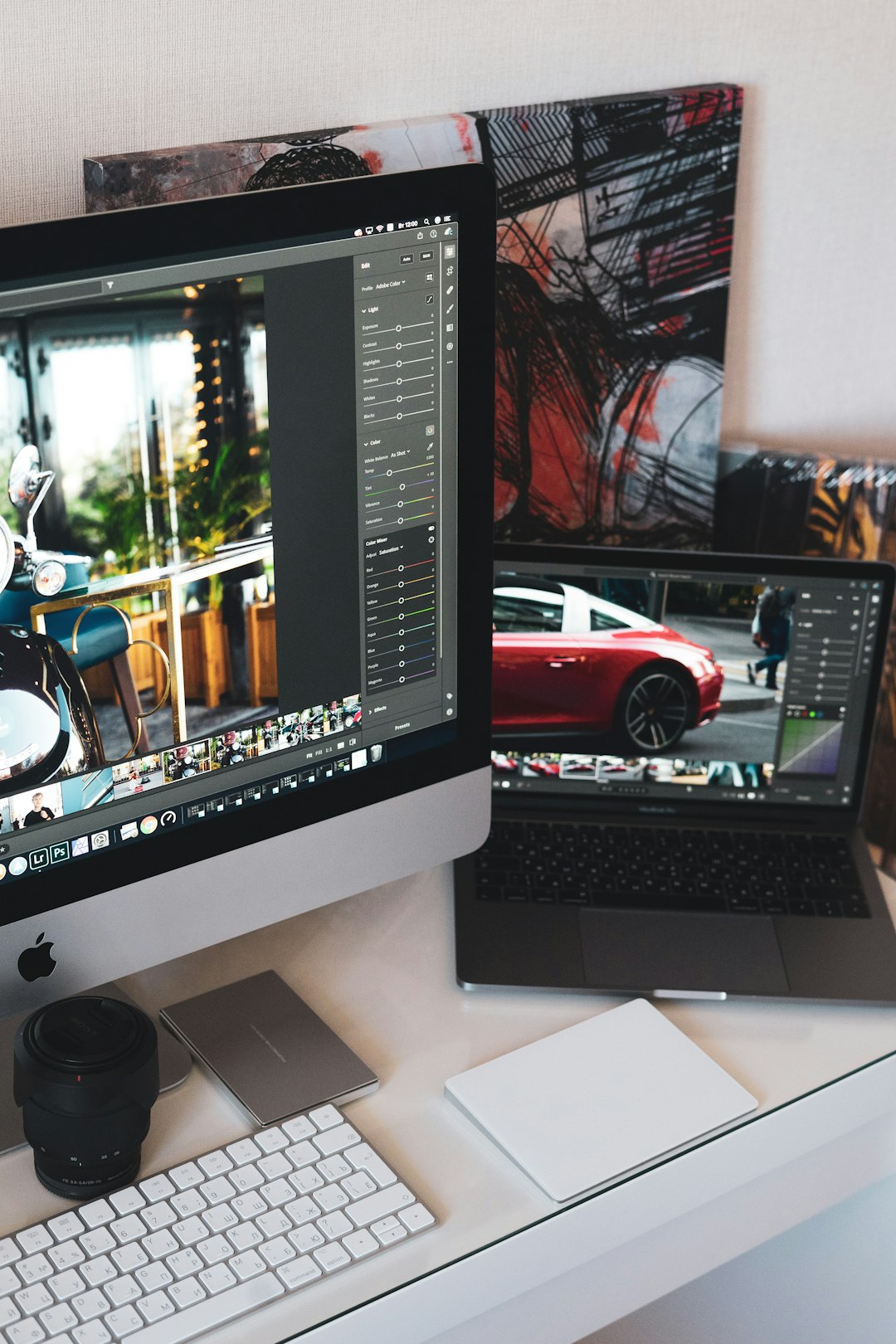
Although AI editing is powerful, it doesn’t fully replace established tools like Adobe Photoshop, Lightroom, or GIMP. Each has its strengths.
| Feature | ChatGPT with Image Tools | Traditional Editing Software |
|---|---|---|
| Ease of Use | Very high, natural language prompts | Moderate to complex learning curve |
| Automation | Strong AI-driven automation | Manual but precise |
| Advanced Layer Control | Limited | Highly advanced |
| Creative Experimentation | Fast and intuitive | Requires manual setup |
| Professional Precision | Good for general use | Excellent for commercial work |
In short, ChatGPT excels at speed, convenience, and accessibility, while traditional tools offer precision and deep technical control.
Who Should Use ChatGPT for Image Editing?
AI-powered image editing is especially useful for:
- Content creators who need quick social media visuals
- Small business owners producing marketing materials
- Bloggers enhancing website imagery
- Students working on presentations
- Casual users improving personal photos
Professional photographers and designers may still prefer advanced software for large-scale commercial campaigns, but even they can use ChatGPT for brainstorming and rapid prototyping.
What Are the Limitations?
No tool is perfect. While impressive, ChatGPT-based image editing has limitations:
- Fine-detail inaccuracies: Hands, textures, and small patterns can sometimes look unnatural.
- Limited manual control: You can’t always tweak individual pixels.
- Context misunderstandings: Vague prompts may yield unexpected results.
- Processing constraints: Very large files may need compression.
For highly technical retouching—like complex compositing or advanced color grading for print campaigns—professional software remains more reliable.
How to Get the Best Results
To maximize your success when using ChatGPT for photo editing, follow these tips:
- Be specific in your instructions. Instead of saying “make it better,” try “increase brightness slightly and warm up the color temperature.”
- Work iteratively. Make small changes step by step.
- Provide context. Explain whether the image is for social media, print, or a website.
- Use high-quality originals. Better input usually means better output.
The clearer your communication, the more accurate and satisfying the results will be.
Ethical and Copyright Considerations
AI image editing also raises important ethical questions:
- Authenticity: Is it ethical to heavily modify journalistic images?
- Deepfakes: Manipulating faces can be harmful or misleading.
- Ownership: Who owns AI-generated creations?
When editing photos, especially of other people, make sure you have consent and use AI responsibly. Transparency matters—particularly in journalism, advertising, and public communications.
The Future of AI Image Editing
We are only at the beginning of AI-assisted creativity. In the near future, we can expect:
- More realistic edits with fewer visual artifacts
- Real-time conversational editing
- Improved integration with professional software
- Customizable AI “styles” tailored to users
Eventually, editing an image might feel like simply describing your vision to a creative partner who instantly brings it to life.
So, Can You Use ChatGPT to Edit Images and Photos?
Absolutely—but understanding how to use it makes all the difference. ChatGPT is not a drop-in replacement for every advanced design tool. Instead, it serves as a powerful, intuitive assistant that lowers the barrier to visual creativity.
Whether you want to clean up a vacation snapshot, create eye-catching content for social media, or experiment with artistic styles, AI-powered tools make the process faster and more accessible than ever before. For many users, that’s not just convenient—it’s revolutionary.
As AI continues to evolve, the line between imagination and execution will grow thinner. And in that space, tools like ChatGPT will play an increasingly central role in shaping how we create, edit, and experience visual content.