
Robotic Process Automation (RPA) sounds fancy. But it’s really simple. It’s about using software robots to handle boring, repetitive tasks. Think copy-paste work. Data entry. Moving files. Clicking the same buttons every day. Tools like UiPath made RPA popular. But UiPath isn’t the only option. There are other great tools that can do the job just as well.
TLDR: RPA tools help automate repetitive digital tasks so humans can focus on smarter work. UiPath is popular, but there are other powerful alternatives. Automation Anywhere, Blue Prism, Microsoft Power Automate, and WorkFusion are top choices. Each tool has its strengths, pricing style, and learning curve.
In this guide, we’ll explore four powerful RPA tools like UiPath. We’ll keep it simple. We’ll keep it fun. And by the end, you’ll know which one might be right for you.
What Is an RPA Tool?
Before we jump in, let’s break this down.
An RPA tool is software that uses bots to mimic human actions on a computer. These bots can:
- Log into applications
- Fill out forms
- Copy and paste data
- Generate reports
- Move files
- Send emails
They don’t get tired. They don’t make typos. And they work 24/7.

Now, let’s look at the top alternatives.
1. Automation Anywhere
Automation Anywhere is one of the biggest names in the RPA world. It’s often compared directly to UiPath.
Why People Like It
- Cloud-native platform
- User-friendly interface
- Strong AI integration
- Enterprise-ready security
It allows businesses to build bots quickly. Even non-developers can create simple automations using drag-and-drop tools.
Cool Features
- Bot Creator: Build your own bots.
- Bot Runner: Run bots automatically.
- Bot Insight: Analytics dashboard for tracking performance.
Automation Anywhere also combines RPA with artificial intelligence. This helps bots handle unstructured data like emails and PDFs.
Best For
Medium to large businesses that want scalable automation in the cloud.
2. Blue Prism
Blue Prism is one of the pioneers of RPA. It focuses heavily on enterprise-grade automation.
This tool is powerful. But it’s slightly more technical than some others.
What Makes It Stand Out
- High security standards
- Centralized control room
- Strong governance features
- No-code visual process designer
Blue Prism is often used in industries like banking, healthcare, and insurance. These industries require strict compliance and security.

Pros
- Very stable platform
- Great for complex processes
- Strong audit trails
Cons
- Steeper learning curve
- Higher cost for small companies
Best For
Large enterprises that need secure, scalable automation.
3. Microsoft Power Automate
Microsoft Power Automate (formerly Microsoft Flow) is a favorite among businesses already using Microsoft tools.
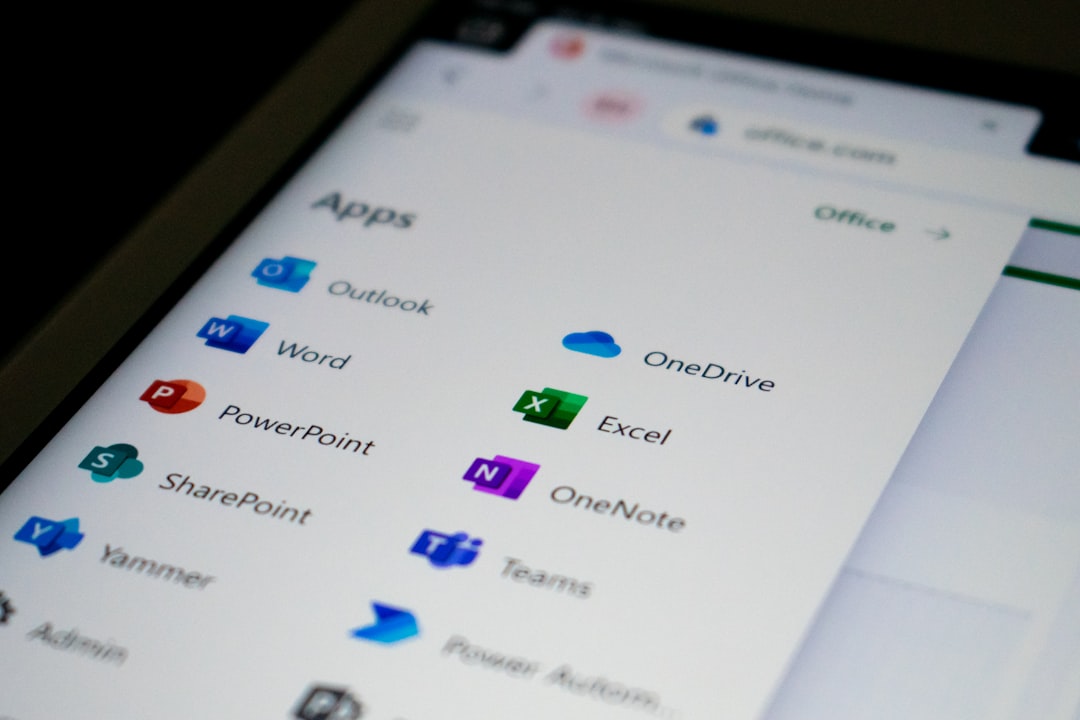
If your company uses Excel, Outlook, Teams, or SharePoint, this tool fits right in.
Why It’s Popular
- Deep integration with Microsoft 365
- Affordable pricing
- Cloud-based automation
- Low-code interface
Power Automate supports both:
- API-based automation (connecting apps)
- Desktop flows (RPA-style automation)
Example Use Cases
- Automatically saving email attachments
- Notifying teams about updates
- Syncing data between apps
- Automating approval workflows
Best For
Small to medium businesses already using Microsoft products.
4. WorkFusion
WorkFusion mixes RPA with AI in a strong way. It focuses heavily on intelligent automation.
This means bots can do more than just rule-based tasks. They can also learn and improve.
Main Highlights
- AI-powered document processing
- Pre-built automation solutions
- Strong focus on finance and banking
WorkFusion is great at processing large volumes of data. Especially when the data isn’t neatly structured.
Strengths
- Machine learning features
- Industry-specific automation packages
- Scalable architecture
Best For
Companies dealing with high-volume data processing and compliance-heavy industries.
Quick Comparison Chart
| Tool | Best For | Ease of Use | AI Features | Cloud Support |
|---|---|---|---|---|
| Automation Anywhere | Enterprise cloud automation | High | Strong | Yes |
| Blue Prism | Large secure enterprises | Medium | Moderate | Yes |
| Microsoft Power Automate | Microsoft users, SMBs | Very High | Moderate | Yes |
| WorkFusion | Data-heavy industries | Medium | Very Strong | Yes |
How to Choose the Right RPA Tool
Choosing an automation tool isn’t just about features. Think about these things:
1. Your Budget
Some tools are expensive. Others offer flexible pricing. Start small if needed.
2. Technical Skills
Do you have developers? Or do you need low-code tools?
3. Existing Software
If you use Microsoft products, Power Automate makes sense. If you need heavy enterprise control, Blue Prism might fit better.
4. Scalability
Think long-term. Will the tool grow with your business?
Benefits of Using RPA Tools
Still wondering if it’s worth it? Here’s what RPA can do for you:
- Save Time: Bots work faster than humans.
- Reduce Errors: No manual typos.
- Cut Costs: Less manual labor required.
- Boost Productivity: Employees focus on strategy.
- Improve Compliance: Full audit trails.
And the best part? Employees are happier. Nobody loves repetitive tasks.
Common Tasks You Can Automate
Not sure where to start? Here are easy wins:
- Invoice processing
- Payroll data entry
- Customer onboarding
- Email sorting
- Report generation
- Inventory updates
Start small. Automate one process. Measure results. Then expand.
The Future of RPA
RPA is evolving fast.
It’s no longer just about rule-based tasks. It now combines:
- Artificial Intelligence
- Machine Learning
- Natural Language Processing
This means bots can read documents. Understand emails. Even chat with customers.
In the future, automation won’t replace humans. It will assist them.
Final Thoughts
UiPath may be the most famous RPA tool. But it’s far from the only choice.
Automation Anywhere offers powerful cloud automation.
Blue Prism delivers secure enterprise performance.
Microsoft Power Automate is perfect for Microsoft users.
WorkFusion excels at AI-driven data processing.
The right tool depends on your needs. Your budget. And your long-term goals.
But one thing is clear. Automation is no longer optional. It’s becoming essential.
Let the bots handle the boring work. You focus on the big ideas.