
Photo editing has always been a mix of taste, technique, and patience. This year, however, AI-powered photo editing tools are making the process faster, smarter, and surprisingly creative. Whether you are a professional photographer polishing a client gallery, a small business owner creating product images, or someone who simply wants better vacation photos, AI can now handle everything from background removal to full image reconstruction.
TLDR: AI photo editors are worth trying because they save time, simplify complex edits, and help non-experts create professional-looking images. The best tools this year include options for retouching, background removal, image generation, upscaling, color correction, and object removal. Adobe Photoshop, Lightroom, Topaz Photo AI, Luminar Neo, Canva, Google Photos, Photoroom, and Pixlr are among the most useful choices. The right tool depends on whether you need advanced control, quick social media edits, product photos, or mobile convenience.
Why AI Photo Editing Is Having a Big Moment
AI photo editing is not just a trendy feature anymore; it has become a practical part of modern visual work. In the past, fixing a distracting background, sharpening a blurry subject, or removing an unwanted object could take several minutes or even hours. Today, many tools can do those tasks in seconds.
The real value is not that AI replaces creativity. Instead, it removes repetitive work so creators can spend more time making decisions that matter: composition, mood, storytelling, and style. A photographer can quickly clean up dust spots across hundreds of images. A marketer can create polished product photos without booking a studio. A traveler can rescue a great shot ruined by poor lighting.
1. Adobe Photoshop: Best for Powerful AI Editing
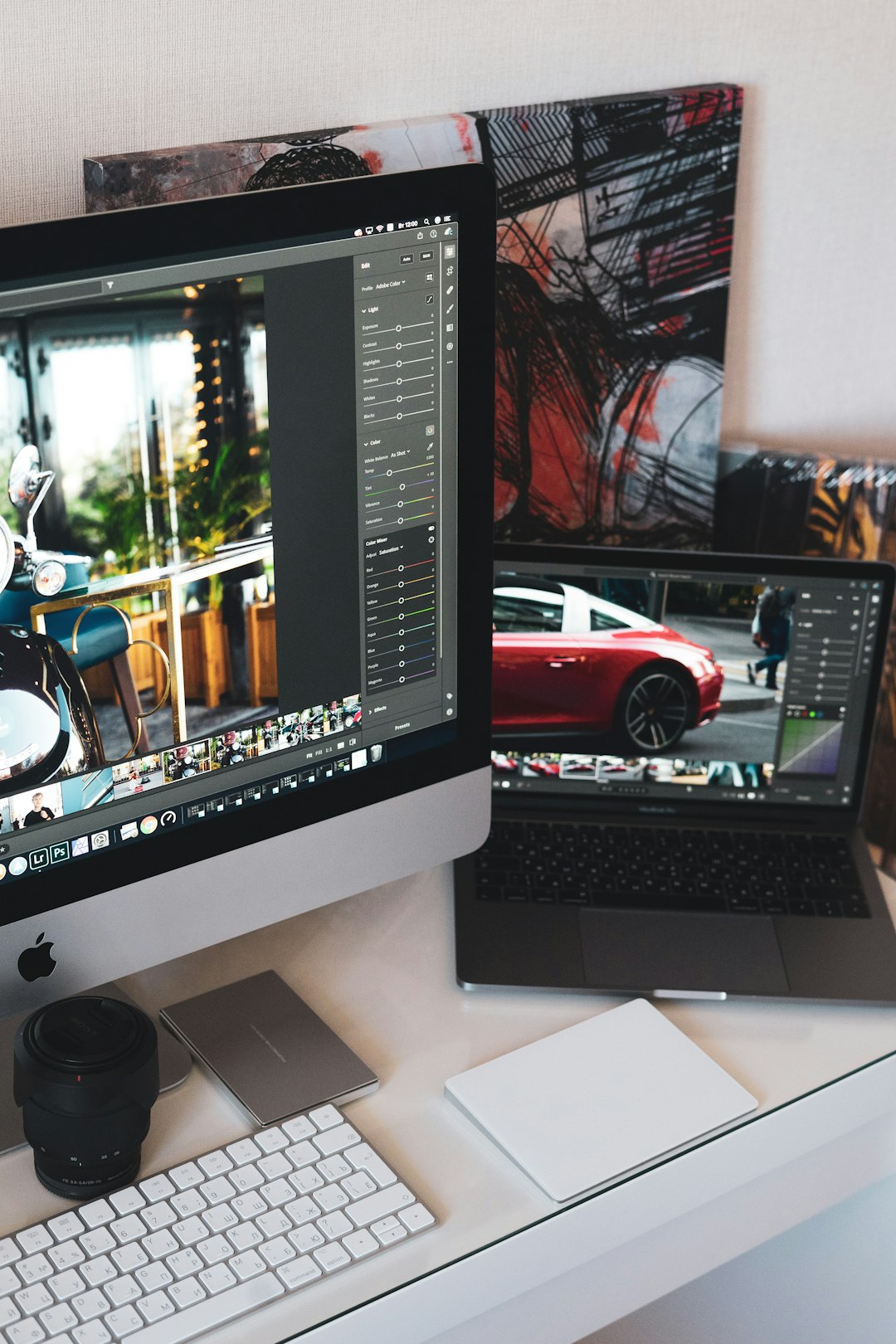
Adobe Photoshop remains one of the strongest choices for serious AI photo editing. Its AI features, powered through Adobe Firefly, include Generative Fill, Generative Expand, intelligent object selection, sky replacement, neural filters, and automatic background removal.
The standout feature is Generative Fill. You can select part of an image, type what you want, and let Photoshop create realistic content that blends with the original photo. Remove a person from the background, add more scenery around the edges, replace an object, or extend a cropped image into a wider composition. For professionals, the big advantage is that Photoshop still offers layer-based editing, masks, brushes, blend modes, and precise manual control.
Best for: photographers, designers, retouchers, content creators, and anyone who wants advanced creative control.
Worth noting: Photoshop has a learning curve. If you only need simple edits, it may feel more powerful than necessary.
2. Adobe Lightroom: Best for AI Photo Enhancement and Workflow
If Photoshop is the detailed editing studio, Lightroom is the polished workflow machine. It is especially useful for photographers who edit large batches of images. Lightroom’s AI masking tools can automatically detect subjects, skies, backgrounds, faces, clothing, hair, and facial features. This makes selective editing much faster.
For example, you can brighten only the subject, darken the background, enhance the sky, soften skin slightly, and sharpen eyes without manually painting complex masks. Lightroom also includes AI-powered noise reduction, which is very helpful for low-light images shot at high ISO settings.
Best for: wedding photographers, portrait shooters, travel photographers, and anyone editing many images at once.
Why try it this year: AI masking has become one of the most efficient ways to make subtle, professional adjustments without over-editing.
3. Topaz Photo AI: Best for Sharpening, Denoising, and Upscaling
Topaz Photo AI is designed for image quality improvement. Its main strengths are noise reduction, sharpening, face recovery, and resolution upscaling. If you have older images, wildlife photos, sports shots, or low-light pictures that look soft or grainy, this tool can make a dramatic difference.
Unlike general editors, Topaz focuses on technical enhancement. It analyzes the image and suggests improvements automatically, but you can still fine-tune the results. It is particularly useful when a photo is almost great but needs help with clarity.
- Use it to: reduce grain in night photos.
- Use it to: sharpen slightly blurry subjects.
- Use it to: enlarge small images for print or high-resolution use.
- Use it to: restore detail in older digital files.
Best for: photographers who care about image quality, printing, wildlife, events, and archival work.
4. Luminar Neo: Best for Creative AI Edits
Luminar Neo is built around AI-assisted creativity. It offers tools for sky replacement, portrait enhancement, background removal, relighting, atmosphere effects, and structure enhancement. The interface is more approachable than Photoshop, but it still gives users strong creative options.
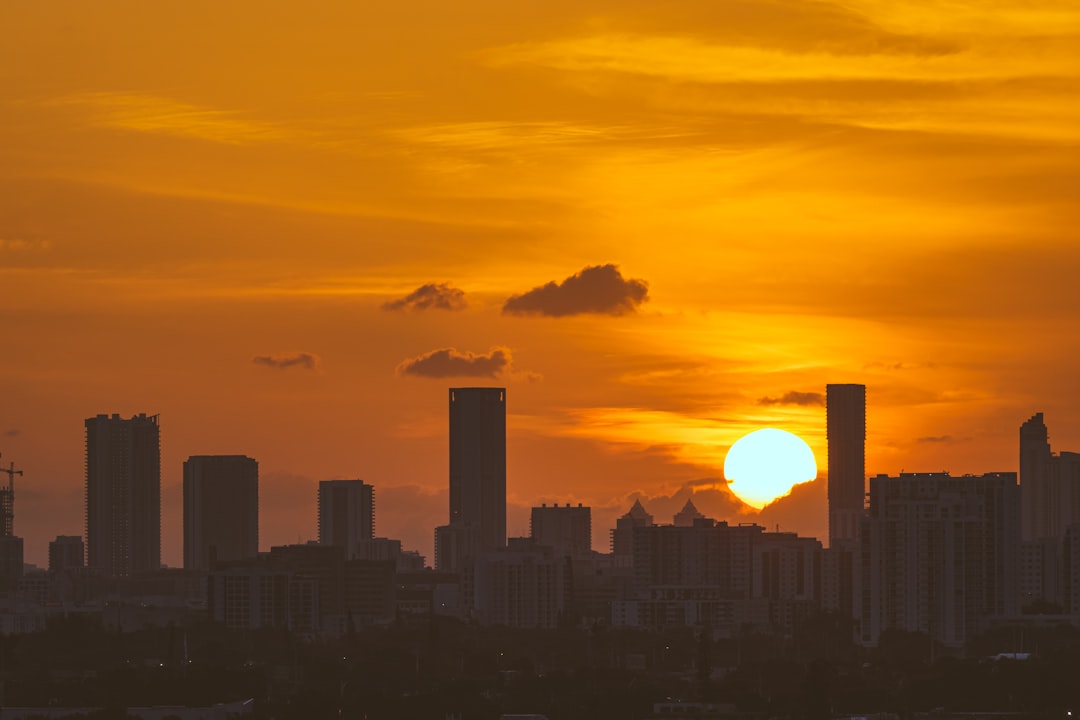
One of Luminar Neo’s most appealing features is how quickly it can transform the mood of a photo. You can add golden light, replace a dull sky, smooth skin, enhance eyes, or create a cinematic look without starting from scratch. It is ideal for people who want dramatic results but do not want to spend years mastering traditional retouching.
Best for: travel photographers, portrait creators, bloggers, and social media users who like stylized images.
Be careful with: overuse. Because the effects are easy to apply, it is tempting to push them too far. The best results usually come from subtle adjustments.
5. Canva: Best for Quick Marketing and Social Media Images
Canva has grown from a simple design platform into a useful AI-enhanced visual creation tool. Its photo features include background removal, Magic Edit, Magic Eraser, automatic image adjustments, and easy design templates for social media, presentations, posters, and ads.
Canva is not meant to replace a high-end photo editor, but it is excellent when speed matters. You can upload a photo, remove the background, add text, resize for multiple platforms, and export a finished graphic very quickly. For small businesses and creators, this is often more valuable than having dozens of advanced editing sliders.
Best for: social media managers, entrepreneurs, educators, content creators, and teams that need fast visual assets.
Why it stands out: it combines photo editing with design templates, making it easy to turn an edited image into a finished piece of content.
6. Google Photos Magic Editor: Best for Everyday Mobile Editing
Google Photos has made AI editing more accessible through features like Magic Editor, Magic Eraser, photo unblur, portrait light, and automatic enhancement. For everyday users, this may be one of the most convenient options because the tools are built directly into a familiar photo library.
Magic Editor can reposition subjects, adjust backgrounds, remove distractions, and alter the overall look of an image with minimal effort. It is especially useful on smartphones, where people often want quick fixes rather than complex editing sessions.
Best for: casual photographers, families, travelers, and smartphone users.
Big advantage: convenience. You can improve photos immediately after taking them, without transferring files to a desktop app.
7. Photoroom: Best for Product Photos and Ecommerce
Photoroom is one of the most practical AI tools for product photography. It can remove backgrounds, generate clean product scenes, create shadows, resize images, and produce marketplace-ready visuals. If you sell on online marketplaces, run a small shop, or create catalog images, Photoroom can save a lot of time.
Instead of photographing products in a professional studio, you can take a decent phone photo and let AI create a cleaner commercial presentation. It is especially useful for consistent backgrounds across multiple product listings.
Best for: online sellers, small businesses, creators, and marketplace vendors.
Most useful feature: fast background removal combined with professional-looking product templates.
8. Pixlr: Best for Browser-Based AI Editing
Pixlr is a strong option for users who want AI-powered editing without installing heavy software. It runs in the browser and offers background removal, generative tools, object removal, filters, templates, and traditional editing controls.
Its accessibility makes it a good choice for students, casual creators, and people working on shared computers. You can make quick edits, create graphics, or experiment with AI features without committing to a large software ecosystem.
Best for: quick edits, browser-based workflows, students, and lightweight creative projects.
Why try it: it balances simplicity and capability in a way that works well for occasional editing.
9. Remove.bg: Best for One-Click Background Removal
Sometimes you do not need a full editing suite. You just need one job done well. Remove.bg focuses on automatic background removal, and it is still one of the fastest tools for that purpose.
Upload an image, wait a moment, and download a cutout. It is especially helpful for profile photos, product images, thumbnails, presentations, and simple marketing graphics. While many larger platforms now offer background removal, dedicated tools like this remain useful because they are quick and direct.
Best for: users who need fast cutouts without learning an editor.
How to Choose the Right AI Photo Editor
The best tool depends on what you actually need to create. Before subscribing or downloading, think about your workflow and your final output.
- For professional retouching: choose Photoshop or Lightroom.
- For batch photo enhancement: try Lightroom or Topaz Photo AI.
- For creative transformations: consider Luminar Neo.
- For product photos: use Photoroom or a background removal tool.
- For quick social media graphics: Canva is one of the easiest options.
- For mobile convenience: Google Photos is hard to beat.
- For browser editing: Pixlr is a flexible choice.
Tips for Getting Better Results with AI Editing
AI tools are powerful, but they are not perfect. The best results still come from thoughtful editing. Start with the highest-quality original photo you can. AI can improve a weak image, but it cannot always fix poor focus, extreme blur, or bad composition.
Use AI edits as a starting point, then refine them manually when possible. Zoom in to check edges, skin texture, shadows, and repeated patterns. With generative tools, inspect the image carefully for strange details, especially hands, reflections, text, and background objects.
Also, consider the ethical side. If an image is documentary, journalistic, or used for professional representation, be transparent about major AI alterations. Small corrections are normal, but changing reality in meaningful ways can mislead viewers.
Final Thoughts
AI-powered photo editing tools are no longer just experimental toys. They are practical assistants that can speed up workflows, rescue imperfect shots, and open creative possibilities for people at every skill level. The best tool this year is not necessarily the one with the longest feature list; it is the one that fits your purpose.
If you want maximum control, start with Photoshop or Lightroom. If you want better sharpness and cleaner files, try Topaz Photo AI. If you want fast creative looks, explore Luminar Neo. For everyday content, product photos, and social media, tools like Canva, Photoroom, Pixlr, and Google Photos can be more than enough.
Ultimately, the most exciting thing about AI photo editing is not that it does everything for you. It is that it helps you move faster from an idea to a finished image. Used well, these tools can make editing feel less like a technical chore and more like a creative conversation.