
Pick AP automation software that removes invoice pain first, then worry about fancy extras. A growing business needs clean approvals, fast payments, fewer errors, and real visibility into cash.
TLDR: Choose AP automation software that matches your invoice volume, approval flow, accounting system, and growth plans. For example, a company processing 600 invoices a month could save 40 to 60 hours by cutting manual data entry and approval chasing. Start with must-have features like invoice capture, purchase order matching, payment controls, and audit trails. Then compare tools with a real invoice test, not a pretty demo alone.
Why AP Automation Matters When You Are Growing
Accounts payable looks simple at first.
A vendor sends an invoice. Someone checks it. Someone approves it. Someone pays it.
Easy, right?
Then growth happens.
Now invoices arrive by email, mail, portals, and mystery PDFs from people named “Steve.” Managers forget approvals. Vendors ask for payment updates. Your finance team starts living in spreadsheets. It drives me crazy that one missing approval can turn a five minute task into a two day scavenger hunt.
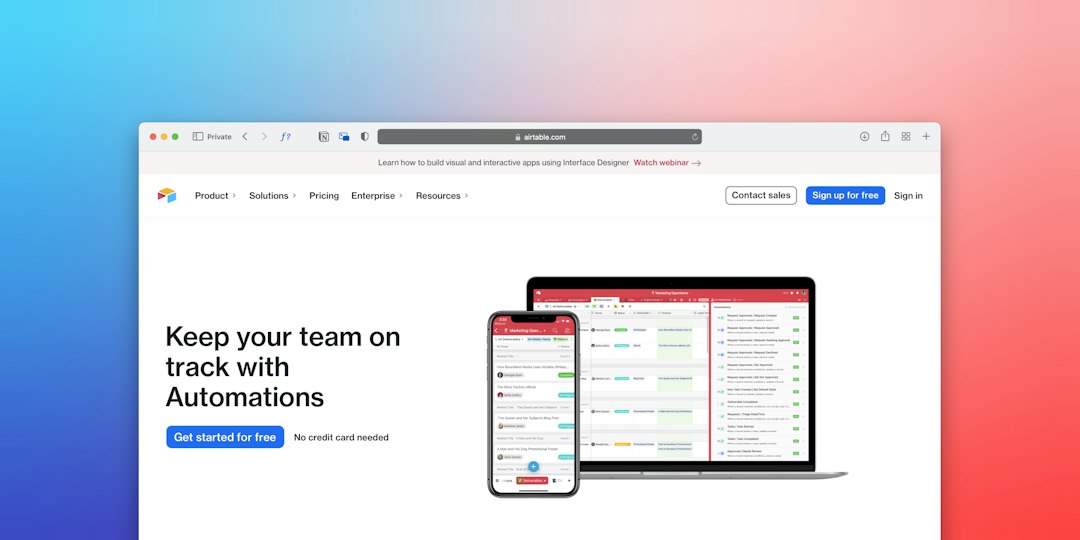
AP automation software fixes the messy middle. It captures invoices. It routes approvals. It matches documents. It helps pay vendors on time. It also gives your team a record of who did what and when.
What Good AP Automation Software Should Do
The best tool is not always the biggest one. It is the one your team will actually use.
Look for software that helps with these core tasks:
- Invoice capture: It reads invoices from email, PDFs, scans, and portals.
- Approval routing: It sends invoices to the right person without begging.
- Purchase order matching: It compares invoices, POs, and receipts.
- Payment processing: It supports ACH, checks, wires, cards, or global payments.
- Accounting sync: It connects to systems like QuickBooks, Xero, NetSuite, Sage, or Microsoft Dynamics 365.
- Audit trail: It stores notes, approvals, changes, and payment records.
- Fraud controls: It protects vendor data and limits risky payments.
- Reporting: It shows invoice status, cash needs, aging, and bottlenecks.
If a tool makes these things feel smooth, keep it on your list. If it needs six tabs and three prayers to approve one invoice, walk away.
Start With Your Pain Points
Before shopping, list what hurts.
Be honest. Be specific. “AP is slow” is not enough.
Try questions like these:
- How many invoices do we process each month?
- How many people approve invoices?
- Do we use purchase orders?
- Which invoices cause the most errors?
- How often do vendors ask for payment status?
- Do we need multi entity support?
- Do we pay vendors in other countries?
- Who needs visibility into cash flow?
A business with 100 invoices a month may need simple approval tools. A business with 2,000 invoices, five locations, and global vendors needs stronger controls. Same category. Very different needs.
Top AP Automation Software Options to Compare
There are many strong AP tools. Here are common names that growing businesses often review.
- BILL: Good for small and mid sized businesses that want bill pay, approvals, and accounting sync.
- Stampli: Strong for invoice collaboration. Helpful when approvals are messy.
- Tipalti: Good for global payments, tax forms, supplier onboarding, and high payment volume.
- Airbase: Useful if you want AP, expenses, and corporate cards in one place.
- Melio: Simple choice for smaller teams that need easy vendor payments.
- AvidXchange: Often used by mid market teams with higher invoice volume.
- Coupa: Better for larger firms that need procurement and spend management too.
- NetSuite AP Automation: Makes sense if your finance team already runs on NetSuite.
This is not a beauty contest. Do not pick a logo. Pick the tool that fits your process.
Run a Real Test Before You Buy
Demos can be shiny. Real invoices are not.
Ask each vendor to run through your actual AP process. Use sample invoices from your business. Include the annoying ones. Missing PO. Odd tax. Wrong vendor name. Duplicate invoice. Weird service line.
Watch how the system handles them.
Check these details:
- How many fields did the tool read correctly?
- How fast did it route the invoice?
- Could an approver use it on mobile?
- Did the accounting sync work cleanly?
- Were exceptions easy to fix?
- Did the system catch a duplicate?
Honestly, it feels like some tools are built for perfect invoices from a fantasy planet. Your test should include the ugly stuff. That is where the truth shows up.
Check Integrations Before Anything Else
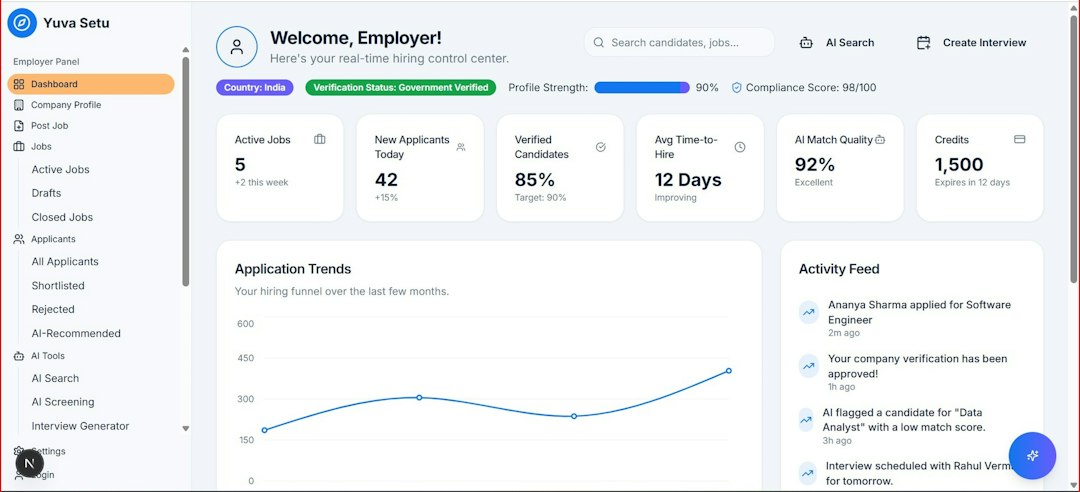
Your AP software must talk to your accounting system. If it does not, your team will copy data by hand. That defeats the whole point.
Ask about native integrations. Ask what data syncs both ways. Ask how often it syncs. Ask what happens when a sync fails.
Key data should include:
- Vendors
- Invoices
- Chart of accounts
- Departments
- Classes or locations
- Purchase orders
- Payment status
Do not accept vague answers. “Yes, we integrate” can mean many things. It may mean smooth setup. It may also mean a custom project with extra fees and a tired consultant named Gary.
Think About Controls and Fraud Risk
Growth brings more payments. More payments bring more risk.
Your AP tool should help stop bad payments before they leave the bank.
Look for:
- Role permissions: Not everyone should approve, edit, and pay.
- Vendor verification: Bank changes should be checked.
- Approval limits: A $500 bill and a $50,000 bill need different paths.
- Duplicate detection: Same invoice, same vendor, same amount. Red flag.
- Segregation of duties: One person should not control the full payment cycle.
These controls may sound boring. They are not boring when they save you from paying a fake invoice.
Pricing Can Be Sneaky
AP automation pricing can include many moving parts.
You may see fees for users, invoices, payments, entities, setup, support, advanced features, or international payments.
Ask for a full cost estimate based on your real numbers.
Use this simple formula:
Monthly software fee + payment fees + setup costs + support costs + extra module fees = real cost
Then compare that cost with time saved. If your AP clerk spends 50 hours a month on manual entry and follow ups, automation may pay for itself fast. If you only process 30 invoices a month, keep the setup simple.
Pick for the Next Two Years
Do not buy only for today. Do not buy for an imaginary empire either.
Choose software that fits your next stage.
If you expect invoice volume to double, ask how pricing changes. If you plan to add locations, ask about multi entity support. If you plan to hire more managers, test approval rules. If you may expand overseas, check currency and tax features now.

A Simple Scorecard
Create a scorecard. Keep it plain.
- Ease of use: 1 to 5
- Invoice capture: 1 to 5
- Approval workflow: 1 to 5
- Accounting integration: 1 to 5
- Payment controls: 1 to 5
- Reporting: 1 to 5
- Support: 1 to 5
- Total cost: 1 to 5
Invite AP staff, managers, and finance leaders to score each tool. The CFO may love reporting. The AP specialist may care about fixing exceptions in three clicks. Both views matter.
Final Checklist Before You Sign
- Tested with real invoices
- Sync checked with your accounting system
- Approval rules confirmed
- Payment controls reviewed
- Fraud protections checked
- Support response times confirmed
- All fees listed in writing
- Implementation timeline agreed
The best AP automation software gives your team time back. It cuts busywork. It reduces errors. It helps vendors get paid without endless email chains. Most of all, it lets finance stop chasing invoices and start managing cash with confidence.