
Choose ClickUp for desktop project management if you want one app to hold tasks, docs, goals, time tracking, and dashboards. Choose Asana if you want cleaner task lists and fewer buttons staring at you.
TLDR: ClickUp is the better desktop pick for teams that want an all in one work hub. Asana is simpler and faster to learn, but it does less inside the desktop app. For example, a 12 person marketing team could track tasks, write briefs, log time, and report progress in ClickUp without jumping between 4 tools. If your team values speed over depth, Asana may save 20% to 30% setup time in the first week.
ClickUp Download vs Asana Desktop: The Quick Answer
The ClickUp download gives you a full desktop workspace for Windows, Mac, and Linux. It feels close to the web version. That is good. It is also a bit much.
Asana’s desktop app is clean. It keeps your tasks, projects, inbox, and updates in one neat place. It does not try to be everything. That makes it easier for new users.
So the real question is simple:
- Need power? Pick ClickUp.
- Need calm? Pick Asana.
- Need a desktop app for heavy daily work? ClickUp wins.
- Need basic project tracking with less clutter? Asana wins.

What You Get With the ClickUp Desktop App
ClickUp’s desktop app is built for people who live in project boards all day. You can download it for Windows, macOS, and Linux. That matters. Linux support is still rare in project tools.
Once installed, ClickUp gives you:
- Tasks and subtasks
- Docs and wikis
- Whiteboards
- Dashboards
- Goals
- Time tracking
- Chat and comments
- Multiple views, like List, Board, Calendar, Gantt, and Timeline
This is the big draw. You can run a whole project inside ClickUp. A product launch. A hiring plan. A content calendar. A bug sprint. It can handle all of that.
Honestly, it feels like ClickUp wants to replace half your software stack. Sometimes that is great. Sometimes you just wanted to assign a task and now you are staring at 17 view options.
What You Get With Asana on Desktop
Asana’s desktop app is more focused. It gives you a dedicated window for your work. No browser tab mess. No accidental closing during a meeting. Nice.
You get:
- Projects
- Tasks and subtasks
- Timeline view
- Board view
- Calendar view
- Inbox
- Goals on higher plans
- Rules and automation
Asana feels lighter. It is easier to teach. A new teammate can usually understand it in under an hour. ClickUp may take a day or two before it feels natural.
That is not a knock on ClickUp. It just has more stuff. More stuff means more setup. More setup means more tiny choices. Tiny choices eat your afternoon.
Downloading and Installing
For both tools, use the official website. Do not grab random installers from shady download sites. That is how laptops get weird.
The ClickUp download process is simple:
- Go to the official ClickUp website.
- Find the desktop app page.
- Select Windows, Mac, or Linux.
- Install the app.
- Log in with your ClickUp account.
Asana is similar:
- Go to the official Asana website.
- Find the desktop app download.
- Pick your operating system.
- Install it.
- Sign in.
Both apps are easy to install. ClickUp has the edge if you use Linux. Asana is a bit smoother for people who just want the basics.
Desktop Experience: Which Feels Better?
ClickUp feels like a command center. That is fun if you manage large projects. You can pin views. Open docs. Check dashboards. Track time. Move tasks across boards.
The downside is speed. On older machines, ClickUp can feel heavier. Expect a few extra seconds here and there when loading packed workspaces. It drives me crazy when opening a dashboard takes longer than opening the actual task I need.
Asana feels snappier. It has fewer layers. The menus are clearer. The app is calmer. If your team hates training sessions, Asana is safer.
Task Management
Both apps handle task management well. That is the core job.
ClickUp tasks are more flexible. You can add custom fields, checklists, dependencies, time estimates, priorities, relationships, linked docs, and forms. A task can become a mini project.
Asana tasks are cleaner. You get assignees, due dates, subtasks, comments, files, and custom fields. For many teams, that is enough.
If your tasks need lots of data, choose ClickUp. If your tasks need quick action, choose Asana.
Views and Planning
ClickUp offers more views. This is one of its best features.
- List view for daily task work
- Board view for Kanban fans
- Calendar view for deadlines
- Gantt view for dependencies
- Timeline view for big picture planning
- Workload view for team capacity
Asana also has strong views. But some advanced options sit behind paid plans. It works well for timelines, boards, and calendars. It just feels less customizable.
ClickUp is better for project managers who love control. Asana is better for teams that want the tool to stay out of the way.
Collaboration
Both tools support comments, mentions, attachments, and team updates.
ClickUp adds more built in collaboration features. Docs are strong. Whiteboards are useful for planning. Chat can help keep work in one place. This is handy for remote teams.
Asana keeps collaboration centered on tasks and project updates. It is tidy. It is easy to follow. Less noise. Less guessing.
If your team already uses Slack, Google Docs, or Notion, Asana may fit better. If you want fewer apps open, ClickUp makes more sense.
Reporting and Dashboards
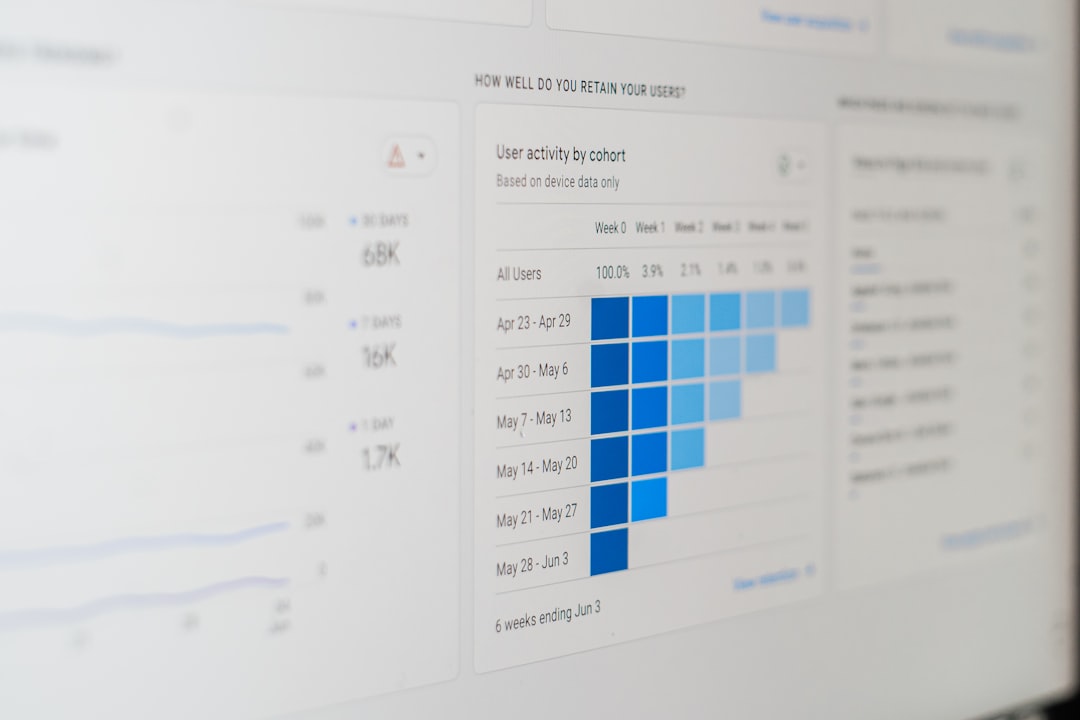
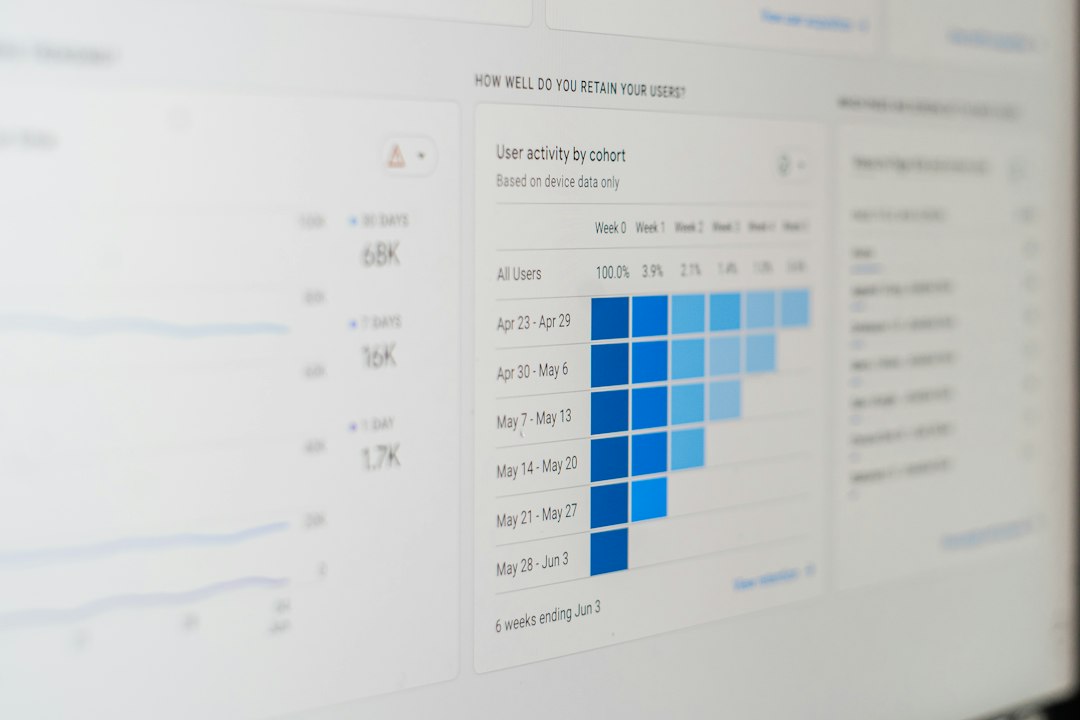
ClickUp wins this round. Its dashboards can show charts, workloads, time tracked, sprint data, task status, and more. Managers will like this.
For example, you can build a dashboard showing:
- 42 open tasks
- 11 overdue tasks
- 76% sprint completion
- 38 hours tracked this week
Asana has reporting too. It is easier to read. But ClickUp gives you more room to build custom reports.
Pricing Value
Both tools have free plans. Both can get pricey as teams grow.
ClickUp often feels like better value because it packs more features into one platform. You may not need separate tools for docs, goals, time tracking, or whiteboards.
Asana’s value comes from simplicity. People use it. That sounds basic, but it matters. A powerful tool is useless if half the team avoids it.
Best Use Cases
Pick ClickUp if you:
- Manage complex projects
- Need time tracking
- Want dashboards
- Use many project views
- Need a Linux desktop app
- Want docs and tasks together
Pick Asana if you:
- Want a cleaner app
- Have a non technical team
- Need fast onboarding
- Prefer simple task tracking
- Already use other tools for docs and chat
Final Verdict
ClickUp is better for desktop power users. Download it if you want one place for projects, docs, tracking, planning, and reports. It has more muscle. It also has more menus.
Asana is better for simple desktop project management. It is cleaner. It is easier. It asks less from your team.
If you are still unsure, try this rule. For a team under 10 people with simple workflows, start with Asana. For a team handling many departments, deadlines, and reports, go with ClickUp.
The best app is the one your team will open every morning without groaning. ClickUp gives you the bigger toolbox. Asana gives you the cleaner desk.