
Choose Termius if you want a polished SSH terminal manager; choose Remmina if your “SSH GUI” really means remote desktops, SSH tunnels, RDP, VNC, and graphical Linux sessions in one Linux-native app. Remmina officially supports SSH and SFTP alongside RDP, VNC, SPICE, NX, and X2Go, which makes it broader than a pure SSH client [source: Remmina].
TLDR: Termius is better for admins who spend 80% of their time inside terminal sessions and want synced hosts, snippets, groups, and a clean interface. Remmina is better when SSH is part of a bigger remote access workflow, such as opening an RDP session through an SSH tunnel to a Linux jump host. For example, a small ops team managing 45 servers may save time with Termius snippets, while a support tech connecting to 12 desktops per day will likely prefer Remmina. If you need graphical remote sessions on Linux, Remmina usually feels more practical.
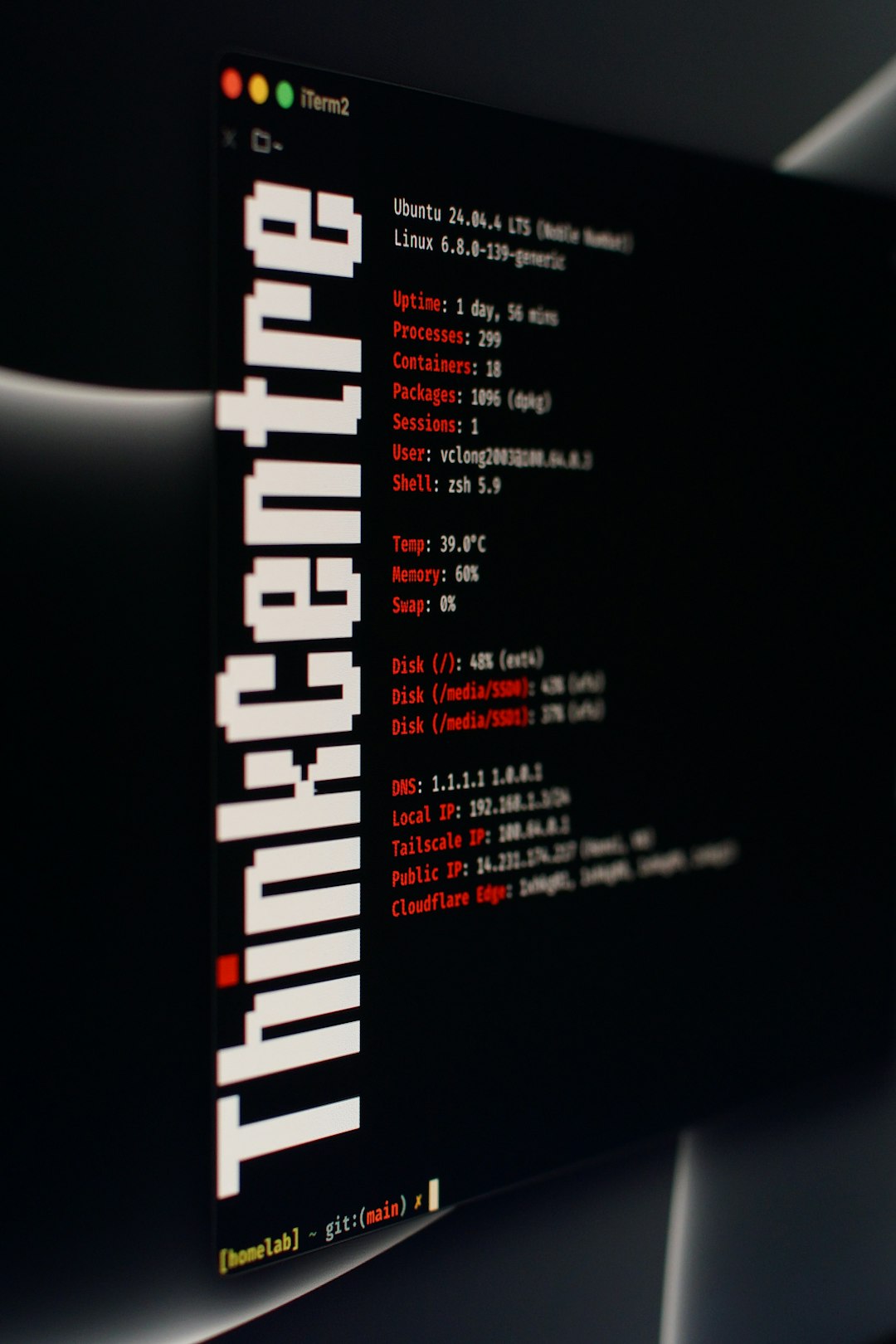
What “graphical SSH” actually means
The phrase graphical SSH connection can mean two different things. First, it may mean a graphical application that manages plain SSH sessions. That is Termius territory. Second, it may mean using SSH to protect or reach a graphical desktop protocol, such as RDP or VNC. That is where Remmina becomes useful.
This distinction matters. SSH itself is mostly text-based. You connect to a shell, run commands, edit files, restart services, read logs, and push changes. A GUI SSH client adds saved hosts, tabs, credentials, folders, colors, search, and sometimes SFTP. It does not automatically turn SSH into a remote desktop.
Remmina, on the other hand, was built for remote desktops first. SSH is one of its tools. It can open SSH sessions, transfer files, and create SSH tunnels for other protocols. That makes it feel less sleek for pure terminal work, but more useful when servers, desktops, and jump hosts live in the same workflow.
Termius: polished SSH management with fewer rough edges
Termius feels like a modern SSH command center. The interface is clean. Hosts are easy to group. Credentials can be attached to identities. Tabs behave as expected. Search is quick. The app also works across Linux, macOS, Windows, Android, and iOS, which is handy if you move between a laptop and tablet.
The best part is speed of use. Once hosts are saved, connecting is usually two clicks. Snippets help with repeated commands, such as checking disk space, restarting Nginx, tailing logs, or listing Docker containers. For people who type the same 20 commands every day, this is not fluff. It reduces mistakes.
- Best for: SSH-heavy server management.
- Strong points: host organization, snippets, sync, identity management, SFTP features.
- Weak points: advanced features often sit behind paid plans, and remote desktop support is not the focus.
- Linux fit: good, especially if you want the same setup on non-Linux devices too.
The catch is that Termius can feel a little too productized if you only want a local Linux utility. Account prompts, sync features, and plan limits may annoy users who prefer simple open-source tools. Honestly, it feels like overkill when all you need is five saved SSH hosts and a terminal tab.
Remmina: better for remote desktops and SSH tunnels
Remmina fits Linux like an old workshop tool. It is not as glossy as Termius, but it does a lot. If you connect to RDP desktops, VNC sessions, Linux machines, old lab boxes, and internal systems behind jump hosts, Remmina can bring that mess into one window.
Its SSH support is practical. You can use SSH directly, open SFTP, and configure SSH tunneling for remote desktop protocols. This is the real reason Remmina matters in a graphical SSH discussion. It lets SSH act as the secure doorway to graphical systems.
Picture this. A database admin has no direct route to an internal Windows server. The company requires access through a Linux bastion host. Remmina can set up the SSH tunnel and then launch the RDP session through it. That beats juggling a terminal tunnel command in one window and a remote desktop client in another.

- Best for: graphical remote access with SSH tunneling.
- Strong points: RDP, VNC, SSH, SFTP, SPICE, X2Go, NX, profiles, Linux desktop integration.
- Weak points: interface can feel crowded, and terminal-only SSH is not as refined as Termius.
- Linux fit: excellent, especially on GNOME, XFCE, Cinnamon, and other desktop setups.
Expect to waste time on setup the first time you use advanced tunneling. Some options are buried. A single wrong port can make the connection fail with a vague error. Once profiles are saved, though, daily use becomes smooth.
Feature comparison
| Feature | Termius | Remmina |
|---|---|---|
| Primary purpose | SSH terminal management | Remote desktop client with SSH support |
| Graphical desktop access | Not the main focus | Strong, especially with RDP and VNC |
| SSH tunnels | Available, more terminal-centered | Built into remote desktop profiles |
| SFTP | Clean and convenient | Supported, less polished |
| Cross-device sync | Major selling point | Not the main idea |
| Open-source preference | Less appealing | More appealing for Linux users |
Security and credentials
Both tools can handle SSH keys, passwords, and saved connection data. Termius puts more emphasis on identity management and synced vault-style convenience. That is nice for teams, especially when many hosts share the same admin patterns. Termius also documents encrypted synchronization for account data [source: Termius].
Remmina is more local and Linux-like. It integrates with desktop keyrings and profile files. This can be a plus if you want fewer cloud features involved. It can also be less friendly when moving profiles between machines.
For serious environments, the rule is simple: use SSH keys, protect private keys with passphrases, avoid saving root passwords, and prefer named user accounts with sudo. No GUI client fixes sloppy access control.
Which one feels better day to day?
Termius feels faster for terminal-first work. The app gets out of your way. Snippets, groups, and search make repeated admin tasks pleasant. If your day is logs, shells, config files, and containers, Termius wins.
Remmina feels better when the session is visual. Need to open a remote desktop through a bastion host? Need RDP for one system, VNC for another, and SSH for a third? Remmina wins. It may not be elegant, but it is practical.
Image not found in postmetaRecommended choice
Pick Termius if you want a premium SSH client GUI for Linux with strong organization, saved hosts, snippets, and cross-platform sync. It is ideal for DevOps engineers, developers, sysadmins, and freelancers who mostly live in terminal sessions.
Pick Remmina if you need graphical remote access and SSH tunneling in one place. It is the better choice for Linux desktop users who support mixed environments, internal networks, Windows servers, lab machines, and remote GUI sessions.
If you are unsure, install both. Use Termius for clean SSH terminal work. Use Remmina when SSH becomes the path to a graphical session. That split is often the least annoying setup, and it keeps each tool doing what it does best.