
Handwritten notes are personal. They are warm. But they can also be messy and hard to search. This is where OCR tools come in. OCR stands for Optical Character Recognition. These tools turn handwriting into digital text you can edit, copy, and store. Sounds magical? It kind of is.
TLDR: The best OCR tools for handwriting recognition help you turn messy notes into clean, searchable text. Top options include Google Cloud Vision, Microsoft OneNote, Adobe Scan, ABBYY FineReader, and Apple Live Text. Each tool has different strengths, from simple mobile scanning to advanced business features. Pick the one that fits your needs, budget, and devices.
What Is OCR for Handwriting?
OCR technology reads text from images. It can scan printed documents easily. But handwriting is trickier. Every person writes differently. Letters curve. Words lean. Lines overlap.
Modern handwriting OCR uses AI and machine learning. It studies patterns. It learns from millions of writing samples. Over time, it gets smarter and more accurate.
Some tools are amazing at neat handwriting. Others can even decode messy scribbles. But none are perfect. Keep that in mind.
Why Use Handwriting OCR Tools?
You might wonder. Why not just type things out?
Here are some simple reasons:
- Save time. Scan instead of rewriting everything.
- Stay organized. Turn paper notes into searchable files.
- Improve productivity. Extract key points quickly.
- Go paperless. Store everything in the cloud.
Students love it. Professionals rely on it. Researchers and journalists use it daily. Anyone who takes notes by hand can benefit.
What Makes a Great Handwriting OCR Tool?
Not all OCR tools are created equal. When choosing one, look for these features:
- Accuracy: Can it correctly read different handwriting styles?
- Language support: Does it support multiple languages?
- Ease of use: Is the interface simple?
- Export options: Can you export to Word, PDF, or TXT?
- Cloud sync: Does it store files online?
- Mobile support: Does it work well on smartphones?
Let’s explore the best tools you can use today.
1. Google Cloud Vision
This is a powerful AI-based tool. It is mostly used by developers and businesses. But it is one of the most advanced OCR systems in the world.
Why it’s great:
- Very high accuracy
- Strong handwriting recognition
- Supports many languages
- Scalable for big projects
It uses deep learning models. It keeps improving. However, it may feel technical for beginners. You often need some coding knowledge to use it fully.
Best for: Businesses, developers, and large-scale document processing.
2. Microsoft OneNote
Simple. Friendly. Free with Microsoft.
OneNote has built-in OCR. You can insert an image of handwritten notes. Then right-click and choose “Copy Text from Picture.” It’s that easy.
What makes it special:
- Easy to use
- Great for students
- Works across devices
- Integrated with Microsoft Office
The accuracy is good for neat handwriting. It may struggle with very messy notes. But for everyday use, it works beautifully.
Best for: Students and office users who already use Microsoft tools.
3. Adobe Scan
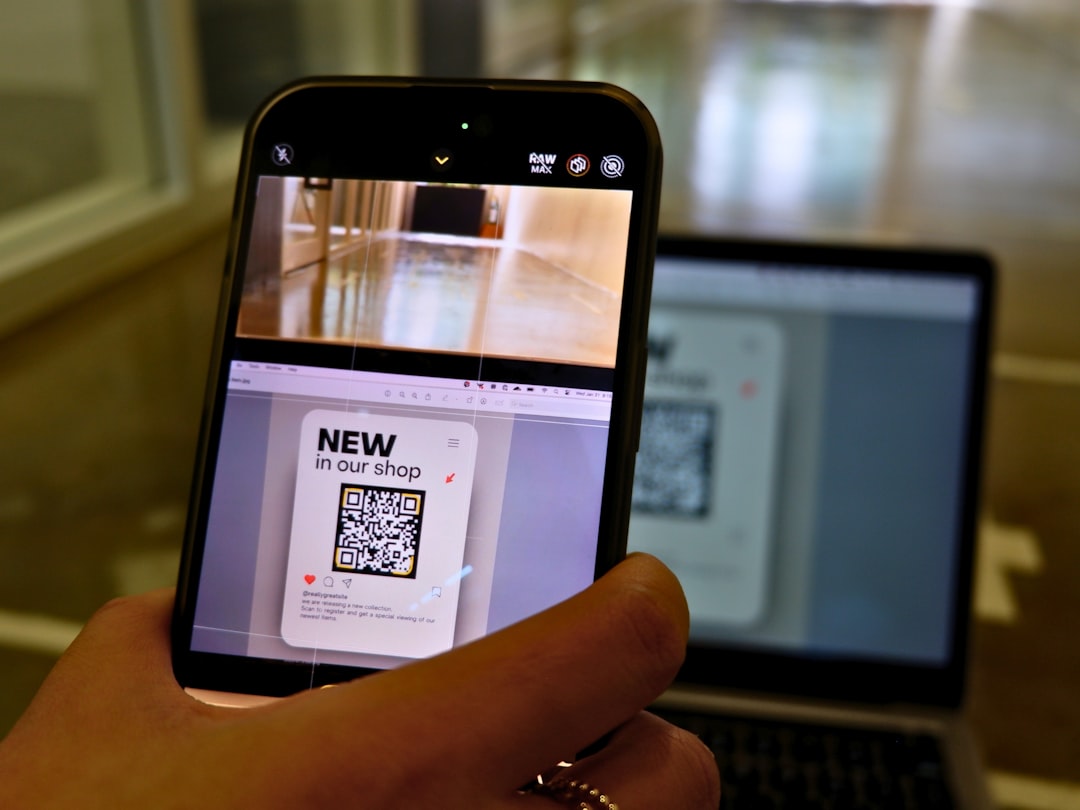
Adobe Scan turns your phone into a smart scanner. Just snap a photo. The app does the rest.
It automatically detects text. It sharpens edges. It removes shadows. Then it converts handwriting into digital text.
Key features:
- Strong mobile performance
- Auto-enhancement of images
- Easy PDF export
- Cloud storage with Adobe
It works best for clear handwriting. The mobile experience is smooth and fast.
Best for: People who scan notes on the go.
4. ABBYY FineReader
This tool is a veteran in the OCR world. It has been around for years. And it keeps improving.
ABBYY FineReader is known for high accuracy. Especially with complex documents. It handles tables, mixed text, and different layouts.
Why professionals like it:
- Advanced OCR engine
- Strong editing tools
- Batch processing
- Enterprise-level features
It is not the cheapest option. But you pay for power and precision.
Best for: Businesses and heavy document users.
5. Apple Live Text
If you use an iPhone or iPad, this is a treat.
Apple Live Text is built right into iOS. Just open your camera. Point it at handwritten text. Tap the text on your screen. Copy it.
Simple. Fast. Fun.
Highlights:
- No extra app needed
- Instant recognition
- Works in photos and camera mode
- Great ecosystem integration
It works surprisingly well for neat handwriting. And it feels magical the first time you use it.
Best for: Apple users who want instant results.
6. Evernote
Evernote is known as a note-taking app. But it also has OCR features.
If you upload handwritten notes, Evernote makes the text searchable. Even if it does not convert everything into editable text perfectly, you can still search your handwriting.
Why that’s cool:
- Search inside handwritten notes
- Cloud-based organization
- Sync across devices
Best for: People who manage lots of notes and ideas.
Tips for Better OCR Results
Even the best OCR tools need a little help. Follow these simple tips:
- Write clearly. The neater your handwriting, the better the result.
- Use dark ink. Black or dark blue works best.
- Good lighting matters. Avoid shadows and glare.
- Keep the page flat. Curved pages reduce accuracy.
- Use high-resolution images. Blurry photos confuse OCR.

Small improvements can make a big difference.
Free vs Paid OCR Tools
Should you pay for OCR?
It depends.
Free tools are great for:
- Light use
- Students
- Quick scans
Paid tools are better for:
- Businesses
- Bulk document processing
- High accuracy needs
- Advanced editing
If you scan notes once a week, free is fine. If your job depends on document accuracy, invest in a premium solution.
Common Challenges with Handwriting Recognition
Let’s be honest. Handwriting OCR is not perfect.
Here are common issues:
- Messy or rushed writing
- Overlapping text
- Fancy cursive styles
- Poor image quality
AI keeps getting better. But humans are creative writers. That makes recognition harder.
The Future of Handwriting OCR
The future looks exciting.
AI models are becoming smarter every year. They learn personal writing styles. Some tools may soon adapt specifically to your handwriting. Imagine an OCR system that understands your messy notes better than your friends do.
We may also see:
- Real-time handwriting translation
- Instant note summarization
- Voice and handwriting combo recognition
- Improved support for historical documents
The gap between handwritten and digital text is shrinking fast.
How to Choose the Best Tool for You
Still unsure?
Ask yourself these simple questions:
- Do I need this for school, work, or personal use?
- How often will I scan handwritten notes?
- Do I need mobile access?
- What is my budget?
- How important is accuracy?
If you are a student with neat notes, OneNote or Apple Live Text may be perfect. If you run a business handling hundreds of documents, ABBYY or Google Cloud Vision may be better.
There is no single “best” tool for everyone. The best tool is the one that fits your workflow.
Final Thoughts
Handwriting is beautiful. It is personal. It connects us to our thoughts.
But digital text is powerful. It is searchable. Shareable. Easy to store.
OCR tools bring the best of both worlds together.
Whether you are scanning lecture notes, meeting minutes, journal entries, or old letters, modern handwriting OCR tools can save time and reduce clutter. Try a few. Test them. See which feels right.
You might never look at your handwritten notes the same way again.