
Your home is your castle. It may not have a moat. It may not have a dragon. But it can have a smart security camera setup that watches the doors, checks the yard, and keeps an eye on the living room when you are away.
TLDR: The best home security camera setup uses both indoor and outdoor cameras. Put cameras at main entry points, busy indoor areas, and hidden outdoor spots. Choose cameras with night vision, motion alerts, cloud or local storage, and easy app control. Keep it simple, smart, and safe.
Why Home Security Cameras Matter
A good camera setup is like having extra eyes. Friendly eyes. Digital eyes. Eyes that do not need coffee.
Security cameras can help you see who is at the door. They can spot package thieves. They can check on pets. They can let you know if a window was opened. They can also scare off unwanted visitors.
Most troublemakers do not like cameras. A visible camera says, “Smile, you are on video.” That alone can help protect your home.
But cameras are not just for bad guys. They are also great for everyday life. Did the dog eat the couch? Did the kids come home from school? Did the delivery driver hide the box behind the plant? Your camera knows.
Start With a Simple Plan
Before you buy anything, take a walk around your home. Pretend you are a sneaky raccoon. Where would you enter?
- Front door
- Back door
- Side gate
- Garage
- Driveway
- Ground floor windows
- Patio or deck
Now walk inside. Think about where people move the most.
- Entry hallway
- Living room
- Kitchen
- Stairs
- Nursery
- Pet area
You do not need a camera in every corner. That can feel creepy. Also, your Wi-Fi may start crying. Focus on smart spots.
Best rule: cover the entrances first. Then cover the paths people use after they get inside.
The Best Outdoor Camera Setup
Outdoor cameras are your first line of defense. They deal with rain, wind, dust, bugs, and the neighbor’s cat. So they need to be tough.
Look for outdoor cameras with:
- Weather resistance, such as IP65 or higher
- Night vision, so the dark is not a problem
- Motion detection, so you get alerts
- Two way audio, so you can talk through the camera
- Wide angle view, so you see more space
- Good storage options, either cloud or local
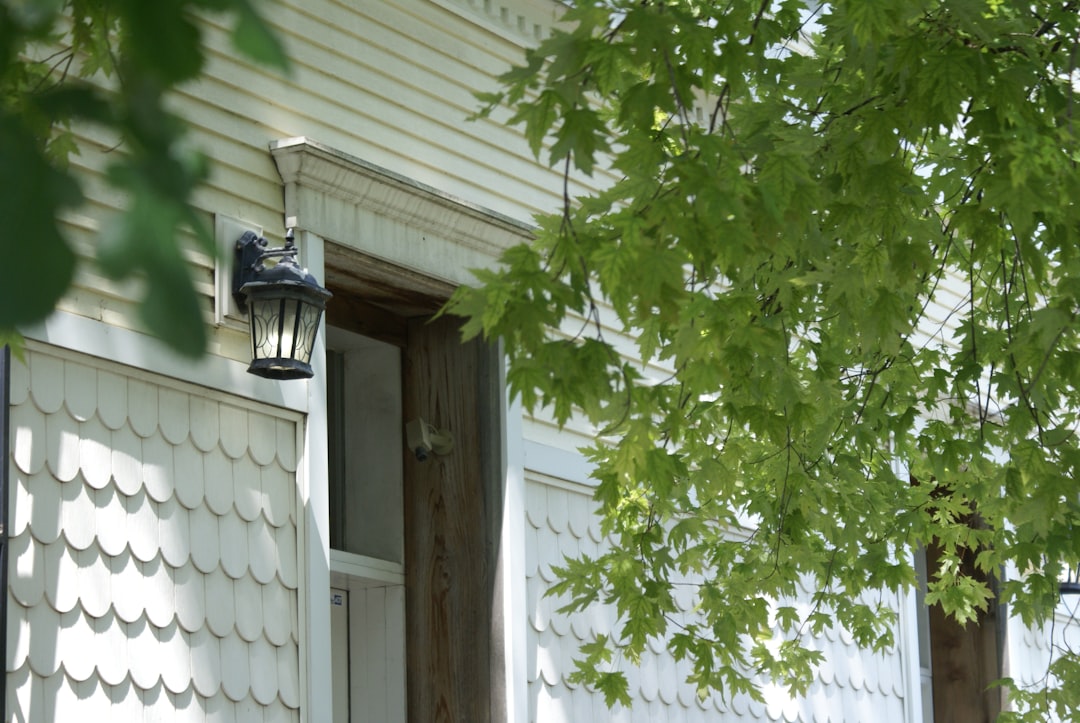
Front Door Camera
Your front door is the VIP entrance. Most guests use it. So do delivery drivers. So do package pirates.
A video doorbell is a great choice here. It replaces or sits near your regular doorbell. It shows who is at the door. It can also record motion before someone rings.
Mount it at chest height if possible. You want faces, not just hats and nostrils.
Driveway Camera
Your driveway camera watches cars, bikes, tools, and anyone walking up to the house. Place it high enough so it cannot be grabbed. But do not aim it at the moon. You need faces, plates, and movement.
A camera with a built-in spotlight is helpful here. Light makes video clearer. It also makes sneaky people less sneaky.
Backyard Camera
Backyards are often more private. That also makes them tempting. A backyard camera should cover doors, gates, sheds, and patios.
If you have a large yard, use a camera with a wider view. If the area is dark, use one with strong night vision or a floodlight.
Garage Camera
The garage is a treasure cave. Bikes, tools, sports gear, and maybe that box you have not opened since 2017. Protect it.
You can place a camera outside the garage door. You can also place one inside. The inside camera is useful if the garage connects to your house.
The Best Indoor Camera Setup
Indoor cameras should be useful, not annoying. You want peace of mind. You do not want your home to feel like a reality show.
Place indoor cameras in shared spaces. Avoid private areas like bedrooms and bathrooms. That is not security. That is weird.
Good indoor camera spots include:
- Main entry hallway, to see who comes in
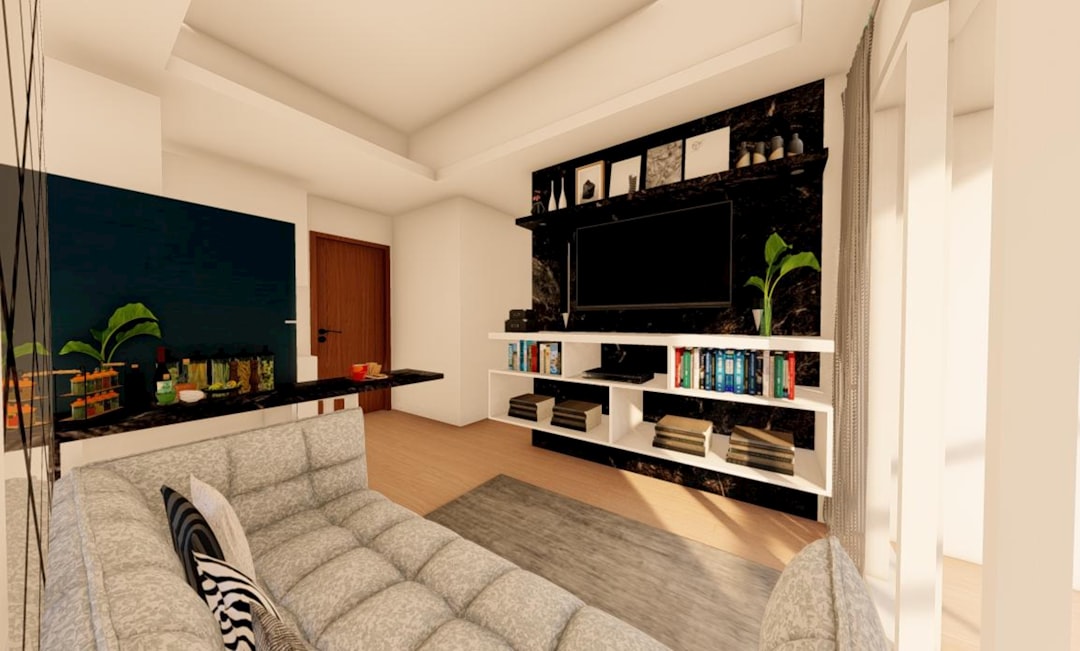
- Living room, to watch main activity
- Kitchen, if it connects to an entry point
- Stairway, to track movement between floors
- Pet room, to see what the furry chaos machine is doing
Entry Hall Camera
This is one of the best indoor spots. If someone enters, the camera catches them right away. Aim it toward the door, but avoid pointing it directly at bright windows. Bright light can make faces look like glowing potatoes.
Living Room Camera
The living room is often the center of the home. It may have valuables, electronics, or big windows. A camera here can watch a lot with one view.
Place it on a shelf or mount it high in a corner. High corners give a wide view. They also keep the camera away from curious kids and dramatic cats.
Pet Camera
If you have pets, an indoor camera can be pure comedy. You may learn that your sweet dog becomes a couch goblin when you leave. Some cameras even toss treats. This is not required. But it is very fun.
Wired or Wireless Cameras?
This is a big choice. Both are good. Both have tradeoffs.
Wireless Cameras
Wireless cameras are easy to install. Many run on batteries. You can place them almost anywhere. No drilling through walls. No cable jungle.
Pros:
- Easy setup
- Flexible placement
- Good for renters
- Clean look
Cons:
- Batteries need charging
- Wi-Fi must be strong
- Some features may use more battery
Wired Cameras
Wired cameras use a power cable or network cable. They take more work to install. But they are reliable. They do not need battery charging.
Pros:
- Steady power
- Strong connection
- Great for long term use
- Better for larger systems
Cons:
- Harder to install
- May need drilling
- Less flexible placement
For many homes, a mix works best. Use wired cameras for key outdoor spots. Use wireless cameras indoors or in tricky places.
Must Have Camera Features
Camera boxes are full of fancy words. Some matter. Some are just sparkles. Focus on these features.
- HD or 2K video: Clear video helps you see faces.
- Night vision: Bad timing loves the dark.
- Motion alerts: Your phone tells you when something moves.
- Person detection: This helps avoid alerts for trees, bugs, and heroic squirrels.
- Two way audio: Talk to visitors, delivery drivers, or pets.
- Storage: Save clips in the cloud, on a memory card, or on a local recorder.
- Privacy zones: Block areas you do not want recorded.
- Smart home support: Works with your phone, speaker, or display.
Do not chase the most expensive camera. Buy the camera that fits your home and your habits.
How Many Cameras Do You Need?
Most homes can start with four to six cameras. That gives strong coverage without going full spy movie.
A simple setup could look like this:
- Video doorbell at the front door
- Outdoor camera for the driveway
- Outdoor camera for the backyard
- Indoor camera in the entry hallway
- Indoor camera in the living room
- Optional camera for garage, side gate, or pets
This setup covers the main access points. It also watches the busiest indoor areas.
If you live in an apartment, you may only need a doorbell camera and one indoor camera. If you have a large house, you may need more outdoor coverage.
Smart Placement Tips
Placement is everything. A great camera in a bad spot is like sunglasses at night. Stylish, but not helpful.
- Mount outdoor cameras about 8 to 10 feet high.
- Aim cameras at doors, gates, and walkways.
- Avoid pointing cameras straight into the sun.
- Keep cameras under eaves when possible.
- Do not block the view with plants or decorations.
- Test the view in the app before final mounting.
Also check your Wi-Fi signal. Outdoor cameras need a strong connection. If the signal is weak, use a Wi-Fi extender or mesh system. Your camera should not have to shout across the yard.
Cloud Storage vs Local Storage
Your camera records video. That video needs a home too.
Cloud storage saves clips online. It is easy to use. You can view clips from anywhere. But it often needs a monthly plan.
Local storage saves clips on a memory card, hub, or recorder. It can save money over time. But if someone steals the camera or recorder, the footage may be gone.
The best option depends on you. If you want easy access, cloud is simple. If you want fewer fees, local storage is nice. Some systems offer both. That is the security camera version of having fries and onion rings.
Privacy Matters Too
Security should not make people uncomfortable. Tell family members where cameras are. Use privacy modes when needed. Avoid filming neighbors’ yards or windows.
Many cameras let you create privacy zones. Use them. For example, you can block part of the sidewalk or the neighbor’s porch.
Also protect your camera account. Use a strong password. Turn on two factor login. Update the camera app. Do not use the password “password.” That password is not a password. It is a welcome mat.
Best Setup for Most Homes
Here is a simple and strong setup for indoor and outdoor protection:
- Front door: Video doorbell with person detection.
- Driveway: Outdoor camera with spotlight and night vision.
- Back door: Weatherproof camera above the entrance.
- Side gate: Compact outdoor camera with motion alerts.
- Entry hall: Indoor camera facing the main door.
- Living room: Indoor camera in a high corner.
This gives you a smart security bubble. It watches before, during, and after someone enters your property. It is simple. It is not overkill. It works well for many homes.
Final Tips Before You Buy
Before you click “buy,” ask these questions:
- Do I want wired, wireless, or both?
- How strong is my Wi-Fi outside?
- Do I want cloud storage, local storage, or both?
- Do I need cameras with lights?
- Will I use two way audio?
- Can the app be used by more than one family member?
- Is the camera easy to install?
Read reviews. Check sample video if possible. Make sure the camera works in your weather. A camera that hates rain should not live outside. That is just drama.
Keep It Simple and Useful
The best home security camera setup is not the biggest one. It is the one you actually use. It should send useful alerts. It should show clear video. It should be easy to check from your phone.
Start with the front door, driveway, back door, and main indoor entry area. Add more cameras if needed. Test your views. Adjust angles. Trim plants. Charge batteries. Keep the app updated.
With the right setup, your home feels safer. Your packages feel safer. Your pets may feel watched, but they were acting suspicious anyway.
Smart cameras do not replace locks, lights, or common sense. But they do add a powerful layer of protection. And sometimes, they catch the dog stealing pizza. That alone may be worth it.