
Every local restaurant wants to be known—not just by customers, but also by the people they work with every day. From food suppliers to linen services, building strong vendor relationships is key. And guess what? A simple business card can help do just that! It’s small, it’s easy to hand out, and it makes a big difference.
TLDR:
Business cards help restaurants make a professional impression on their vendors. A well-designed card builds trust, reminds vendors who you are, and keeps contact information handy. With the right business card maker, designing a perfect card is quick and fun. Even small, local restaurants can stand out like pros!
Why Business Cards Matter for Local Eateries
Some say, “It’s just a piece of paper.” But in the restaurant world, it can open doors. Here’s why:
- Professionalism: Vendors take you more seriously when you hand them a business card.
- Connection: Cards make it easy for reps to remember you by name (and taste!).
- Simplicity: It’s faster than writing down your info every time!
Imagine meeting a new farmer at your local market who could supply your restaurant with fresh veggies. You chat for 5 minutes. Then what? With no card, they may forget your name. But with a colorful, stylish card in hand, you’ve just created a new connection that could last years.

Choosing the Right Business Card Maker
There are many tools online for making business cards. Some are free, some cost a few bucks. But most are super easy to use, even if you know nothing about design.
Here’s what to look for in a business card maker if you’re a local restaurant:
- Templates: Look for food or restaurant-themed templates. They save time and look great.
- Customization: Colors, fonts, and logos should be easy to change.
- Printing Options: Can they print and ship cards to your door?
- Cost: Stick to your budget! Many tools offer free options or affordable rates.
Top 5 Business Card Makers for Local Restaurants
Let’s keep this simple. Here are five tried-and-true tools perfect for restaurant owners:
1. Canva
Best for beginners and pros alike. Canva offers a ton of drag-and-drop templates. You can add your logo, choose restaurant-style vibes, and even include food icons. Did we mention it’s free?
2. Vistaprint
This one’s been around a while—and for good reason. Vistaprint has great templates and decent prices. Plus, they’ll ship cards right to your door. Fast and reliable.
3. Zazzle
Zazzle is fun! If you’re looking for something creative and playful, this tool is for you. Great for quirky or cozy cafes that want to show personality.
4. Adobe Express
Formerly Adobe Spark, this platform is for those who want a polished, elegant look. It’s free and connects well with Adobe’s other design tools if you want to get fancy.
5. Moo
Moo is a bit pricier, but wow—the cards are beautiful. You’ll impress vendors with textured finishes and bold printing. If you’re feeling fancy, go Moo!
What Should Go on Your Restaurant Business Card?
Your card doesn’t have to cram in everything. Keep it simple but effective. Here’s a good checklist:
- Restaurant Name – Clear and easy to read
- Your Name and Title – Are you the owner, chef, or manager?
- Contact Info – Phone number, email, maybe your website
- Location – Include your address if you want foot traffic!
- Logo – Every restaurant should have a basic logo by now
- Social Media Handles – Optional, but helpful
And don’t forget style! A barbecue joint card should look different than a sushi bar’s card. Match your design to your food and vibe.
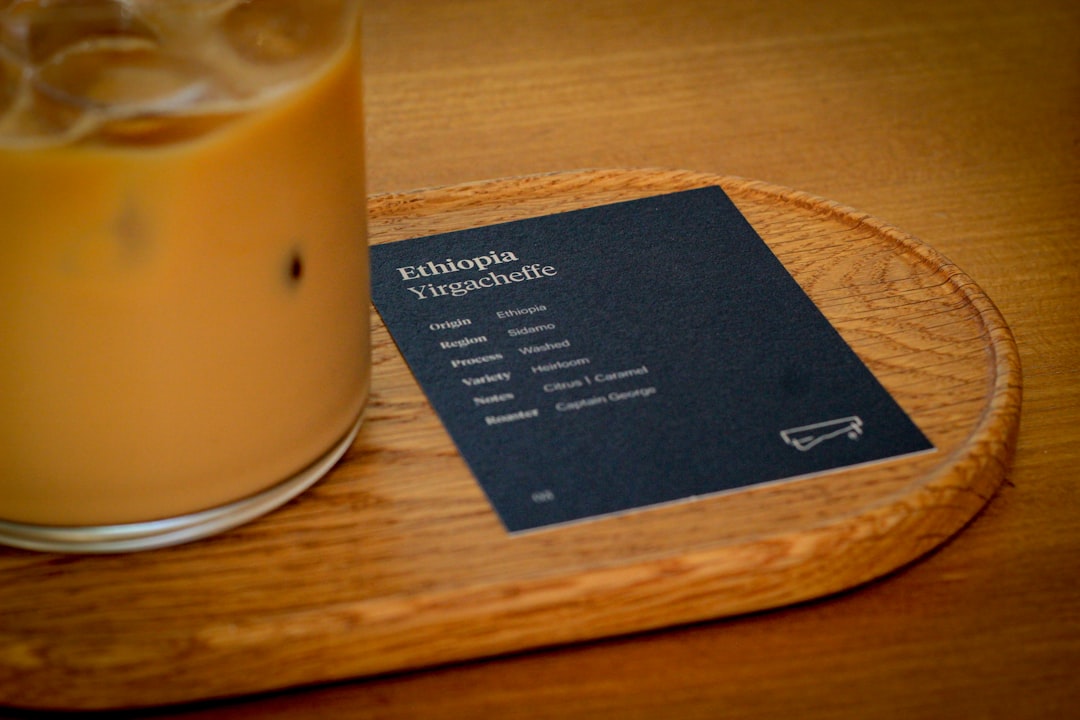
Tips to Make Your Business Card Stand Out
You want people to remember your card, right? Try these ideas out:
- Use color wisely: Choose bold colors that match your brand.
- Add food elements: A tiny food icon or watermark adds flavor!
- Pick sturdy paper: Thicker cards feel more pro.
- Include a QR code: Link to your menu, Instagram, or website!
- Keep it clean: Don’t overload it—less is more.
Pro tip: If you serve something unique (like your grandma’s meatballs!), add a small note or catchphrase that hints at your specialty. Something people will smile at and share.
When and How to Give Cards to Vendors
It’s not just having a card—it’s knowing when to give it that counts.
Here are the best times:
- At the end of a great conversation – “Here’s my card—let’s stay in touch!”
- During store deliveries – Give it to the rep dropping off produce.
- At local food shows or markets – Always keep a stash in your pocket.
- In thank-you notes: – Add your card when you send a handwritten thank you.
Also, keep a stack at your front counter. You never know when a vendor will walk in for lunch and leave as your next partner!
Print Quantity: How Many is Enough?
Good question! As a local restaurant, you don’t need thousands. Start small. 100 to 200 cards is a great start. That’s more than enough to hand out to vendors over the next few months.
Once you get into the rhythm of it, you’ll know what you need. You’ll probably want to update your design every year anyway (add a new slogan, maybe a new logo, or a fresh job title).
It’s Not Just a Card—It’s an Invitation
A business card is more than contact info. It’s a small invite to connect, collaborate, and grow your restaurant’s reach. Vendors love working with restaurants who treat them like part of the team. When you hand someone a card, you’re saying, “Hey, we take this relationship seriously.”
So don’t skip this small but mighty tool. Design it, print it, and hand it out with pride.
Final Bite
Running a local restaurant is busy work. Finding time to do “little extras” can feel like a pain. But handing a well-designed business card to your partners—including vendors—isn’t just extra. It’s essential.
Use an easy online business card maker. Pick a solid design. Print a fresh stack. Then go out into the world and share what your eatery is all about. You’ve got something special—show it off!