
People cannot see an Instagram account’s private login email unless the owner publishes it or turns on public contact options. On Instagram, the email used to sign in is private by default. On Meta Business Suite, email privacy gets trickier because business contact emails, Page roles, lead forms, inbox tools, and team access can expose information to staff or partners.
TLDR: A personal Instagram login email is not shown to followers, visitors, or random users. A business or creator account may show an Email button if public contact details are enabled; for example, a bakery with 12,000 followers could accidentally show its owner’s personal Gmail to every profile visitor. Meta Business Suite is less private because approved team members, admins, and connected tools may see business contact data or customer email leads. The safest setup is to use a separate business email and check both Instagram profile settings and Meta Business Suite access roles.
What Email Can People See on Instagram?
Instagram separates a private account email from public contact information. That sounds simple, but the settings can feel oddly scattered.
The email address used for login, password resets, and account recovery is private. Followers cannot tap a profile and see it. Strangers cannot search Instagram and pull it from the account settings. Even if the account is public, the login email stays hidden.
But there are three common ways an email becomes visible:
- It is typed into the bio. Anything in the bio is public on a public account.
- The account uses a public Email button. Business and creator profiles can display contact buttons.
- The email is shared through Instagram features. Examples include lead forms, ads, saved replies, or direct messages.
So the better question is not whether Instagram exposes email by default. It usually does not. The real risk is that the account owner may have added the email somewhere public without realizing the reach.
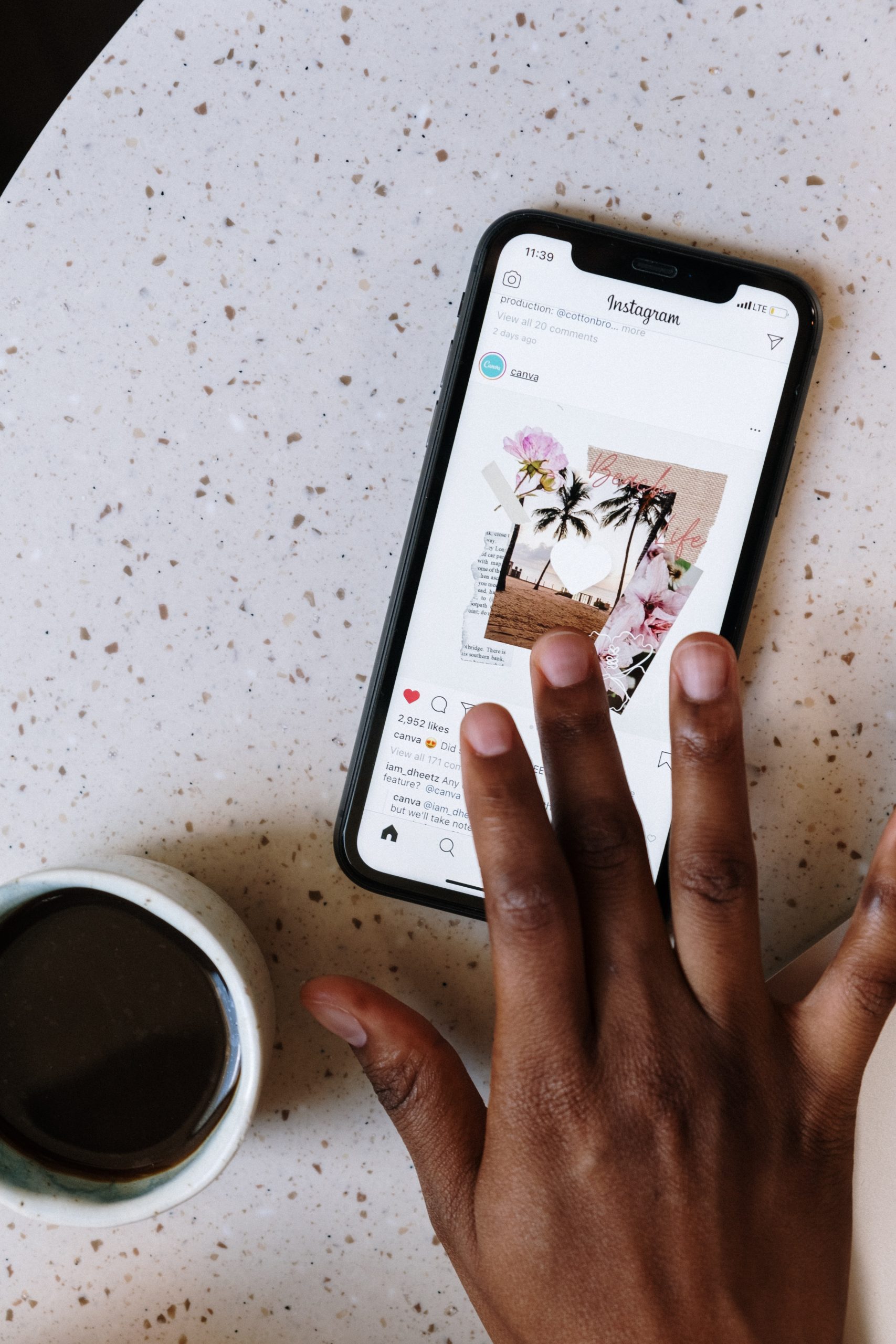
Personal Accounts vs Professional Accounts
A personal Instagram account has fewer public contact options. Its email is mainly used inside account settings and Meta Accounts Center. That email is meant for security, notifications, login alerts, and recovery.
A professional account is different. Business and creator profiles can show public contact information, including:
- Email address
- Phone number
- Business address
- Contact buttons such as Email, Call, or Directions
This is where people get caught. A freelancer may switch to a creator account for analytics, then add a personal email during setup. Later, that email may appear behind a visible contact button. It drives some users crazy that a setting chosen during profile setup can sit there for months before anyone notices.
For public-facing accounts, this matters. A visible email can invite brand requests, but also spam, scraping, phishing attempts, and unwanted messages. A user with 25,000 followers may not think a contact button is a big deal until the inbox starts receiving dozens of low-quality pitches each week.
How to Check If an Instagram Email Is Public
The account owner can check email visibility in a few practical ways. The fastest method is to view the profile from another account or ask a trusted person to look.
For a professional profile, the owner should check:
- Edit Profile
- Contact Options
- Public Business Information
- Profile Display
If the Email button is enabled, the email may be visible to profile visitors. If the email appears in the bio, captions, highlights, or story stickers, it is public there too.
There is also a difference between visible and accessible. An email button may not display the address as plain text on the profile, but tapping it can open an email app with the address filled in. To the visitor, that still means the email is available.
Instagram vs Meta Business Suite: The Privacy Difference
Instagram is mostly profile-based. Meta Business Suite is team-based and asset-based. That makes privacy more complicated.
Instagram focuses on what the public sees on a profile. Meta Business Suite focuses on managing connected Instagram accounts, Facebook Pages, ads, messages, content, insights, leads, and team access. Because of that, more people may have permission to see business information.
| Area | Meta Business Suite | |
|---|---|---|
| Login email | Private to the account owner | Not normally public, but account admins may manage connected assets |
| Public contact email | Can be shown on profile | May appear in Page or business contact settings |
| Team visibility | Limited unless login is shared | Admins, employees, or partners may see business data based on permissions |
| Customer emails | May appear in DMs or forms | Often visible in leads, inbox tools, CRM links, and ad forms |
The major privacy issue is access control. In Meta Business Suite, a marketing assistant, agency, contractor, or Page admin may have access to the business inbox, lead center, Page settings, Instagram messages, or ad forms. Honestly, it feels like Meta spread key privacy controls across too many screens, and checking them can take several minutes longer than it should.
Image not found in postmetaCan Team Members See the Email?
They might, depending on which email is meant.
The private Instagram login email is generally not shown as public profile information. However, if a person has deep admin access, shared credentials, access to the email inbox itself, or control over the connected Meta account, privacy drops fast.
The business contact email is more likely to be seen. It may appear in Page settings, business info, contact sections, customer communication tools, or lead management areas. Admins and some people with assigned business access may be able to view or change it.
Customer emails are a separate concern. If the business runs lead ads, appointment forms, newsletter signups, or customer service workflows, those emails may be visible to anyone with access to leads or inbox tools. That is not the account owner’s email, but it is still sensitive data.
Best Privacy Setup for Instagram and Meta Business Suite
The safest approach is simple: keep personal and business emails separate.
- Use one private email for Instagram login and recovery.
- Use a different public business email for contact buttons and bio links.
- Use role-based access in Meta Business Suite instead of sharing passwords.
- Remove old agencies and contractors from business assets.
- Review lead form access before running ads.
- Check the profile from another account after every contact setting change.
For small businesses, a shared email such as hello@brandname.com is usually better than a personal Gmail address. The owner can forward it, filter it, and replace it later if spam becomes a problem. That creates a buffer between public attention and private identity.
Common Privacy Mistakes
The most common mistake is using a personal email everywhere. It appears in the login settings, public profile, ad account, Page contact section, lead forms, and customer replies. That makes cleanup annoying.
Another mistake is giving full admin access to too many people. A contractor may only need inbox access or content scheduling rights. Full control is often excessive.
A third mistake is forgetting Facebook Page settings. Since Meta Business Suite connects Instagram and Facebook assets, a public email may be pulled from Page details rather than Instagram settings alone.
Bottom Line
Instagram does not show a private login email to the public. People can see an email only if it is placed in the bio, added as a public contact option, shared in messages, or exposed through connected business tools.
Meta Business Suite needs extra care because access is shared across teams, Pages, ads, leads, and inboxes. A separate public business email, tight permissions, and regular access checks solve most problems. Email privacy is not automatic once business tools enter the picture.
FAQ
Can followers see an Instagram login email?
No. Followers cannot see the private email used for login, recovery, or security alerts unless the account owner publishes it somewhere.
Can people see an email on a business Instagram profile?
Yes, if the account has a public Email button or lists the email in the bio. Business and creator accounts can display contact information.
Does Meta Business Suite show an email to team members?
It can show business contact emails, Page details, lead data, and customer emails depending on each person’s permissions. The private login email is not meant to be public, but broad admin access can still create privacy risk.
How can an account owner hide the email button on Instagram?
They can go to Edit Profile, review Contact Options, and adjust Profile Display. After saving, they should view the profile from another account to confirm the button is gone.
Should a business use a personal email on Instagram?
No. A separate business email is safer. It protects the owner’s private inbox and makes it easier to manage spam, staff access, and customer messages.