
Email marketing remains one of the most powerful digital communication channels, but it comes with a persistent technical challenge: emails rarely look the same across different devices, browsers, and clients. From Outlook rendering issues to Gmail clipping and dark mode inconsistencies, even a perfectly designed message can break once it reaches subscribers. This is where email testing software like Email on Acid plays a crucial role in ensuring consistent, professional email experiences.
TLDR: Email testing software such as Email on Acid helps marketers ensure that emails render correctly across devices, email clients, and operating systems. These tools identify design, code, accessibility, and deliverability issues before campaigns are sent. By previewing emails in multiple environments and performing compliance checks, businesses reduce errors, protect brand reputation, and improve engagement rates. Investing in testing tools ultimately saves time, money, and customer trust.
As inbox providers constantly evolve, compatibility testing has become less of a luxury and more of a necessity. Without validation, small errors in HTML, CSS, or responsive design can lead to distorted layouts, missing images, broken links, or inaccessible content. For businesses that rely on email for revenue, even minor display issues can result in significant financial losses.
Why Email Compatibility Is Still a Challenge
Unlike web browsers that generally follow shared rendering standards, email clients interpret HTML and CSS differently. Microsoft Outlook, for example, uses Microsoft Word’s rendering engine, which limits modern CSS support. Gmail strips certain styles, while Apple Mail may handle features others cannot. Dark mode introduces another layer of unpredictability.
Some common compatibility issues include:
- Broken layouts due to unsupported CSS
- Images not loading or scaling improperly
- Font substitutions when custom fonts are unsupported
- CTA buttons misaligned in Outlook
- Dark mode inversion problems
- Accessibility barriers such as missing alt text
Given the fragmentation of email clients and devices, manual testing alone cannot guarantee complete compatibility. This is precisely why automated email testing platforms exist.
What Is Email Testing Software?
Email testing software is a digital platform that allows marketers and developers to preview, validate, and analyze emails before sending them to subscribers. Tools like Email on Acid simulate how emails will appear across dozens of email clients, operating systems, and screen sizes.
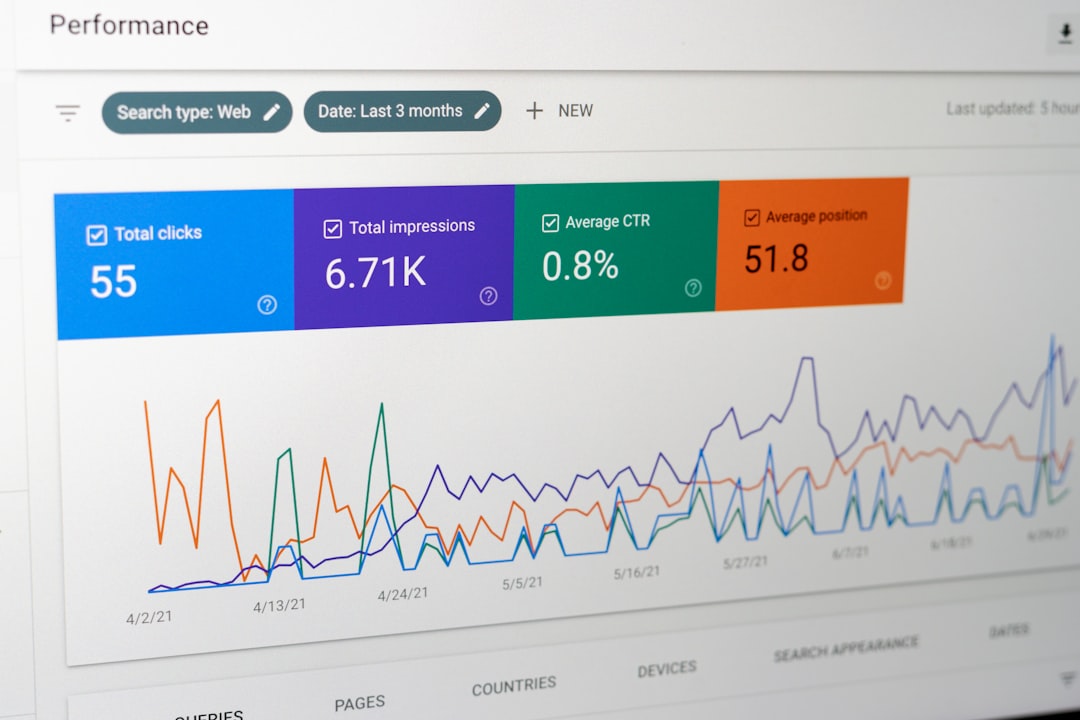
Beyond visual previews, these platforms often include:
- HTML validation and code analysis
- Spam filter and deliverability testing
- Accessibility audits
- Link validation
- Image blocking previews
- Dark mode testing
- Collaboration and approval workflows
By consolidating all these checks into one platform, teams can streamline their pre-send processes and minimize errors.
Key Features of Email on Acid
Email on Acid is one of the most recognized tools in the email testing space. It focuses on preview accuracy, automation, and quality assurance workflows.
1. Comprehensive Client Previews
The platform generates previews for more than 90 client and device combinations. This enables users to see how their message renders in Outlook versions, Gmail (web and mobile), Yahoo Mail, Apple Mail, and more.
2. Automated Testing
Users can automate testing workflows to run checks every time a campaign is updated. This ensures errors are caught early in the creation process.
3. Accessibility Checks
Accessibility testing evaluates color contrast, semantic code structure, screen reader compatibility, and alt text usage, helping brands meet inclusivity standards.
4. Deliverability Tools
Pre-send spam testing and domain health monitoring allow businesses to identify factors that may trigger spam filters.
5. Collaboration Features
Comments, approvals, and sharing options make it easier for teams to review campaigns efficiently without endless email chains.
The Benefits of Using Email Testing Software
Investing in email compatibility software provides both immediate and long-term advantages.
Reduced Risk of Public Errors: Once an email is sent, it cannot be unsent. Testing prevents embarrassing mistakes such as broken links or distorted graphics.
Improved Brand Consistency: Consistent design builds trust. Customers expect the same visual experience regardless of device.
Better Engagement Rates: Emails that render correctly encourage clicks and conversions.
Legal and Accessibility Compliance: Accessibility testing reduces risk of non-compliance with ADA and related standards.
Time Savings: Automated previews eliminate the need to manually test emails across multiple personal accounts.
Popular Email Testing Tools Compared
While Email on Acid is a leading platform, other tools also provide similar capabilities. The following comparison outlines key differences.
| Feature | Email on Acid | Litmus | Mailtrap |
|---|---|---|---|
| Client Previews | 90+ clients and devices | 100+ clients and devices | Limited preview options |
| Spam Testing | Yes | Yes | Yes |
| Accessibility Tools | Built-in accessibility checks | Advanced accessibility suite | Basic validation |
| Collaboration Features | Team comments and approvals | Collaboration workflows | Limited collaboration |
| Best For | Marketing teams and agencies | Enterprise marketers | Developers and staging environments |
Each platform serves slightly different audiences, but all focus on reducing deployment risk and enhancing compatibility.
How the Testing Process Works
The general workflow when using email testing software is straightforward:
- Upload or sync the HTML email template.
- Select preview environments across devices and clients.
- Run automated checks for accessibility and spam triggers.
- Review screenshots and flagged issues.
- Implement fixes and retest.

This iterative approach ensures confidence before deployment. Many platforms also integrate with ESPs (Email Service Providers) to simplify syncing.
The Role of Dark Mode and Mobile Optimization
With more than half of emails opened on mobile devices, responsive design is no longer optional. Testing tools simulate varying screen resolutions to highlight scaling issues, overlapping content, and illegible font sizes.
Dark mode presents additional rendering considerations. Some clients automatically invert colors, while others require custom CSS targeting.
- Ensure transparent images work on dark backgrounds
- Test logo visibility in inverted color schemes
- Use background colors strategically

Email testing software makes these checks visual and measurable rather than speculative.
Accessibility and Inclusive Design
Modern email marketing must account for users with disabilities. Accessibility-friendly emails improve readability and expand audience reach.
Key accessibility checks include:
- Proper heading hierarchy
- Descriptive alt text for images
- Sufficient color contrast ratios
- Logical reading order
- Keyboard navigation compatibility
Tools like Email on Acid automatically flag common accessibility issues, giving marketers actionable feedback before deployment.
Cost vs. Risk: Is It Worth It?
Some marketers question whether testing software is necessary, especially for small campaigns. However, the cost of a broken revenue-driving email often exceeds subscription fees.
Consider the potential consequences of skipping testing:
- Lost conversions due to broken CTAs
- Damaged brand credibility
- Increased unsubscribe rates
- Lower deliverability due to spam triggers
For growing teams managing frequent campaigns, the return on investment becomes evident within months.
Best Practices for Maximizing Email Testing Tools
To fully leverage platforms like Email on Acid:
- Test early and often during development.
- Use modular templates to simplify troubleshooting.
- Pay attention to Outlook-specific fixes.
- Validate links and tracking parameters.
- Document recurring issues to build internal standards.
Email quality assurance should be integrated into the workflow—not treated as a final optional step.
FAQ
1. What is Email on Acid used for?
Email on Acid is used to preview, test, and optimize emails across multiple devices and email clients before sending campaigns to subscribers.
2. Why can’t marketers rely solely on their ESP previews?
Most ESP previews offer limited client views and may not replicate real-world rendering accurately. Dedicated testing software provides broader coverage and more advanced diagnostics.
3. How many email clients should be tested?
Marketers should prioritize testing based on subscriber data, focusing on the most-used clients among their audience while covering major platforms like Outlook, Gmail, and Apple Mail.
4. Does email testing help with spam filters?
Yes. Many tools include spam testing features that analyze subject lines, authentication, and content to reduce the likelihood of landing in junk folders.
5. Is email testing software only for large companies?
No. While enterprise teams benefit from robust collaboration features, small businesses and agencies can also prevent costly errors by using these platforms.
6. How often should emails be tested?
Every campaign should undergo testing before sending, especially when templates or design elements have changed.
7. Can email testing tools fix problems automatically?
They primarily identify issues rather than fix them automatically. However, they provide clear diagnostics that make troubleshooting faster and more efficient.
In today’s fragmented digital ecosystem, email compatibility can no longer be left to chance. Tools like Email on Acid offer marketers a structured, reliable way to ensure that every campaign looks polished, performs optimally, and reaches audiences as intended. As inbox standards evolve, proactive testing remains one of the smartest safeguards in modern email marketing.