
Remote teams are everywhere now. Whether you’re in tech, marketing, or even customer support, chances are you’re working alongside people spread across cities, countries, and time zones. To stay on the same page, literally, you need collaborative tools. They help teams plan roadmaps, track progress, and manage sprints without dropping the ball—or your internet connection.
TLDR
Remote teams need tools that make collaboration smooth and easy. From structured databases like Airtable to flexible docs like Notion and Quip, there’s something for every style. These tools help teams plan, share, and iterate on projects fast. If you’re managing roadmaps or sprints, this list is your treasure chest.
1. Notion Tables – The All-in-One Playground
Notion is more than just a note-taking app. It’s a powerful all-in-one workspace. And its tables? Totally underrated.
- Drag-and-drop interfaces make tables easy to customize.
- Views like Kanban, timeline, and calendar help visualize your sprint in different ways.
- Inline databases let you build pages right inside rows for easy documentation.
Teams love Notion for product roadmaps. You can build a backlog, prioritize tasks, and assign team members—all in one place. Bonus: it looks sleek and minimal.

2. Airtable Bases – When Spreadsheets Get a Glow Up
Airtable is like Excel’s cooler cousin who studied design and knows how to code. Each base is a mix of database and spreadsheet, packed with power.
- It offers customized fields for checkboxes, attachments, collaborators, and more.
- Color-coded tags and filters keep sprint priorities clear.
- You can use automations to move tasks or send reminders.
For roadmap planning, Airtable shines when you need structure with a visual twist. Build different views depending on who’s looking—developers see Kanban; managers see timelines.
3. Coda Docs – Docs that Do Things
Think of Coda as Google Docs that decided to work out and become a bodybuilder.
You can mix text, tables, buttons, and logic in a single document. That’s wild! Teams often use Coda to create interactive sprints, where clicking a button updates a status across pages. It’s like magic. But real.
- Packs let you connect with Slack, GitHub, or Jira without switching tabs.
- Templates for sprint planning get you started fast.
- Formulas can pull estimates, calculate deadlines, and more.
4. Google Sheets – The Old Faithful
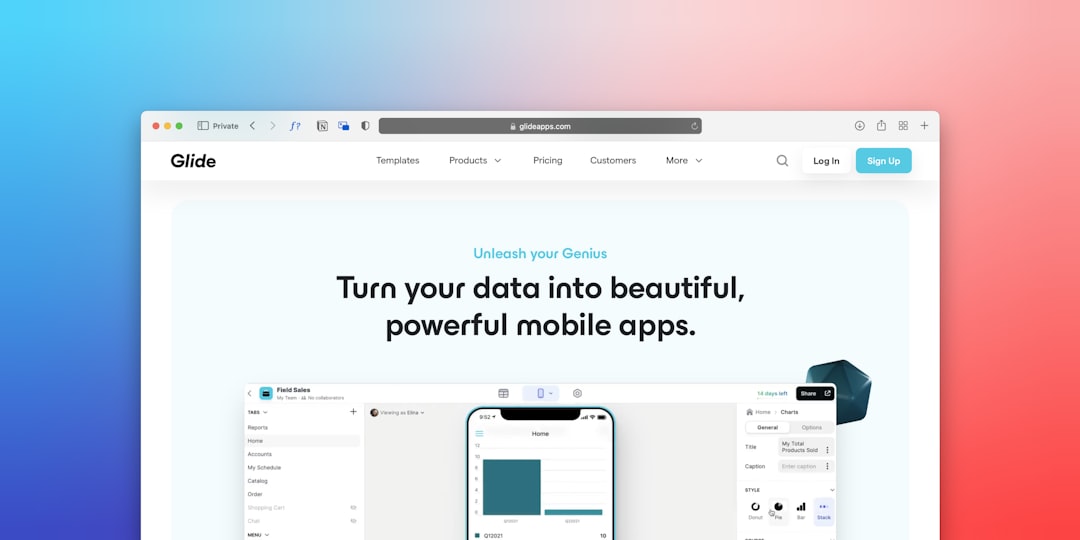
If it ain’t broke, don’t fix it. That’s why Google Sheets is still a favorite.
It’s fast, familiar, and flexible. Great for MVP roadmaps, quick sprint setup, or rough backlog tracking. Almost every team member knows how to use it already.
- Real-time collaboration is seamless with Sheets.
- Add charts and conditional formatting for extra clarity.
- AppScripts and integrations can turn it into a mini-tool.
Google Sheets keeps things simple. When in doubt, start here. Then migrate later if you outgrow it.
5. Quip – Chat Meets Spreadsheet
Quip combines documents, spreadsheets, and chat in one place. It’s like Slack with homework.
For sprint planning, Quip is great at keeping conversation in context, next to tasks. No more jumping between chats and sheets!
- Use live updates and inline comments to make decisions faster.
- Embed visual checklists to manage the sprint flow.
- Integrates with Salesforce, if that’s your ecosystem.
Quip works best for smaller teams or more conversational workflows. Not as powerful as Airtable or Coda, but lighter and more agile.
6. OnlyOffice – A Powerhouse with Offline Options
If your remote team loves Microsoft-style docs, spreadsheets, and presentations, OnlyOffice could be your thing. It’s like Office 365, but built for collaboration and privacy.
- Has real-time co-editing with full formatting controls.
- Includes chat, comments, and tasks built into documents.
- Can be self-hosted if security’s a big deal for you.
OnlyOffice is great for enterprise teams. Especially when compliance or data residency matters. It’s a beast under the hood.
7. SeaTable – Rows Meet Logic
SeaTable is fairly new, but it’s got some serious smarts.
It looks like a spreadsheet but behaves more like a database. Easily add logic, integrations, and collaborative pieces. Perfect for agile sprint planning and backlog grooming.
- Supports formulas, column types, and dynamic views.
- Open source and self-hostable for full control.
- Ideal for structured, multi-step processes.
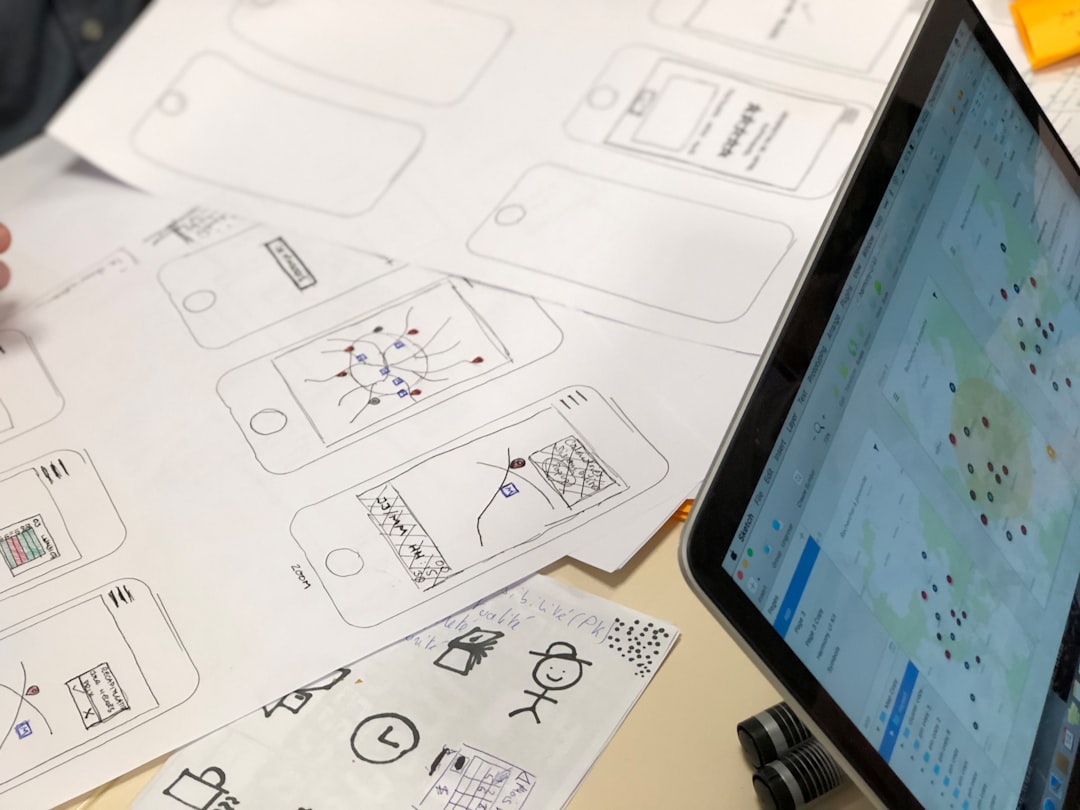
SeaTable shines for tech-driven teams who want DIY solutions. If you’re a fan of building your own tools, this is your jam.
So, Which One’s Right for You?
That depends on your team’s vibe.
- Need flexibility + design? Go with Notion.
- Want a structured database? Try Airtable or SeaTable.
- Love active docs with automation? Coda is your best friend.
- Just need something basic? Stick with Google Sheets.
- Hybrid document + chat app? Look into Quip.
- Privacy focused enterprise? Use OnlyOffice.
The beauty is, all these tools help remote teams align and move faster. No more ping-ponging across channels and files. Everything in one shared space, updated in real time.
Final Tips for Remote Collaboration
- Assign one owner per roadmap or sprint. Keeps things tidy.
- Use permissions wisely so editors don’t delete things by accident.
- Add context—whether it’s a link, tag, or emoji—to avoid confusion.
- Review regularly. Weekly standups go long when everyone sees the same data.
Choose the tool that’s right for your team, and watch your productivity soar—even if you’re working in your PJs.