
Home renovation used to begin with a notebook full of sketches, a stack of magazines, and a head full of ideas. Today, it often starts with an app. From visualizing a new kitchen layout to calculating the exact number of floor tiles required, modern home renovation apps transform creative inspiration into structured, actionable plans. Whether you’re a hands-on DIY enthusiast or working closely with contractors, these digital tools can help you move confidently from concept to completion.
TLDR: Home renovation apps simplify remodeling projects by turning design ideas into detailed layouts, budgets, and shopping lists. They offer features like 3D visualization, augmented reality previews, material tracking, and contractor collaboration tools. Whether you’re redesigning a single room or overhauling your entire home, the right app can save time, reduce costs, and eliminate guesswork. Choosing the best app depends on your project’s size, complexity, and your preferred level of hands-on involvement.
Why Home Renovation Apps Matter More Than Ever
Renovation projects can quickly spiral out of control without proper planning. Missed measurements, underestimated budgets, and unclear contractor instructions are common pitfalls. Home renovation apps address these challenges by combining visual planning, budget management, and project tracking into one accessible platform.
Instead of juggling spreadsheets and paper drawings, you can now:
- Create 2D and 3D floor plans with drag-and-drop simplicity
- Preview materials such as paint, flooring, and cabinets in real-time
- Track expenses against your renovation budget
- Generate shopping lists directly from your design
- Collaborate with contractors using shared visual plans
This shift from abstract ideas to digital precision helps homeowners avoid costly mistakes and ensures every step is tied to a clear plan.
Key Features That Turn Ideas into Action
Not all renovation apps are created equal. The most effective ones share several critical features that bridge the gap between imagination and execution.
1. 3D Visualization and Rendering
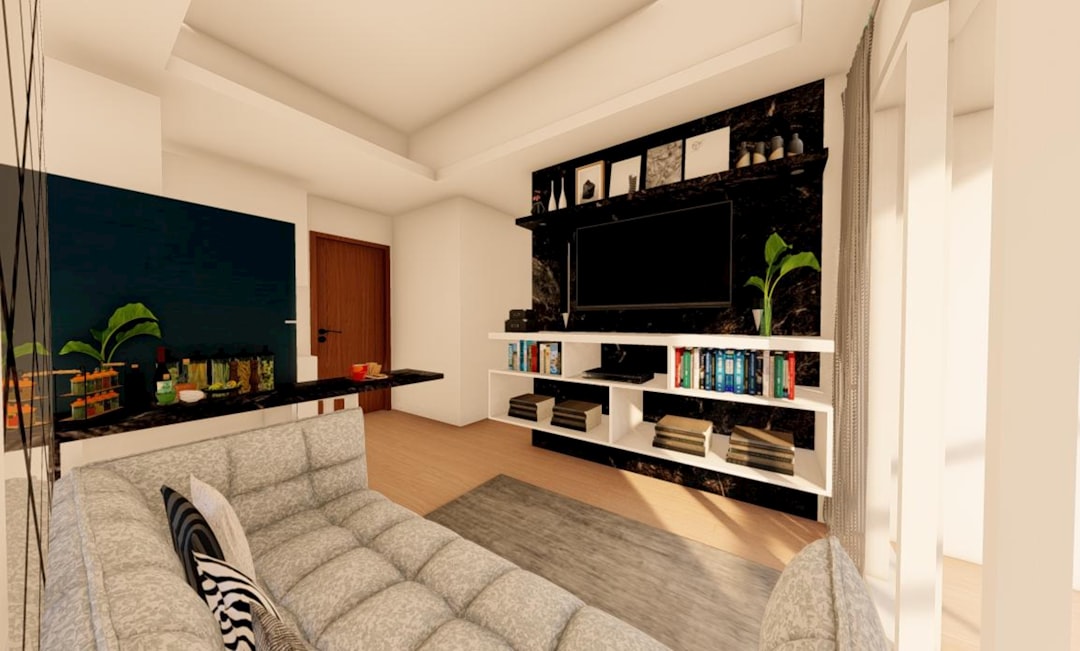
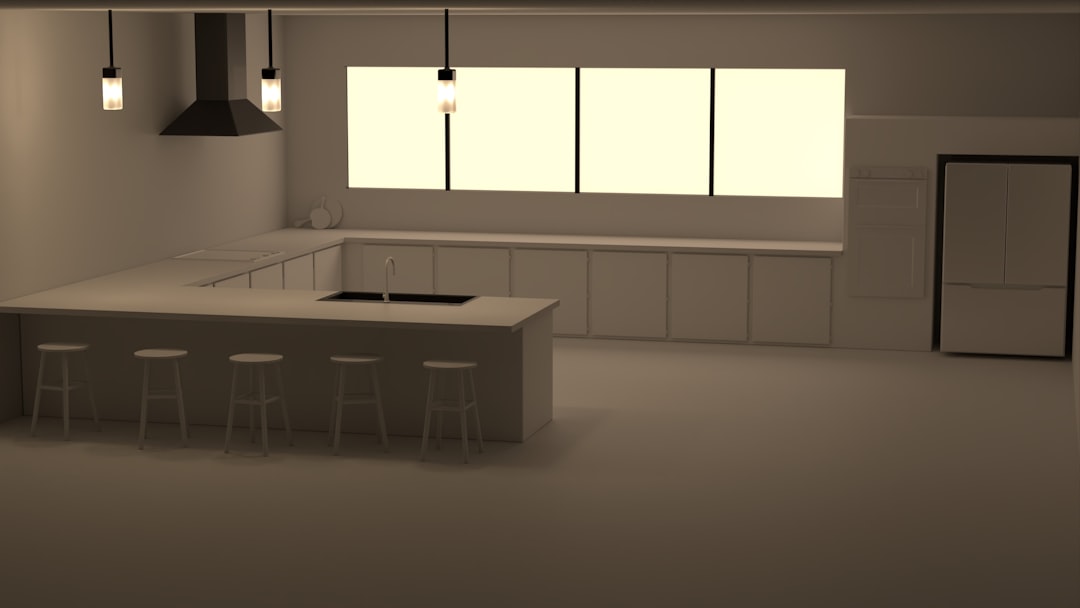
Being able to “walk through” your future kitchen before demolition begins is game-changing. High-quality 3D rendering tools allow you to experiment with layouts, lighting, and finishes.

With realistic renderings, you can identify design flaws early—such as insufficient counter space or awkward door swings—saving both time and money.
2. Augmented Reality (AR) Previews
AR features let you point your phone at an existing space and digitally overlay new furniture, cabinets, or paint colors. This makes decision-making faster and more confident. Instead of imagining how navy blue cabinets will look, you can see them virtually installed in your actual kitchen.
3. Budget Planning and Cost Estimation
Renovation apps with built-in budgeting tools help prevent overspending. Many offer:
- Real-time cost updates as you add materials
- Price comparisons for similar products
- Automatic quantity calculations based on room dimensions
- Exportable budget reports for contractors
Turning a design plan into a financial roadmap keeps your dream refresh grounded in reality.
4. Task Management and Scheduling
Complex renovations involve multiple stages—demolition, electrical work, plumbing, installation, and finishing. A good app enables you to build a timeline, assign tasks, and track completion percentages. Some even integrate reminders to order materials before deadlines.
Top Home Renovation Apps to Consider
Here are several popular apps that homeowners frequently use to turn inspiration into actionable renovation plans.
1. Houzz
Known for its massive idea library, Houzz also includes powerful planning tools. Users can create mood boards, shop directly for products, and connect with professionals.
2. Planner 5D
A favorite for beginners and intermediate designers, Planner 5D allows users to build detailed 2D and 3D interior layouts without advanced technical skills.
3. RoomSketcher
RoomSketcher focuses on professional-level floor plan creation. It’s particularly helpful for homeowners working closely with contractors who need precise measurements.
4. Magicplan
Magicplan uses your smartphone camera to generate floor plans by scanning a room. It automatically calculates measurements and can produce cost estimates based on the project scope.
5. Home Design 3D
A versatile, intuitive option that allows modifications in both 2D and 3D views. It’s well-suited for experimenting with décor, layouts, and landscaping.
Comparison Chart
| App | Best For | Key Features | Skill Level |
|---|---|---|---|
| Houzz | Inspiration + shopping + hiring pros | Mood boards, contractor directory, product marketplace | Beginner |
| Planner 5D | DIY layout design | 2D and 3D design tools, realistic rendering | Beginner to Intermediate |
| RoomSketcher | Accurate floor plans | Professional measurements, exportable blueprints | Intermediate |
| Magicplan | Fast room scanning | Camera-based measurements, cost estimation | Beginner |
| Home Design 3D | Flexible room experimentation | Real-time modifications, landscaping tools | Beginner to Intermediate |
How to Choose the Right App for Your Project
The best home renovation app depends largely on your renovation goals. Before committing, ask yourself:
- What is the size of my project? A bathroom refresh may only need visualization features, while a full-home remodel demands detailed floor plans and budgeting tools.
- Am I working with contractors? If so, precise measurement exports are essential.
- Do I need cost control? Apps with real-time budget management can prevent surprises.
- How comfortable am I with technology? Some apps offer beginner tutorials and guided setup.
Choosing an app aligned with your technical skill level can make the process enjoyable rather than overwhelming.
The Renovation Workflow: From Dream to Done
Home renovation apps are most powerful when integrated into a structured workflow. Here’s how many homeowners successfully move from idea to action:
- Inspiration Phase: Save style references, material ideas, and color palettes.
- Measurement Phase: Scan or manually input accurate room dimensions.
- Design Phase: Build floor plans and experiment with layouts.
- Budget Phase: Attach cost estimates to materials and labor.
- Execution Phase: Share finalized plans with contractors and track tasks.
This method ensures each creative decision is tied to measurable steps.
Benefits Beyond Planning
While visualization is the biggest draw, renovation apps offer benefits that extend beyond aesthetics.
Improved Communication
Instead of describing ideas verbally, you can show contractors exactly what you envision. This reduces misinterpretation and enhances collaboration.
Increased Confidence
Seeing your renovation in 3D provides reassurance before investing thousands of dollars. It minimizes hesitation and buyer’s remorse.
Better Time Management
Integrated timelines and reminders reduce delays. Knowing when to order materials or schedule inspections prevents workflow interruptions.
Common Mistakes to Avoid
Even the best apps can’t eliminate all renovation risks. Be mindful of these common errors:
- Ignoring real-world constraints: Structural walls and load-bearing elements may limit design flexibility.
- Underestimating labor costs: Apps estimate materials well, but contractor rates vary.
- Skipping professional consultation: Electrical and plumbing changes often require licensed experts.
- Overdesigning small spaces: Sometimes simpler designs function better.
Use apps as planning companions—not replacements for professional judgment.
The Future of Renovation Technology
Emerging technologies promise to push renovation apps even further. Artificial intelligence is beginning to suggest layouts based on room size and lifestyle preferences. Some platforms can now analyze photos and recommend complementary materials instantly. Virtual reality integrations may soon allow homeowners to immerse themselves fully inside a life-sized digital model before swinging a hammer.
As these innovations evolve, renovation planning will become even more precise, accessible, and creative.
Final Thoughts
Home renovation apps have transformed remodeling from a risky leap into a carefully mapped journey. By combining visualization tools, budgeting systems, and task tracking features, they ensure that inspiration translates into executable plans. Whether you’re repainting a guest bedroom or redesigning your entire home, the right app can help you balance creativity with practicality.
Instead of guessing how your dream space might look—or fearing unexpected costs—you can design with clarity, budget with accuracy, and build with confidence. In today’s digital age, turning renovation ideas into reality is no longer just about imagination. It’s about smart planning at your fingertips.