
Imagine stepping into a room and seeing your AI avatar standing before you—fully animated, lifelike, and seemingly present in physical space. What once felt like science fiction is now within reach thanks to advances in artificial intelligence, 3D modeling, and projection technologies. Creating a hologram out of an AI avatar is no longer limited to research labs or blockbuster films. With the right tools and setup, individuals and businesses can build immersive holographic experiences for education, entertainment, marketing, and personal use.
TLDR: You can turn an AI avatar into a hologram by combining three main components: a digitally animated AI character, real-time rendering software, and holographic projection hardware. The process involves designing or generating your avatar, animating it with AI, and projecting it using systems such as Pepper’s Ghost displays, holographic fans, or AR headsets. While advanced volumetric displays exist, accessible consumer-level solutions can deliver convincing holographic effects. With the right setup, anyone can create a dynamic, responsive holographic AI presence.
Understanding the Core Components
Before building your holographic AI avatar, it’s essential to understand the three foundational elements that make it possible:
- AI Avatar System – The digital character powered by artificial intelligence.
- Rendering & Animation Engine – Software that animates and displays the avatar.
- Projection Technology – Hardware that produces the holographic illusion.
Each of these layers works together to transform raw data into a seemingly physical, interactive character.
Step 1: Create or Generate Your AI Avatar
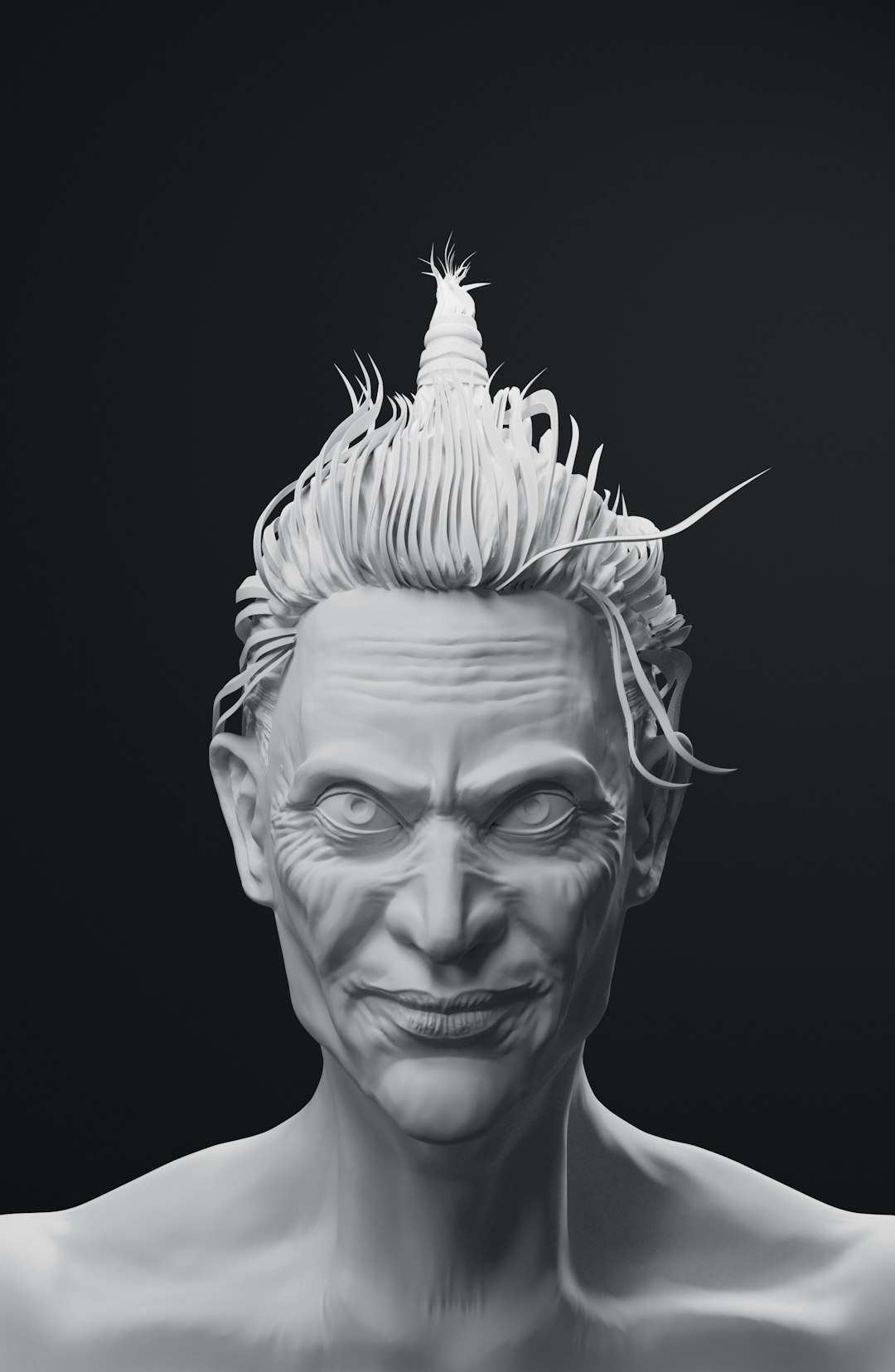
The first step is designing your avatar. This can be as simple as a stylized animated character or as detailed as a photorealistic digital human.
Options for creating your avatar include:
- 3D modeling software like Blender or Maya
- AI avatar generators that create realistic characters from photos or text prompts
- Motion-captured avatars using depth cameras
- Meta-human style character creators
When designing your avatar, consider:
- Realism level – Cartoonish vs. hyper-realistic
- Brand identity – Professional tone vs. playful
- Animation capabilities – Facial expressions, gestures, lip-syncing
- Rigging compatibility – Proper skeleton structure for animation
The more detailed your avatar rigging and facial mapping, the more believable your hologram will be.
Step 2: Power It with AI Intelligence
A static 3D model is not enough. The “AI” aspect makes your avatar dynamic, conversational, and adaptive.
You’ll need:
- Natural Language Processing (NLP) for conversation
- Text-to-Speech (TTS) for voice output
- Speech-to-Text (STT) if you want voice interaction
- Behavior engines to trigger gestures and expressions
Your AI system listens, processes input, generates a response, and sends commands to the animation engine. These commands drive:
- Mouth movement (lip-sync)
- Eye tracking
- Head gestures
- Body language
This synchronization is critical. Even a slight mismatch between voice and facial movement can break the holographic illusion.
Step 3: Animate in Real Time
Now that you have an intelligent avatar, you need an engine to animate it smoothly. Real-time engines allow your AI to react instantly.
Popular options include:
- Game engines for real-time rendering
- Motion capture systems for realistic body movement
- Facial animation software driven by voice input
These systems connect to your AI backend via APIs. Once connected, your avatar becomes a responsive digital presence ready for projection.
Step 4: Choose Your Holographic Projection Method
This is where the magic happens. True volumetric holograms are expensive, but highly convincing illusions are accessible.
Common Holographic Display Methods
- Pepper’s Ghost Display – Reflective glass or acrylic creates a floating illusion.
- Hologram Fan Displays – LED spinning blades render 3D visuals mid-air.
- Transparent OLED Screens – Display content that appears suspended.
- AR Headsets – Overlay holographic avatars into real-world space.
- Volumetric Displays – True three-dimensional projection (high cost).

Projection Technology Comparison Chart
| Method | Cost Level | Visual Realism | Best For | Portability |
|---|---|---|---|---|
| Pepper’s Ghost | Low to Medium | High (with proper lighting) | Events, stages, retail | Medium |
| Hologram Fan | Low | Medium | Marketing displays | High |
| Transparent OLED | Medium to High | Very High | Museums, trade shows | Low |
| AR Headset | Medium | Very High (personalized) | Meetings, training | High |
| Volumetric Display | Very High | True 3D | Research, enterprise | Low |
Step 5: Sync Rendering Output to the Display
Your real-time engine must output video in a format compatible with your chosen display method.
For example:
- Pepper’s Ghost setups often require a mirrored or inverted image.
- Hologram fans may require specially formatted circular video.
- Transparent displays use standard high-resolution video feeds.
Lighting control is crucial. Dark surroundings dramatically improve clarity and realism.
Step 6: Enable Interactivity
A hologram becomes exponentially more impressive when it responds to people in the room.
Ways to add interaction:
- Microphone arrays for voice input
- Gesture recognition cameras
- Touchless motion sensors
- Mobile app integration
Interactive holograms are used in:
- Education – Virtual teachers and tutors
- Healthcare – AI receptionists and information guides
- Retail – Brand ambassadors
- Events – Digital presenters
Lighting and Environmental Optimization
Even the most advanced system can look underwhelming if placed in poor lighting conditions.
Best practices include:
- Use dark or controlled lighting environments
- Avoid direct sunlight on reflective surfaces
- Position viewers at optimal angles
- Use non-reflective flooring
Small adjustments dramatically increase immersion.
Common Challenges and How to Overcome Them
Lag Between Voice and Movement
Optimize processing pipelines and reduce API latency.
Low Visual Quality
Ensure high-resolution rendering and proper display calibration.
Unnatural Movement
Incorporate motion capture data or AI-generated micro-expressions.
Hardware Overheating
Provide adequate ventilation and cooling systems.
Future of AI Holograms
The future points toward lightweight, glasses-free holographic systems capable of projecting fully volumetric, room-scale avatars. Advancements in light-field displays and spatial computing will remove many of today’s limitations.
Eventually, AI holograms may:
- Inhabit smart homes as assistants
- Appear in classrooms globally
- Serve as interactive storefront ambassadors
- Act as digital twins of real individuals
As GPU rendering power increases and projection costs decrease, personal holographic assistants could become a consumer reality.
Putting It All Together
Creating a hologram from an AI avatar is a multi-step process that blends artistry, engineering, and artificial intelligence:
- Create or generate a 3D AI avatar.
- Add conversational intelligence and behavior modeling.
- Animate the character using real-time rendering engines.
- Select an appropriate projection method.
- Optimize lighting and output formatting.
- Add interactivity for maximum impact.
The result is more than a projection. It is a presence.
Whether you are developing a futuristic product demo, building an immersive art installation, or simply experimenting with next-generation digital identity, holographic AI avatars represent a powerful intersection of technology and imagination.
The line between digital and physical space is fading. And with the right combination of AI intelligence, visual fidelity, and projection technology, your avatar can step out of the screen—and into the room.