
Ever wonder why your friend’s CPU runs cooler than yours, even though it’s the exact same model? Welcome to the wild world of the thermal lottery. It’s a real thing, and most PC lovers have rolled the dice without even knowing it.
TL;DR
The thermal lottery is all about silicon variance. Even two CPUs with the same name can behave differently. One might run cooler and faster, the other hotter and slower. Testing yours can be fun and isn’t too hard!
What is the Thermal Lottery?
When CPUs are made, they’re not all equal. Some end up being better at handling heat than others. This is due to tiny imperfections during manufacturing. Even top companies like Intel and AMD can’t make every chip the same.
If you get a chip that runs cooler and overclocks like a champ — congrats, you just won the thermal lottery!
Why Should You Care?
Your CPU’s thermal performance affects everything:
- How cool and quiet your PC is
- Whether you can overclock or not
- The lifespan of your CPU
So yeah — it matters!
How to Test It: Step-by-Step
Let’s find out how lucky (or unlucky) you are.
1. Gather Your Tools
You’ll need:
- A stress test program (like Prime95 or AIDA64)
- A monitoring tool (we love HWMonitor or CoreTemp)
- Optional: a benchmarking tool (like Cinebench)
2. Check Your Cooling
Make sure your cooler is mounted properly. Thermal paste should be applied correctly. If your cooling isn’t good, you won’t get accurate results.
And remember — comparing your results to someone with a fancier cooler isn’t fair!
3. Run Your Baseline Tests
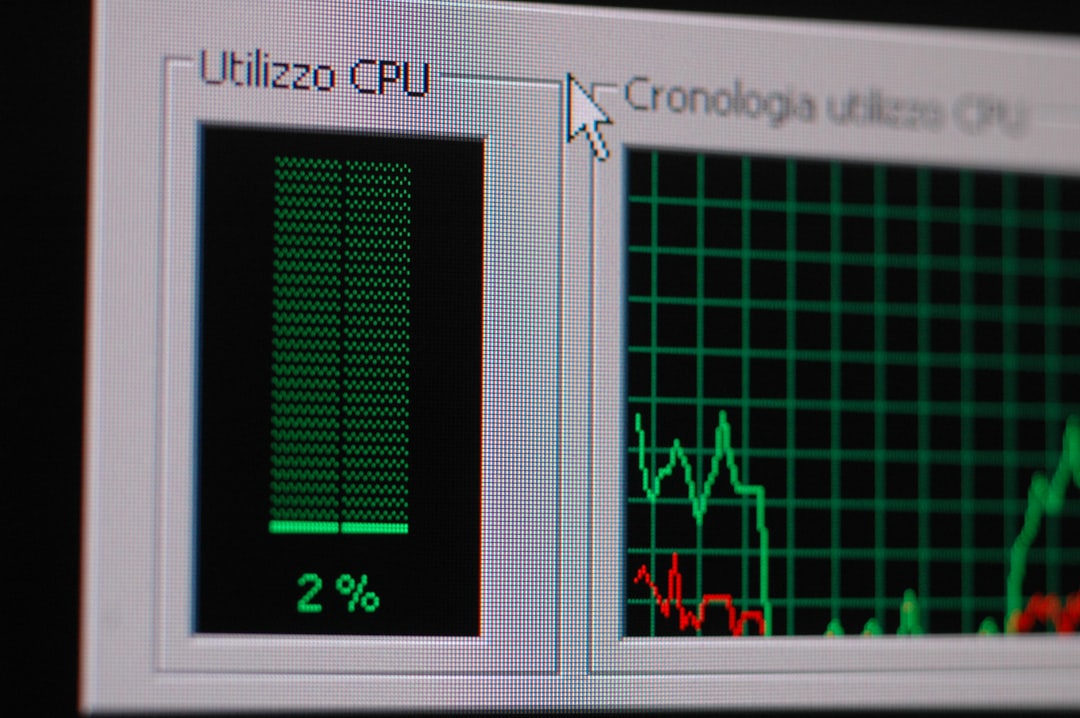
Boot into Windows and let your system sit idle. Note the idle temps.
Next, run a stress test for 10–15 minutes. Watch the temps climb. Write down the peak value.
4. Note the Max Temperature
Most modern CPUs throttle at 95°C to 100°C. If your chip hits those numbers quickly, it might not be a winner.
On the other hand, if you stay cool under pressure — score!
5. Try Overclocking
Want to see just how amazing (or meh) your chip is? Try a mild overclock. Increase the multiplier a bit and raise voltage slightly.
Stress test again. If you stay stable under load without insane temps — you might have a golden chip!
Compare With Others
Time to see how your silicon stacks up! Visit forums like Reddit’s r/overclocking or use CPU databases. Look up your same model and compare:
- Stock temperatures
- Overclocking limits
- Voltages needed for stability
If your chip needs low voltage and cools fast? Jackpot!
Keeping It Fair
Some things that can affect test results:
- Ambient room temperature
- Case airflow
- Different coolers
- Thermal paste quality
Test in a cool room, with the side case panel attached, and mention your cooler when comparing with others.
How Manufacturers Deal With It
You might be thinking — why don’t CPU companies just sell the good chips? They do! That’s what “binning” is.
Higher-end CPUs are often just better-performing chips that passed stricter tests. That’s why a Ryzen 9 can sometimes be physically the same chip as a Ryzen 7, just better silicon.
Can You Repeat the Test?
Absolutely! In fact, test again when you:
- Reapply thermal paste
- Upgrade your cooler
- Change ambient temperature (like summer vs winter)
You might even be able to improve your thermal behavior slightly.
What If You Lose the Lottery?
Not all is lost!
Even if your chip is a little toasty, you can:
- Use undervolting to reduce heat
- Stick with stock speeds
- Upgrade your cooling
- Improve case airflow
Most CPUs are still very capable even if they’re not the heroes of the thermal world.
Final Thoughts
Testing the thermal lottery is like giving your CPU a personality test. Some are chill, some are hot-headed. But every result tells a story.
And who knows? Next time you upgrade, you might roll the dice and get the dream chip.
Till then, test, compare, and enjoy exploring what makes your CPU tick — or cook!