
Best pick for most people: get the Lenovo ThinkPad T430 if you want a cheap, tough laptop that is easy to fix. It supports 3rd gen Intel Core chips and up to 16GB RAM, which is plenty for writing, browsing, email, and school work [source: Lenovo].
TLDR: The ThinkPad T430 is the fun “old truck” choice. It is chunky, strong, and simple to repair. A refurbished model with 8GB RAM and a 256GB SSD can handle about 15 browser tabs, Spotify, email, and Google Docs without throwing a tantrum. If you want a slimmer laptop, pick a Dell Latitude E7440 or HP EliteBook 840 G1 instead.
Why buy an old business laptop?
Because they were built for office people who spill coffee, slam bags, and open Excel 87 times a day.
Refurbished business laptops are not shiny toys. They are workhorses. They often have better keyboards, stronger hinges, and more ports than cheap new laptops.
The catch is the battery. Some units arrive with tired batteries. Expect to waste time checking battery health, screen condition, and charger quality. Annoying? Yes. Worth it? Often, yes.

The 6 laptops worth checking
- Lenovo ThinkPad T430
- Lenovo ThinkPad T440p
- Dell Latitude E6430
- Dell Latitude E7440
- HP EliteBook 8470p
- HP EliteBook 840 G1
1. Lenovo ThinkPad T430
Best for: typing, repairs, Linux, tight budgets.
The T430 is a legend for a reason. The keyboard feels great. The body feels like it could survive a small office argument. You can swap RAM, storage, battery, and even some other parts with basic tools.
It is not pretty. It is not thin. Your backpack will know it is there.
Buy it if: you want cheap and fixable.
Skip it if: you hate thick laptops or need a bright modern screen.
2. Lenovo ThinkPad T440p
Best for: power on a budget.
The T440p is like the T430 after going to the gym. It can be upgraded well. Some models support stronger processors. Add an SSD and 16GB RAM, and it still feels useful for office work.
Honestly, it feels like Lenovo made the trackpad worse just to annoy people. Many buyers swap it for a better one from another ThinkPad model.
Buy it if: you want more speed than the T430.
Skip it if: bad trackpads make you angry.
3. Dell Latitude E6430
Best for: durability and ports.
The Dell Latitude E6430 is Dell’s answer to the T430. It is strong. It has a solid keyboard. It also has that “corporate laptop from a serious meeting” vibe.
Performance is similar to the T430. With an SSD, it feels fine for daily tasks. Without an SSD, it feels like waiting for soup to cool.
Buy it if: you find one cheaper than the T430.
Skip it if: you want something light.
4. Dell Latitude E7440
Best for: a lighter Dell.
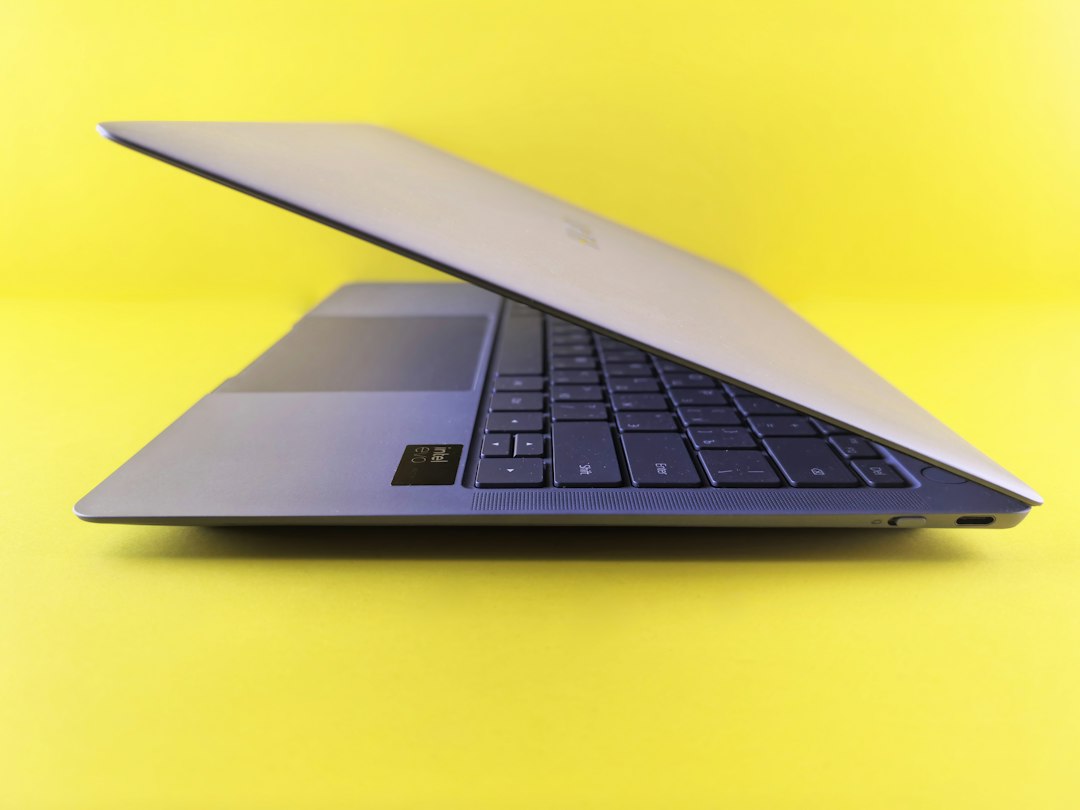
The E7440 is slimmer and easier to carry. It feels more modern than the E6430. Many units also have better screens, though you still need to check the exact listing.
It is not as easy to upgrade as the thick older models. But for students, writers, and remote workers, it is a nice balance.
Buy it if: you want a travel friendly Dell.
Skip it if: you want maximum repair options.
5. HP EliteBook 8470p
Best for: a tough HP with a classic feel.
The EliteBook 8470p is built like a little silver tank. It has good ports, a sturdy frame, and a comfortable keyboard. It competes closely with the ThinkPad T430 and Latitude E6430.
The design looks old. That is not a crime. But do not expect café style points.
Buy it if: you find a clean unit with an SSD.
Skip it if: you want a thin laptop.
6. HP EliteBook 840 G1
Best for: slim design and office work.
The EliteBook 840 G1 is thinner than the 8470p. It feels closer to a modern laptop. It is good for email, web apps, word processing, and video calls.
Check the screen before buying. Some older business laptops came with dull panels. A bad screen can make a good deal feel sad very quickly.
Buy it if: you want a sleek HP for basic tasks.
Skip it if: you need heavy multitasking.
Quick comparison
- Cheapest repair hero: ThinkPad T430
- Best upgrade project: ThinkPad T440p
- Best Dell tank: Latitude E6430
- Best light Dell: Latitude E7440
- Best old school HP: EliteBook 8470p
- Best slim HP: EliteBook 840 G1
What specs should you get?
Avoid 4GB RAM unless the price is silly low. Aim for 8GB RAM minimum. Pick 16GB if you love tabs.
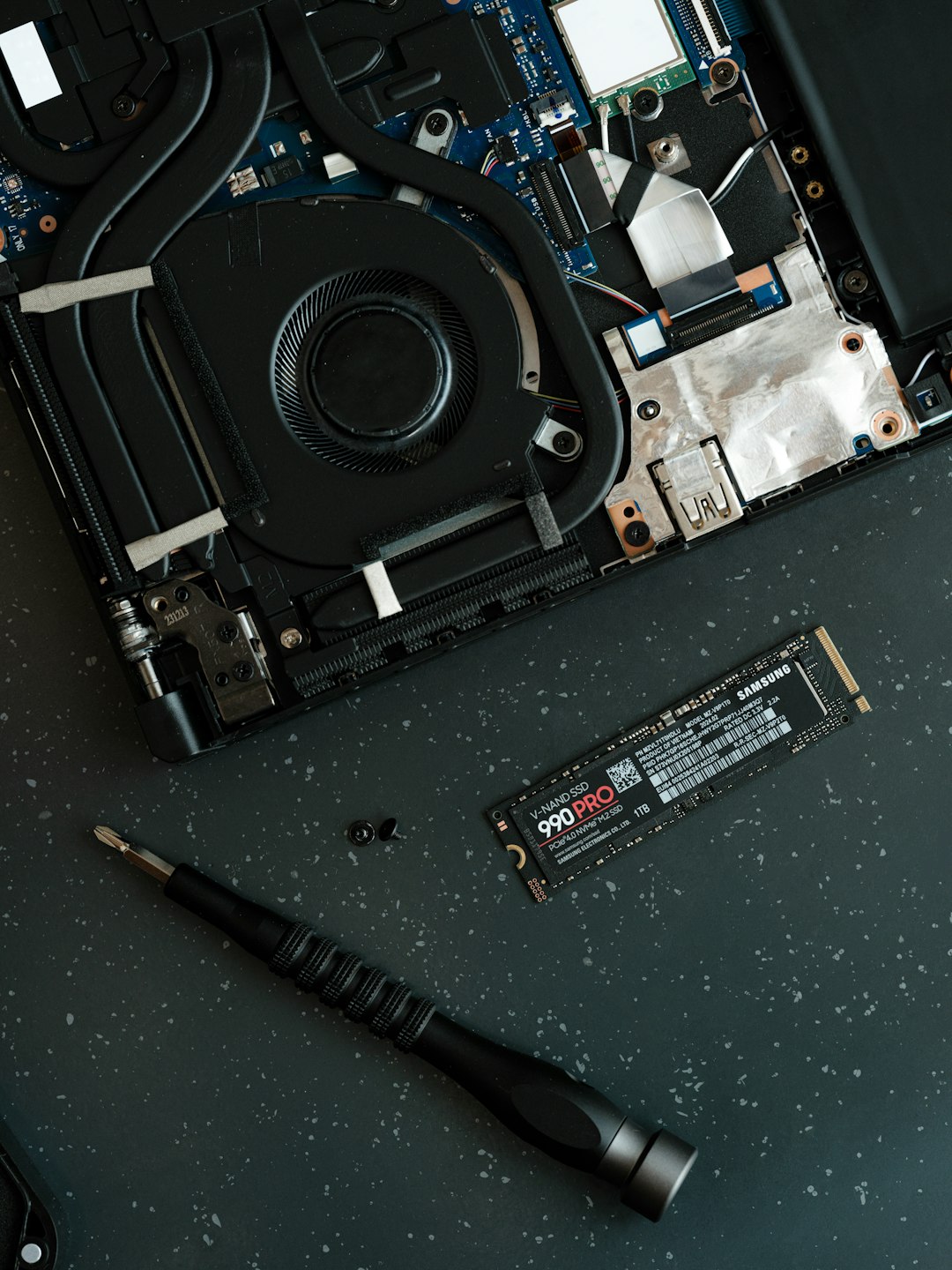
An SSD is a must. This one upgrade can make an old laptop feel years younger. A 256GB SSD is fine for school and office files. A 512GB SSD is better if you save photos, videos, or big downloads.
For screens, try to get 1600 x 900 or 1080p when possible. The lowest resolution panels feel cramped.
Final pick
Choose the Lenovo ThinkPad T430 if price, keyboard feel, and easy repairs matter most. Choose the Dell Latitude E7440 if you want something lighter. Choose the HP EliteBook 840 G1 if you want a slim office laptop for basic work.
For most budget buyers, the sweet spot is simple: 8GB RAM, SSD, working battery, clean screen. Get those four things right, and your refurbished laptop should feel useful, not ancient.