
Social media can suck up your time like a black hole. You log on to post something, and boom—an hour is gone. If you’re trying to grow a brand or business, staying online all day isn’t practical. That’s where social media scheduling software comes in. It’s your secret weapon for saving time and staying visible.
TL;DR
Social media scheduling software lets you plan posts ahead of time so you’re not glued to your screen every day. It helps keep your content consistent and your brain sane. Pick the right tool, set your schedule, and watch your content go live while you sip coffee. Smart, right?
Why Schedule Posts?
You’ve got a business to run. Or maybe you just value your free time. Either way, posting manually every day is a chore. Scheduling tools handle the grunt work.
Here’s why scheduling is awesome:
- Consistency: Regular posts keep your followers engaged.
- Time-saving: Batch schedule a week’s content in one sitting.
- Reach: Post at the best times, even if you’re asleep.
- Less stress: No more last-minute post panic.
Picking the Perfect Tool
There are tons of scheduling apps out there. Some are free, some paid. Some are simple, others packed with features.
Popular tools people love:
- Buffer: Clean and beginner-friendly.
- Hootsuite: Great for teams and analytics.
- Later: Made for pretty posts, especially on Instagram.
- SocialBee: Smart categories and automation.
- CoSchedule: Perfect if you’re also managing a blog.
Try a few and see which clicks for your needs.
How to Set It Up
Using scheduling software may sound fancy, but it’s easy. Here’s a simple step-by-step guide:
- Create Content: Write or design your social media posts ahead of time.
- Pick Platforms: Choose where you want to post — Instagram, Twitter, Facebook, etc.
- Upload to Scheduler: Add your post, pick date and time, and assign it to a platform.
- Preview & Approve: Check how it looks; tweak if needed.
- Schedule It: Hit the schedule button. Done!
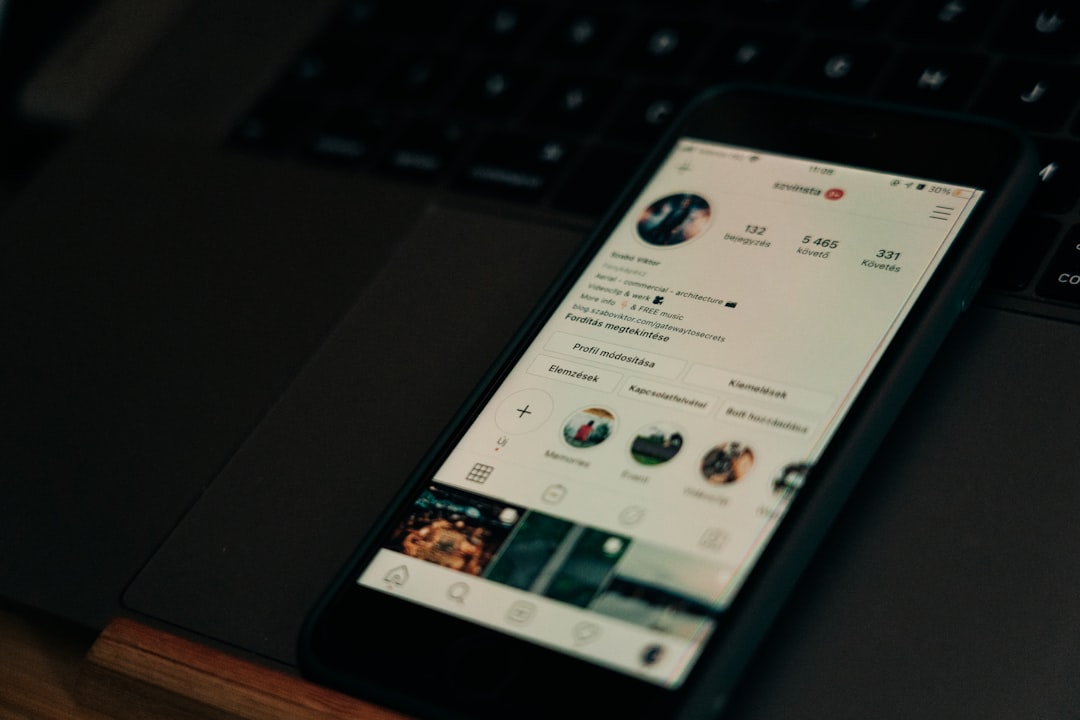
You stayed off social media for an hour and still got stuff posted. Victory!
Tips for Smoother Scheduling
Want to be a pro? Keep these tips in your back pocket:
- Batch your work: Create content in one go. No shuffling between tasks.
- Use templates: Saves time when making graphics or captions.
- Plan a week ahead: Or even a month, if you’re feeling spicy.
- Track performance: Most tools show metrics. Use them!
- Be flexible: Sometimes news breaks, or trends pop up—don’t be afraid to reschedule.
What to Post (and When)
Even the best scheduler won’t help if your posts are boring. Keep it fresh!
Ideas for regular content:
- Motivation Monday: Inspiring quotes or success stories.
- Behind the Scenes: Show your process or workspace.
- Product Highlight: Talk about what you offer.
- Throwback Thursday: Repost a memory or milestone.
- Fun Friday: Memes, jokes, or polls.
As for timing, each platform has sweet spots. For example:
- Instagram: 11AM–1PM, and 7–9PM
- Twitter: 8–10AM is gold
- Facebook: Around noon or early evening
Test what works for your audience and adjust over time.
Common Mistakes to Avoid
Don’t let your scheduler make you lazy. Automation is handy, but it still needs love.
Watch out for:
- Overposting: Flooding feeds can annoy followers.
- Forgetting to engage: Posts go live, but you still need to reply or interact.
- Ignoring metrics: Don’t keep posting the same stuff if no one’s biting.
- Lack of variety: Mix up photos, videos, polls, stories and links.
Balance automation with a human touch. It’s social media, after all.
Teamwork Makes the Dream Work
Got a team? Even better. Scheduling platforms make collaboration smooth.
Here’s how schedulers help teams:
- Permissions: Assign roles to team members.
- Approval workflows: Review content before it goes out.
- Shared calendar: Everyone sees the same plan.
- Commenting: Leave notes and ideas under posts.
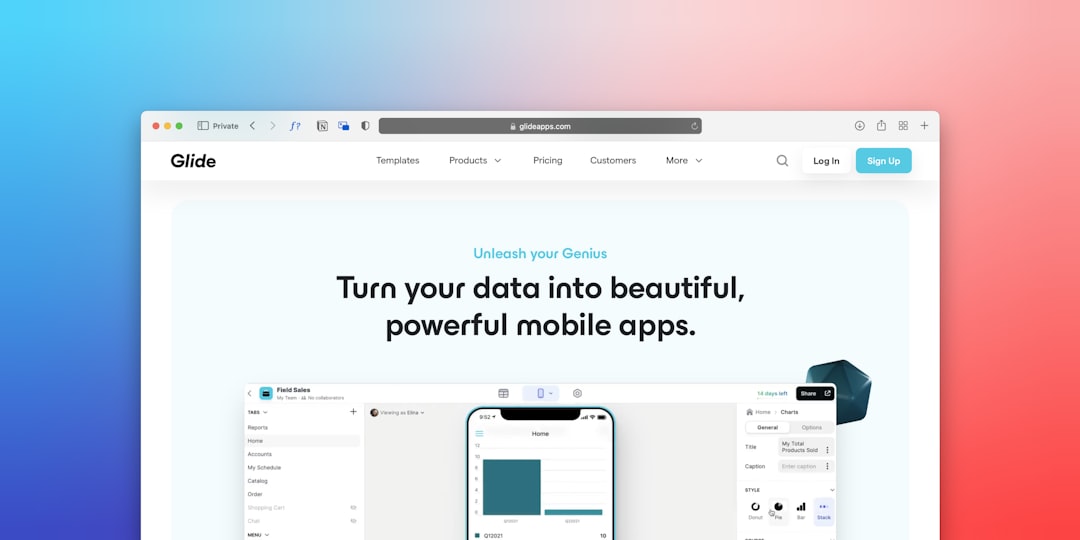
You’ll be working together like a well-oiled digital machine.
Bonus Tools for Your Workflow
Schedulers are great, but they play nicely with others. Try using these extras:
- Canva: Design beautiful posts fast.
- Grammarly: Polish your grammar and spelling.
- Google Sheets: Plan content ideas and track progress.
- Bit.ly: Shorten your long links.
- Giphy: Add some fun with gifs.
These tools plus your scheduler = time-saving magic.
Final Thoughts
Social media scheduling sounds techy, but really, it’s just smart planning. Spend a couple of hours each week scheduling content, and you’ll free up your mind and calendar.
You’ll still need to engage, test, and adjust your strategy. But you won’t feel tied to your phone 24/7. And that’s a win.
Ready to save time and stay consistent? Pick a scheduler, plan your posts, and let the software do the heavy lifting for you.