
Thinking of building your own PC? Or maybe you’re upgrading your current setup? Then you’ll need to choose a motherboard size that fits your needs. Two of the most popular small-form-factor choices are Micro ATX and Mini ITX. But which one is right for you? Let’s break it down into something fun and easy to understand.
TL;DR (Too Long; Didn’t Read)
Micro ATX is bigger than Mini ITX and usually has more features like extra slots and ports. Mini ITX is smaller, super compact, and great for tiny builds, but has fewer connection options. If you want a balance of size and features, go with Micro ATX. If you’re building something ultra-small, Mini ITX is the way to go.
Why Motherboard Size Matters
The motherboard is like your computer’s central command center. It connects all your hardware and lets them talk to each other. The size of the motherboard matters because it affects:
- How many parts you can plug into your PC
- How small (or big) your case can be
- Airflow and cooling space
Let’s dive into what makes Micro ATX and Mini ITX different, and why one might be better for you.
Quick Size Comparison
Here’s how the two sizes stack up:
- Micro ATX (mATX): 9.6 x 9.6 inches (244 x 244 mm)
- Mini ITX: 6.7 x 6.7 inches (170 x 170 mm)
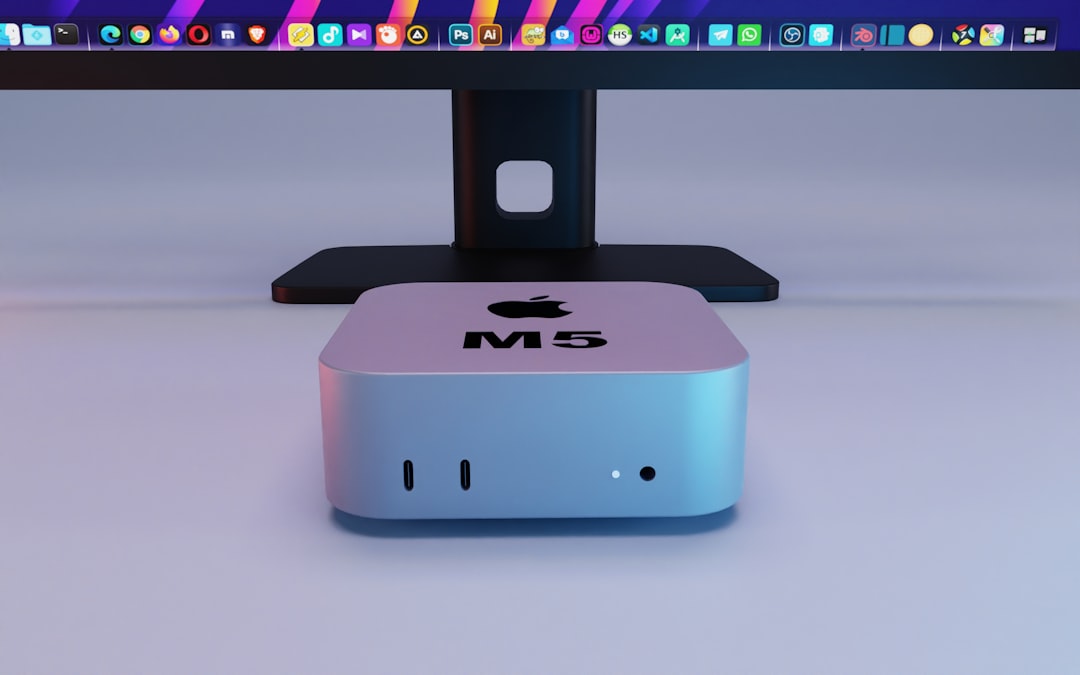
As you can see, Mini ITX is noticeably smaller. This makes a big difference when picking a case or planning airflow.
Features Showdown
So what can these boards actually do? Let’s compare the features you care about:
1. Expansion Slots
- Micro ATX usually has 2 to 4 PCIe slots. Great if you have a graphics card, Wi-Fi card, and maybe even a sound card.
- Mini ITX has just 1 PCIe slot. That means one expansion card only—usually a graphics card.
2. RAM Slots
- Micro ATX motherboards normally support 4 RAM sticks. That’s good for multitasking and gaming.
- Mini ITX boards usually support only 2 RAM sticks, meaning lower maximum memory.
3. USB and SATA Ports
- Micro ATX boards come with more USB and hard drive port options.
- Mini ITX boards are limited due to size. You may have to use external drives or USB hubs.
4. Cooling and Airflow
- Micro ATX cases have more room for fans and larger heatsinks.
- Mini ITX requires smaller coolers. It can get hot in tight spaces, so airflow setup is super important.
Case Size and Space
If space is tight on your desk or in your room, you’ll probably lean towards a smaller build. Here’s what to consider:
Micro ATX
- Needs a mid-tower or micro-ATX case
- Still fairly compact, but not ultra-small
- Easier to work inside thanks to more room
Mini ITX
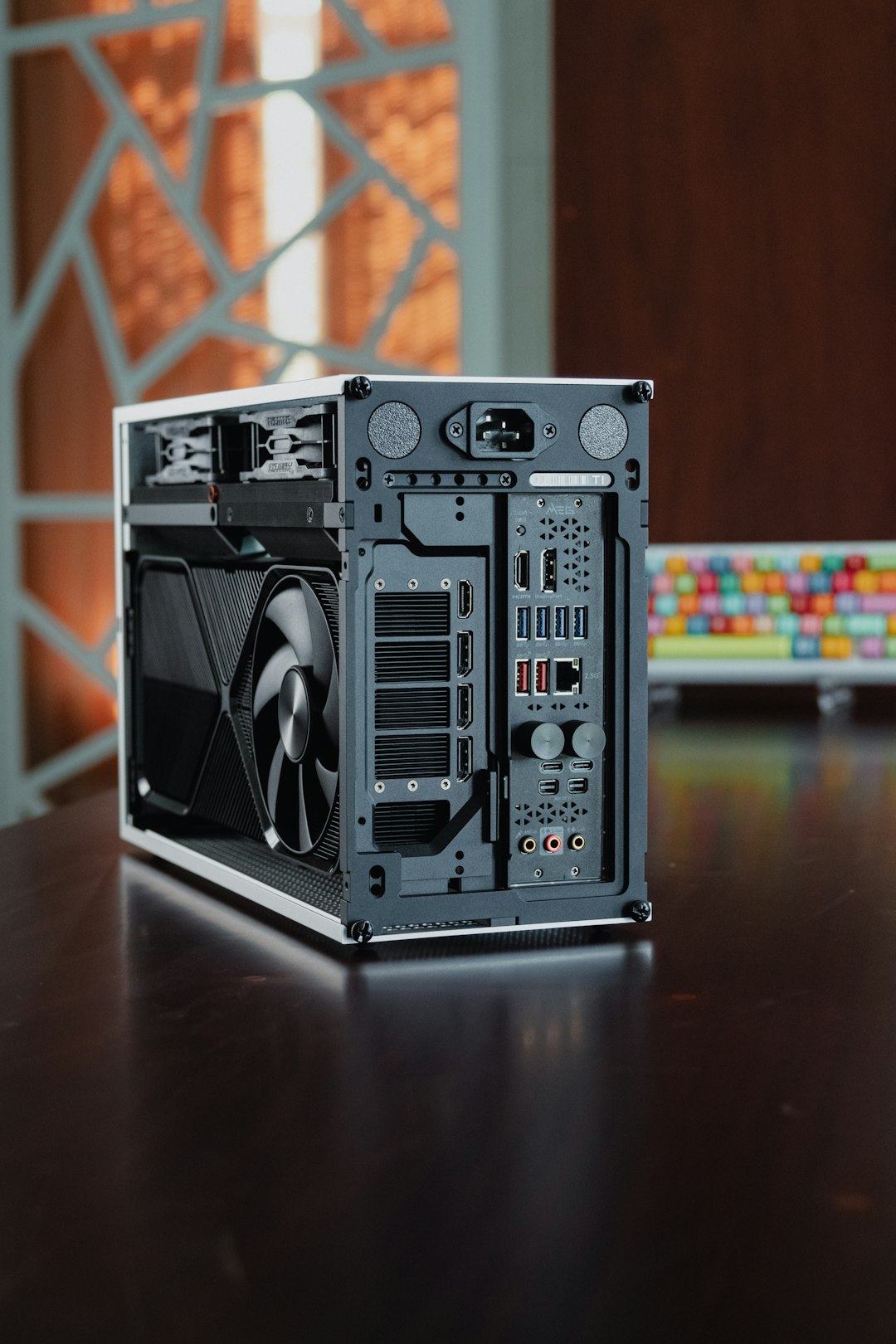
- Fits into tiny cases — perfect for tiny desks or living rooms
- Harder to build in; tighter cable management
- Ideal for portable or minimalist setups
Performance and Power
Both sizes can offer great performance. You can put the same CPUs and GPUs into both. The main limit is expandability, not raw power.
For gaming, streaming, editing — both work well. Just remember, Mini ITX may limit upgrades or require smaller, more expensive parts.
Price and Budget
This might surprise you:
- Micro ATX boards are usually cheaper than Mini ITX.
- Mini ITX boards are more expensive because of their compact design.
Plus, you’ll often pay more for smaller power supplies and mini cases, which are needed for Mini ITX builds.
When Should You Choose Micro ATX?
Pick Micro ATX if you want:
- More upgrade options (RAM, GPUs, storage)
- A bigger case with more cooling space
- To save money on components
- Best performance per dollar
Great for gamers, hobbyists, and anyone who might upgrade in the future.
When Should You Choose Mini ITX?
Choose Mini ITX if you want:
- A super-compact or portable computer
- A clean, minimal desk setup
- To build something creative and small
Awesome for home theaters, traveling tech, or sleek, modern workspaces.
Pros and Cons Summary
| Feature | Micro ATX | Mini ITX |
|---|---|---|
| Size | Medium | Small |
| RAM Slots | Usually 4 | Usually 2 |
| PCIe Slots | 2-4 | 1 |
| Cooling Options | Better | Limited |
| Ease of Building | Easy | Harder |
| Cost | Less Expensive | More Expensive |
Final Thoughts
Choosing between Micro ATX and Mini ITX comes down to what you value most.
- Want more features and lower cost? Micro ATX all the way.
- Craving a small, stylish, space-saving PC? Go for Mini ITX.
Neither one is “better” — it’s all about what fits your build and your life. Whether you’re gaming, working, or just having fun with tech, the perfect motherboard is the one that meets your needs.
Now go forth and build that dream rig!