
PTS Oasis is typically evaluated by clinics and administrative teams looking for a specialized system to manage therapy operations, patient information, scheduling, documentation, and billing workflows. Rather than being a broad, generic business tool, it is best understood as a niche healthcare practice platform aimed at improving day-to-day efficiency for providers that handle recurring appointments, clinical notes, claims, and internal reporting.
TLDR: PTS Oasis is a practice management and clinical workflow solution suited to therapy-focused organizations that need scheduling, documentation, billing support, and reporting in one place. Its main appeal is operational consolidation: for example, a three-provider clinic handling 300 monthly appointments could reduce duplicate data entry by centralizing calendars, patient records, and billing tasks. Pricing is generally not presented as a simple public plan, so buyers should expect quote-based costs depending on users, modules, and implementation needs. Strong alternatives include WebPT, Raintree, Jane App, TheraOffice, and Clinicient, depending on clinic size and budget.
What Is PTS Oasis?
PTS Oasis is positioned as a software platform for healthcare practices that need to organize clinical and administrative work. Its value lies in bringing multiple functions into a single environment, helping staff move from appointment booking to documentation and billing without constantly switching systems.
For small and midsize therapy organizations, this kind of platform can be especially useful because workflow gaps often appear between the front desk, providers, billers, and management. If a clinic uses one tool for scheduling, another for documentation, and a third for claims or reporting, errors can increase and staff may spend extra hours reconciling information. PTS Oasis attempts to reduce that friction by supporting a more connected process.
Key Features
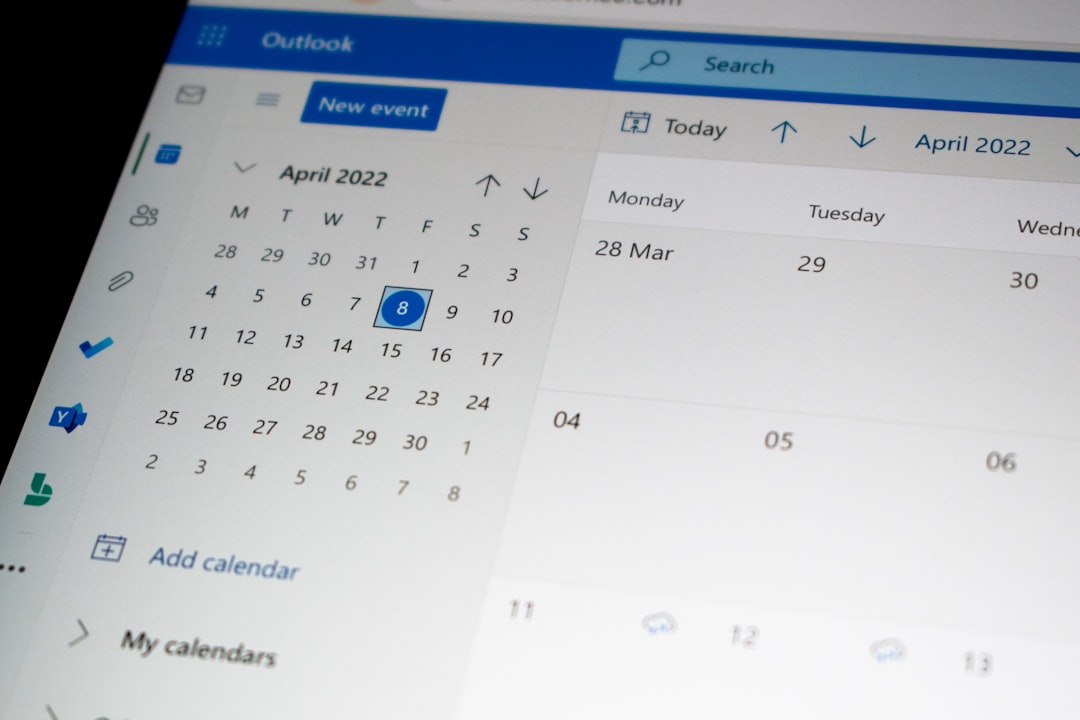
Scheduling and calendar management are among the most important features buyers expect from PTS Oasis. Therapy clinics usually manage recurring visits, provider availability, room usage, cancellations, and waitlists. A centralized calendar can help staff see openings quickly, avoid double booking, and manage patient flow more predictably.
Patient record management is another core function. A well-organized system should allow staff to maintain demographic details, insurance information, visit history, referral sources, authorizations, and communication notes. This is particularly helpful for clinics that need to track patients over several weeks or months of treatment.
Clinical documentation may include templates, progress notes, evaluations, treatment plans, and discharge summaries. For providers, the strength of any therapy-focused platform depends heavily on whether documentation is fast, compliant, and adaptable to specialty workflows. Clinics should review whether note templates match their requirements before committing.
- Appointment scheduling: Helps manage provider calendars, patient visits, and cancellations.
- Patient profiles: Centralizes contact, insurance, clinical, and administrative data.
- Documentation support: May assist with evaluations, progress notes, care plans, and discharge records.
- Billing workflows: Supports the transfer of completed visits and charges into payment processes.
- Reporting: Provides visibility into productivity, appointments, revenue, and operational trends.
Billing, Claims, and Reporting
Billing functionality is often a deciding factor when clinics review PTS Oasis. A strong billing workflow should help reduce missed charges, improve claim preparation, and support follow-up on unpaid balances. Depending on configuration, the platform may assist with charge capture, insurance details, payment tracking, and administrative review.
Reporting is equally important for owners and managers. A clinic may need to know how many visits were completed in a month, which providers have open notes, how many cancellations occurred, or which payer groups are causing delays. Even basic analytics can help identify problems before they become expensive. For instance, if cancellation rates rise from 8% to 14% over a quarter, management can respond with reminders, scheduling policy changes, or waitlist improvements.

User Experience and Ease of Use
The usability of PTS Oasis will matter most to front desk teams and clinicians because they interact with the system throughout the day. A platform can have strong functionality but still create frustration if common actions require too many clicks. During a demo, clinics should watch how quickly a user can schedule a recurring appointment, create a note, update insurance information, and generate a report.
Implementation is another important consideration. Software used in healthcare usually requires setup, data migration, staff training, and workflow decisions. Clinics should ask whether onboarding includes template configuration, billing setup, training sessions, and post-launch support. A smooth rollout can determine whether the system becomes a productivity tool or a source of resistance.
PTS Oasis Pricing
PTS Oasis pricing is not commonly presented as a transparent, one-size-fits-all public price list. Prospective customers should expect a quote-based pricing model, where the final cost depends on the number of users, locations, required modules, implementation services, support level, and possible billing or reporting features.
In the broader therapy software market, lightweight systems may start around $50 to $100 per provider per month, while more comprehensive practice management and billing platforms can range from $150 to $500 or more per provider per month. Larger organizations may pay custom enterprise rates. These numbers should be used only as market context, not as confirmed PTS Oasis pricing.
Before purchasing, clinics should request a detailed quote that separates subscription fees, onboarding costs, training, data migration, support, clearinghouse fees, and any contract minimums. This helps avoid surprises after implementation.
Pros and Cons
Pros
- Centralized workflows: Combines scheduling, patient information, documentation, and administrative processes.
- Therapy-oriented structure: More relevant to rehab and clinical teams than generic office software.
- Operational visibility: Reporting can support better staffing, billing, and productivity decisions.
- Potential efficiency gains: Reduces duplicate entry when implemented correctly.
Cons
- Limited pricing transparency: Clinics may need to contact sales for accurate costs.
- Implementation effort: Setup, training, and workflow changes may take time.
- Fit depends on specialty: Some clinics may require highly specific documentation or billing features.
- Demo is essential: Buyers should verify the interface and feature depth before signing a contract.

Best PTS Oasis Alternatives
WebPT is one of the most recognizable alternatives for physical therapy practices. It offers EMR, scheduling, documentation, billing options, and reporting. It is often a strong fit for outpatient rehab clinics that want a widely adopted platform.
Raintree is commonly considered by larger therapy and rehabilitation organizations. It provides extensive practice management capabilities, revenue cycle tools, documentation, and enterprise-level workflows. It may be better suited to multi-location groups than very small practices.
Jane App is popular with wellness, therapy, and allied health providers that want a clean interface and easier setup. It can be attractive for smaller clinics that prioritize online booking, payment handling, and straightforward charting.
TheraOffice is another therapy-focused option that includes documentation, scheduling, billing, and reporting. It may appeal to practices wanting a comprehensive system built around therapy operations.
Clinicient offers EMR and revenue cycle management capabilities for therapy practices. It can be a good alternative for organizations that want stronger billing support alongside clinical documentation.
Who Should Consider PTS Oasis?
PTS Oasis is most suitable for clinics that want to consolidate tools and improve communication between administrative and clinical staff. It may be a good match for practices that handle recurring therapy visits, need better visibility into schedules and billing, and prefer a platform designed around healthcare workflows.
However, it may not be the best choice for every organization. A solo provider with simple needs may prefer a lighter, lower-cost system. A large enterprise may require deeper integrations, advanced business intelligence, or highly customized revenue cycle services. The best decision depends on workflow complexity, budget, staff readiness, and long-term growth plans.
Final Verdict
PTS Oasis appears to be a practical option for therapy and healthcare practices seeking a centralized system for scheduling, patient management, documentation, billing support, and reporting. Its greatest strength is the potential to connect everyday clinic workflows in one place, reducing administrative duplication and improving visibility.
The main caution is pricing and fit. Since costs may be quote-based, clinics should compare PTS Oasis against several alternatives, request a hands-on demo, and calculate the total cost of ownership. When the feature set matches the clinic’s workflow, it can be a useful operational platform; when it does not, alternatives such as WebPT, Jane App, Raintree, TheraOffice, or Clinicient may be better choices.
FAQ
-
What is PTS Oasis used for?
PTS Oasis is used to manage clinic operations such as scheduling, patient records, documentation, billing workflows, and reporting. -
Is PTS Oasis pricing public?
Pricing is generally best treated as quote-based. Clinics should contact the vendor for exact costs based on users, modules, locations, and services. -
Is PTS Oasis suitable for small clinics?
It may be suitable if the clinic needs integrated scheduling, documentation, and billing support. Very small practices should compare the cost with simpler alternatives. -
What should clinics ask during a demo?
They should ask about documentation templates, billing workflows, reporting, onboarding, data migration, support, integrations, and contract terms. -
What are the best PTS Oasis alternatives?
Common alternatives include WebPT, Raintree, Jane App, TheraOffice, and Clinicient, depending on practice size, budget, and workflow needs.