
When university learning management systems crash during finals week or course registration decides to go haywire, students are often left scrambling for efficient alternatives. While institutions might offer limited solutions, many students take matters into their own hands and flock to budget-friendly or even free e-learning and course-management tools to keep their academic performance on track.
TL;DR:
Students frequently seek out alternative e-learning and course management tools when university platforms fail. From streamlined user interfaces to mobile accessibility, these apps cover everything from assignment tracking to collaborative note-taking. This article presents the top 5 budget-friendly tools that students have found most helpful – all recommended for their affordability, features, and reliability. These are must-try resources for students aiming to stay organized without breaking the bank.
1. Notion – The Swiss Army Knife of Organization
Platform: Web, Windows, macOS, iOS, Android
Price: Free (with optional Pro version at discounted student rates)
If there’s one digital notebook app that seems to pop up in every student productivity conversation, it’s Notion. Students appreciate its versatility, offering a single space for note-taking, scheduling, to-do lists, and even collaborative study sessions.
Notion allows users to create custom dashboards with drag-and-drop elements like databases, calendars, and checklists, all of which make project and assignment tracking intuitive.
Why Students Recommend It:
- Highly customizable interface
- Feature-rich even in the free version
- Excellent for personal and group academia
2. Trello – Project Planning Made Simple
Platform: Web, Windows, macOS, iOS, Android
Price: Free (Premium plans available, but unnecessary for academic use)
Designed more for business workflow, Trello excels in academic settings when used creatively. Students organize their assignments and deadlines using its visual “board and card” system, making it ideal for group projects or individual course timelines.
Each card can represent assignments, readings, exam dates, etc., while labels and checklists offer powerful mechanisms for managing progress.
Why Students Recommend It:
- Simple, visual way to manage coursework
- Supports collaboration and comments
- Integrates with tools like Google Drive and Slack
3. Google Classroom – Familiar and Functional
Platform: Web, iOS, Android
Price: Free
While technically intended for K-12 environments, Google Classroom is commonly repurposed by university students for managing personal coursework. With Gmail and Google Drive integration, it delivers a seamless experience for sharing files, receiving notifications, and categorizing subjects.
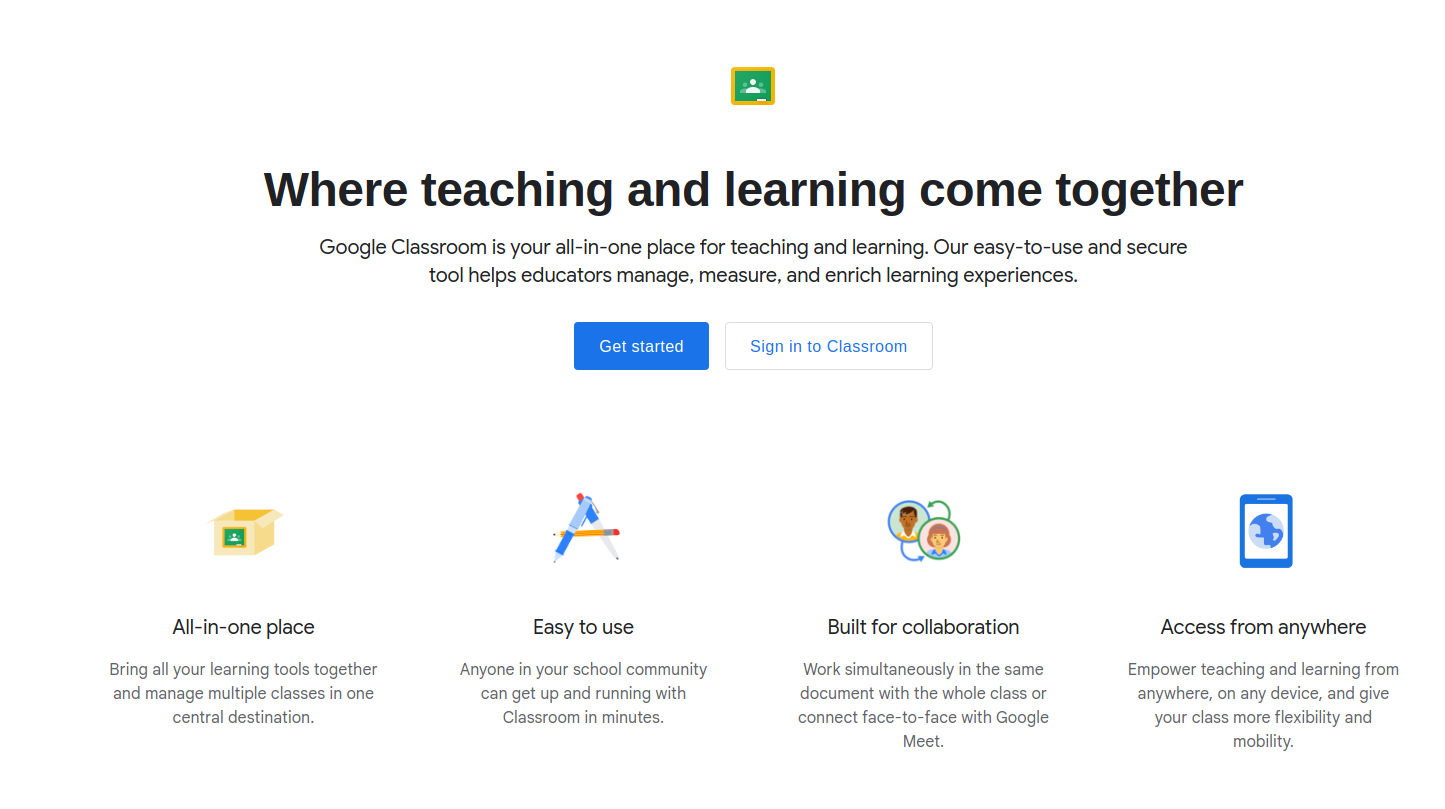
Using Classroom, students can create their own “courses,” upload documents, and even invite peers to join study groups or assignment threads.
Why Students Recommend It:
- Syncs across all Google apps
- Easy to organize resources and announcements
- Ideal for group collaborations or academic clubs
4. Canvas Student – A Lightweight LMS Companion
Platform: Web, iOS, Android
Price: Free (but full functionality depends on school support)
While many universities now use Canvas as their official LMS, the Canvas Student app offers additional manageability and fewer loading issues. Students who experience crashes on browser portals often switch to the mobile app version for its speed and reliability.
Even if your school’s portal isn’t functioning optimally, the app lets you continue checking grades, submitting assignments, and participating in discussions.
Why Students Recommend It:
- Clean and responsive interface
- Push notifications for deadlines and announcements
- Offline document access
5. Microsoft OneNote – A Notebook That’s Always in Sync
Platform: Windows, macOS, Web, iOS, Android
Price: Free with Microsoft account (student EDU email unlocks more features)
Students who prefer a more traditional, “sectioned” approach to note-taking often turn to OneNote. With cloud syncing via OneDrive, OneNote ensures your lecture notes are available any time, even across multiple devices.
Its flexibility to include hand-drawn annotations, checkboxes, tags, and links makes it a powerful tool for managing coursework.
Why Students Recommend It:
- Natural notebook structure suited for multiple subjects
- Strong syncing and search capabilities
- Integrates well with other Microsoft tools
Why These Tools Beat University Portals
Between slow loading times, frequent outages, and poor mobile interfaces, university course portals often fall short of real student needs. These student-approved digital tools offer faster access, more flexibility, and often provide better collaborative features than institutional platforms.
Another major benefit? Most of these tools are completely free or offer generous student discounts, making them ideal for budget-conscious learners. Whether you’re in the middle of exam chaos or just need a stable place to manage your coursework, each of these alternatives steps up when official systems fall down.

Tips for Getting the Most Out of These Tools
- Use integrations wisely: Link Google Docs or Microsoft Word within Notion or Trello cards.
- Sync calendars: Most of these apps allow calendar syncing to avoid missed deadlines.
- Create backup notes: Even with cloud features, download vital drafts or notes weekly.
- Share responsibly: Be cautious about uploading copyrighted university materials to third-party platforms.
Frequently Asked Questions (FAQ)
1. Are these tools safe to use for academic work?
Yes, all the mentioned platforms come from reputable companies and offer privacy-conscious environments. However, always follow university policies regarding the sharing or storing of course materials.
2. Can these tools be used offline?
Notion, OneNote, and Canvas Student offer offline capabilities, though you may need to pre-load content. Trello and Google Classroom have limited functions offline.
3. Are they suitable for group projects?
Absolutely. Notion, Trello, and Google Classroom, in particular, provide excellent collaboration environments. You can share documents, assign tasks, and communicate directly within the apps.
4. Do I need to pay for advanced features?
Not really. Students can accomplish most academic tasks using the free tiers of these tools. Some offer student discounts if you ever need to unlock more powerful features.
5. Is there a steep learning curve?
These platforms are designed to be user-friendly. Notion and Trello might take a little experimentation at first, but they offer templates and tutorials to help new users get started quickly.
In times of digital breakdown, students are proving resilient—building their own systems, streamlining their learning experience, and achieving success with the help of these dynamic tools.