
For most WordPress sites, Rank Math is the easier choice for editing robots.txt, while Yoast SEO is the safer choice if you prefer a conservative, minimal SEO setup. Both plugins can help manage crawl instructions, but they handle access, visibility, and workflow in different ways. The right choice depends on whether you want quick control inside the SEO panel or a simpler tool that stays out of the way.
TLDR: Use Rank Math if you want a clear robots.txt editor inside the WordPress dashboard and faster access to crawl rules. Use Yoast SEO if you already run Yoast and only need occasional edits. For example, a small store with 1,200 product URLs might block internal search pages and save Googlebot from crawling hundreds of low-value URLs. In one audit, reducing crawlable filter URLs by 38% helped Google focus more often on product and category pages.
What robots.txt does in WordPress
The robots.txt file tells search engine crawlers which parts of a site they may or may not request. It does not remove pages from Google. It does not protect private content. It only gives crawl guidance.
A basic WordPress robots.txt file may look like this:
User-agent: *
Disallow: /wp-admin/
Allow: /wp-admin/admin-ajax.php
Sitemap: https://example.com/sitemap_index.xml
That is enough for many sites. Problems start when site owners block key folders by mistake. Blocking /wp-content/, for example, can stop Google from fetching CSS, JavaScript, and images. That can damage rendering and indexing signals.
Yoast SEO and robots.txt management
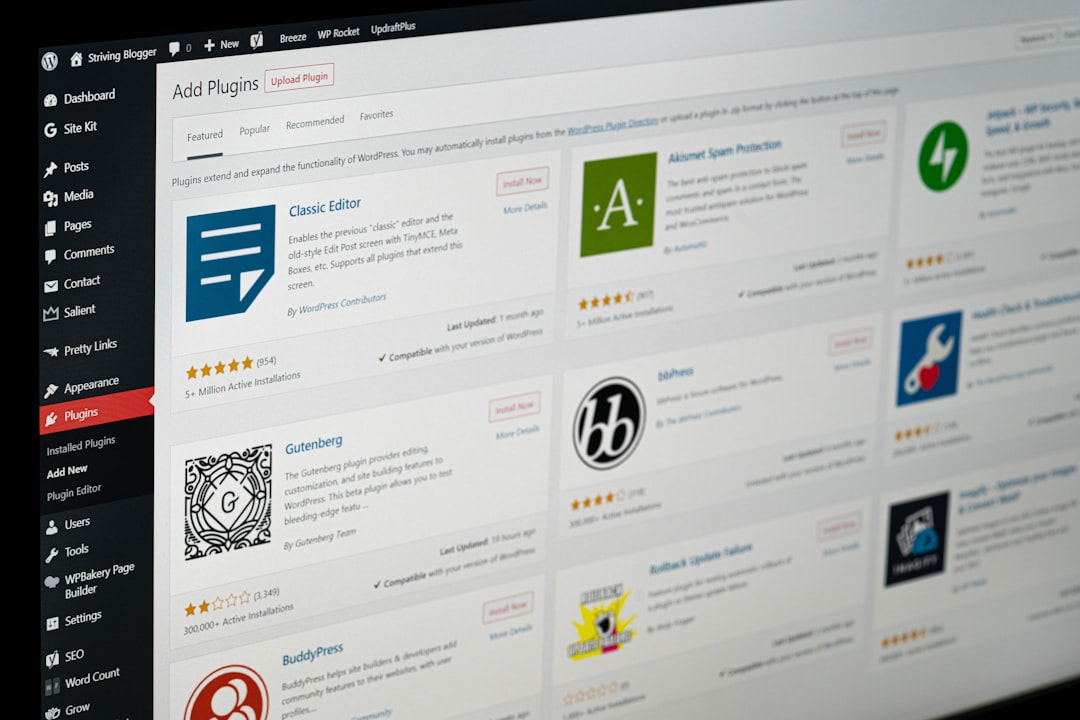
Yoast SEO offers robots.txt editing through its tools area. In many WordPress setups, you can find it under Yoast SEO > Tools > File editor. If your server permissions allow it, Yoast lets you create or edit the robots.txt file from the dashboard.
Yoast keeps the experience simple. There are no extra panels filled with advanced crawl controls. That can be a strength. Many robots.txt mistakes come from overconfidence, not from missing features.
Yoast SEO is best for:
- Site owners who rarely change robots.txt rules.
- Teams that already use Yoast for titles, meta descriptions, and sitemaps.
- Websites that need stable, basic crawl instructions.
- Editors who do not want advanced SEO settings exposed everywhere.
The downside is access. Depending on your host, security settings, file permissions, or WordPress configuration, the file editor may not appear or may not work. Honestly, it feels like a small task can become a support ticket. You may expect a 20-second edit and end up checking server write permissions instead.
Yoast also feels less direct than Rank Math for users who only want to change robots.txt. The feature exists, but it is not presented as a central crawl management tool.
Rank Math and robots.txt management
Rank Math places robots.txt editing in a more visible area. You can usually find it under Rank Math SEO > General Settings > Edit robots.txt. The interface is plain, direct, and easy to understand.
This is one reason Rank Math is popular with site owners who want more control. It tends to put technical SEO settings closer to the user. That saves time, especially when you manage several sites.
Rank Math is best for:
- SEO teams that adjust crawl rules during audits.
- Agencies managing multiple WordPress sites.
- Users who want quick access to robots.txt without hunting through menus.
- Sites with staging folders, parameter URLs, or internal search pages to control.
The catch is that Rank Math can make technical options feel too easy. A user can add a rule such as Disallow: /shop/ in seconds and accidentally block an entire revenue section. That is not a plugin flaw alone. It is a workflow risk.
It drives me crazy that a physical robots.txt file can also override what you see in a plugin editor. If a real file exists in the site root, Rank Math may show a warning or fail to control the live file. The same general issue can affect plugin-based management across WordPress. Always check the public file at example.com/robots.txt after saving changes.

Yoast SEO vs Rank Math: key differences
| Feature | Yoast SEO | Rank Math |
|---|---|---|
| Ease of access | Available through tools, but not always visible. | More direct inside general SEO settings. |
| Best user type | Beginners and conservative site owners. | SEO users, agencies, and technical teams. |
| Risk level | Lower, because the feature feels less exposed. | Higher if inexperienced users change rules casually. |
| Workflow speed | Good for occasional edits. | Better for repeated audits and quick changes. |
| Sitemap handling | Strong XML sitemap support. | Strong XML sitemap support with broad settings. |
Common robots.txt rules for WordPress
A clean WordPress robots.txt file should usually be short. Do not block theme files, plugin files, uploads, or scripts unless you have a clear reason.
Safe common example:
User-agent: *
Disallow: /wp-admin/
Allow: /wp-admin/admin-ajax.php
Sitemap: https://example.com/sitemap_index.xml
Rules to be careful with:
- Disallow: /wp-content/ can block images, CSS, and JavaScript.
- Disallow: /tag/ may be fine for some blogs, but harmful for others.
- Disallow: /*?s= can help block internal search result pages.
- Disallow: /checkout/ is usually fine for stores, but noindex rules may also be needed.
Robots.txt should not be used to hide sensitive URLs. If the URL is private, protect it with authentication. If you want a page out of search results, use a noindex directive. Robots.txt can prevent crawling, but a blocked URL may still appear in search if Google finds links to it.
Which plugin should you choose?
Choose Yoast SEO if you want a stable plugin with fewer visible technical controls. It suits publishers, local businesses, and bloggers who do not change crawl rules often. If your robots.txt file only needs the standard WordPress lines and a sitemap reference, Yoast is more than enough.
Choose Rank Math if you want faster access and more technical SEO control. It is a better fit for WooCommerce stores, affiliate sites, large blogs, and agencies. If you often audit index bloat, crawl waste, tag archives, internal search pages, or parameter URLs, Rank Math feels more practical.
Best practice before editing robots.txt
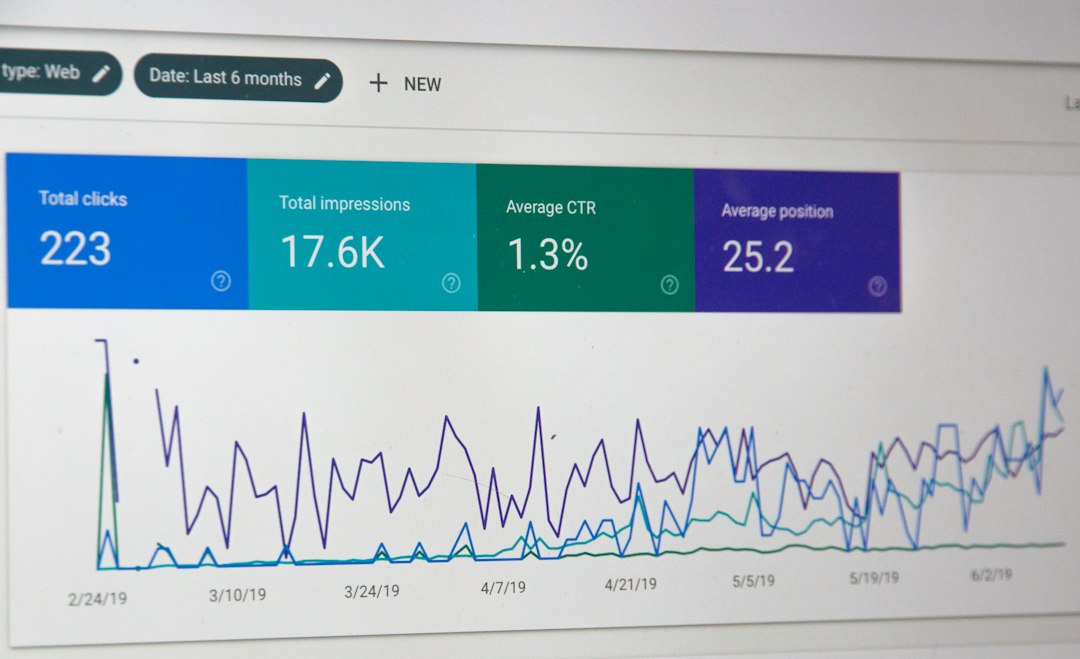
Before you change anything, open your live robots.txt file in a browser. Save a copy. Then test planned rules in Google Search Console where possible. After saving changes in Yoast or Rank Math, check the live URL again.
Use this simple checklist:
- Visit yourdomain.com/robots.txt.
- Copy the current file into a text document.
- Confirm which plugin controls the file.
- Look for a physical robots.txt file in the site root.
- Add only the rules you can explain.
- Test key URLs after saving.
- Monitor crawl stats and indexing changes for at least two weeks.
Final verdict
Rank Math wins for convenience. Its robots.txt editor is easier to find and better suited to hands-on SEO work. Yoast SEO wins for simplicity. It is less tempting to over-edit, which matters because one bad robots.txt rule can block large parts of a site.
If you are not technical, use Yoast and keep robots.txt basic. If you manage SEO seriously and know why each rule exists, Rank Math gives you faster control. Either way, treat robots.txt as a crawl steering file, not a magic indexing tool. Small changes can have large effects, so edit carefully and verify every rule on the live site.