
Every business has workflows, whether they are carefully mapped in software or quietly living in someone’s inbox. A workflow is simply the path work follows from request to completion: approvals, handoffs, updates, revisions, and final delivery. When that path is clear, teams move faster and make fewer mistakes. When it is messy, even talented employees can feel stuck in a loop of confusion, delays, and duplicated effort.
TLDR: Workflow management challenges often come from unclear responsibilities, poor communication, outdated tools, and processes that no longer match how the business operates. The solution is not always more software; it is better visibility, simpler processes, and clearer ownership. Businesses should regularly review workflows, automate repetitive tasks, and make sure every team member understands what happens next and why.
1. Lack of Process Visibility
One of the most common workflow problems is that nobody has a complete view of what is happening. A manager may know the deadline, a designer may know the current status, and a client may be waiting for an update, but no single source of truth connects everything. This creates frustration because people spend more time asking for information than doing the actual work.
When workflows are hidden in emails, chat messages, spreadsheets, or personal notes, businesses become dependent on individual memory. If a key employee is absent, progress can stall. If a task is missed, it may not be discovered until it becomes urgent.
How to solve it: Create a shared workflow system where every task has a visible status, owner, deadline, and next step. This can be a project management platform, a customer relationship management system, or even a well-structured shared board for smaller teams. The goal is simple: anyone involved should be able to answer, “Where does this stand?” without sending five follow-up messages.
2. Unclear Roles and Responsibilities
Work slows down when people are unsure who is responsible for what. A task may be passed between departments because everyone assumes someone else owns it. Approvals may sit untouched because the decision-maker was never clearly identified. In growing companies, this problem becomes even more noticeable as new people join and old informal habits no longer scale.
Unclear responsibility also affects morale. Employees can become frustrated when they are blamed for missed work they did not know they owned, or when they repeatedly pick up tasks that should belong elsewhere.
How to solve it: Define ownership at every stage of the workflow. For important processes, document the key roles: who submits the request, who reviews it, who approves it, who executes it, and who confirms completion. A simple responsibility matrix can help teams separate doing, approving, and being informed. The clearer the ownership, the fewer tasks fall through the cracks.
3. Too Many Manual, Repetitive Tasks
Manual work is not always bad, but repetitive manual work can drain productivity. Copying data between systems, sending the same reminders, renaming files, chasing approvals, and updating multiple spreadsheets all consume time that could be spent on higher-value work. Worse, manual repetition increases the chance of human error.
Many businesses accept these tasks as “just part of the job” because each one seems small. But ten minutes repeated dozens of times a week across multiple employees can become a serious operational cost.
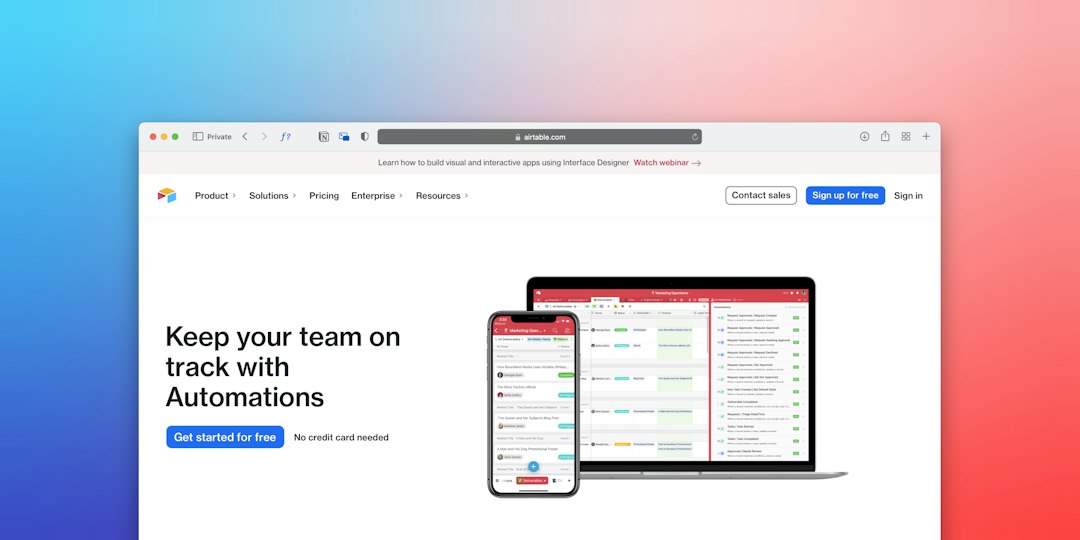
How to solve it: Identify repeatable tasks and look for automation opportunities. Examples include automatic routing of form submissions, scheduled reminders before deadlines, template-based reports, auto-generated invoices, and status updates triggered by task movement. Start small. Automating one painful step in a workflow can create immediate relief and build momentum for broader improvements.
- Automate reminders for approvals, reviews, and overdue tasks.
- Use templates for recurring briefs, reports, and client communications.
- Connect tools so data does not need to be entered multiple times.
- Standardize intake forms to collect complete information from the start.
4. Poor Communication Between Teams
Departments often develop their own language, priorities, and tools. Sales may promise a delivery date without checking production capacity. Marketing may need assets from product teams but provide incomplete briefs. Customer support may hear recurring complaints but have no direct path to share insights with leadership.
These communication gaps create workflow friction. Work arrives late, information is incomplete, and teams end up reacting instead of planning. The issue is rarely that people do not care; it is usually that the workflow does not make communication easy or expected.
How to solve it: Build communication checkpoints into the workflow. For cross-functional work, define when teams must align and what information must be exchanged. Use shared briefs, kickoff meetings for complex projects, and short review cycles. Most importantly, avoid relying entirely on informal conversations. If a decision affects the workflow, record it where everyone can find it.

5. Bottlenecks in Approval Processes
Approvals are necessary in many workflows, especially for finance, legal, branding, compliance, and client-facing deliverables. However, approvals can become major bottlenecks when too many people are involved, decision criteria are unclear, or reviewers do not have deadlines.
A slow approval process can delay entire projects. It can also encourage unhealthy workarounds, such as skipping review steps or making last-minute changes without proper oversight.
How to solve it: Simplify approval chains wherever possible. Ask whether every approver truly needs to be involved or whether some people only need to be informed. Set clear review deadlines and define what each approver is checking. For example, one person may review budget, another may review compliance, and another may review quality. This avoids vague feedback and prevents everyone from commenting on everything.
6. Workflows That Do Not Scale
A workflow that works for a five-person company may fail when the team grows to fifty. Early-stage businesses often rely on direct messages, quick conversations, and personal knowledge. That flexibility can be useful at first, but as volume increases, informal systems become fragile.
Scaling problems often appear as missed deadlines, inconsistent quality, overloaded managers, and confused new hires. The business may keep hiring more people without fixing the process, which only spreads the confusion further.
How to solve it: Treat workflows as living systems. Review them regularly and adjust them as the business changes. Document core processes in a format that is easy to update and understand. When onboarding new employees, teach not only what their job is, but also how their work moves through the organization. A scalable workflow should reduce dependency on “the person who knows how everything works.”
7. Too Many Tools and Disconnected Systems
It is possible to have too little technology, but it is also possible to have too much. Many businesses use separate tools for chat, files, tasks, customer records, time tracking, approvals, and reporting. If these systems do not connect, employees spend time searching across platforms and manually transferring information.
This creates tool fatigue. Instead of helping people work, technology becomes another layer of complexity. Important updates get buried, and employees may avoid using systems that feel redundant or confusing.
How to solve it: Audit your tools and clarify the role of each one. Decide which platform is the official source for tasks, which is used for documentation, and which is used for communication. Remove duplicate tools where possible and integrate essential systems where practical. A smaller, well-managed tech stack is often more effective than a large collection of underused apps.

8. Resistance to Change
Even when a workflow is obviously broken, changing it can be difficult. People get used to familiar routines, even inefficient ones. Some employees may worry that automation will replace their role. Others may feel that new processes are being forced on them without understanding the real problem.
Resistance is not always negativity. Sometimes it is a sign that leadership has not communicated the reason for change clearly enough.
How to solve it: Involve employees in workflow improvement. Ask them where delays happen, what tasks feel repetitive, and which steps create confusion. When people help design the solution, they are more likely to support it. Provide training, explain the benefits, and introduce changes gradually when possible. The best workflow improvements make employees feel more capable, not more controlled.
Final Thoughts
Workflow management is not just about efficiency; it is about creating a business where work can move smoothly, transparently, and predictably. The biggest challenges usually come from unclear ownership, poor visibility, manual repetition, disconnected tools, and processes that have outgrown their original purpose.
Solving these problems does not require perfection. It requires a willingness to look honestly at how work really gets done and to remove the friction that slows people down. With clear processes, thoughtful automation, and regular review, businesses can turn workflow management from a daily headache into a genuine competitive advantage.